
02.08.2024
2 min
1281



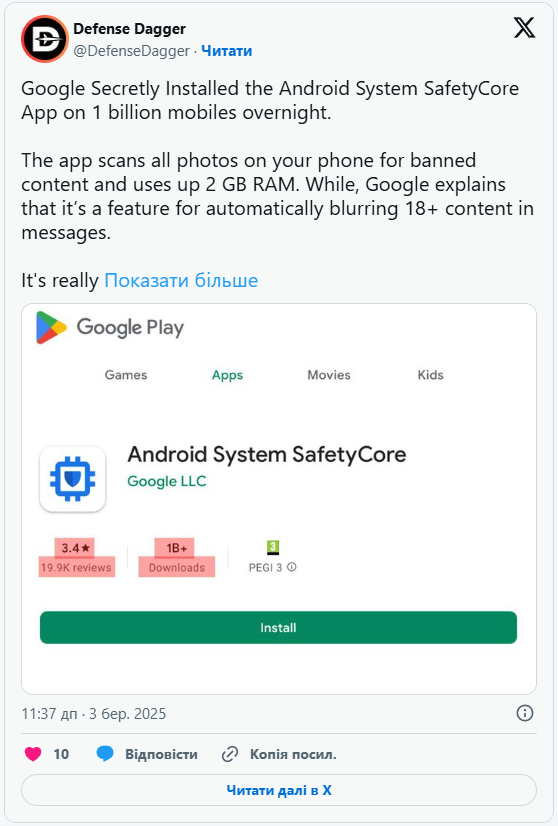
Last year, Android users were shocked to discover that Android System SafetyCore had been installed on their devices without their consent. The system component analyzes content in the background, and some smartphone owners are still trying to remove it completely. Meanwhile, Google is developing an API that will make content classification features available to third-party apps.

SafetyCore may reappear on a device after being removed.
“Check your phone, they installed it again,” wrote a member of the r/degoogle community, sharing a screenshot showing that SafetyCore had reappeared on their device.
Another user warned that the “very nefarious” app was running on smartphones “right now without the owners’ permission.”
SafetyCore sparked widespread outrage last year after the component, which allegedly “scans all your photos”, was installed without warning. Users distrusted it because it had no icon or clear explanation of its purpose. Many people still misunderstand what SafetyCore is actually designed to do.

This situation prompted independent developers to create SafetyCore v2000000000, an empty placeholder app with the same name and an intentionally inflated version number. Users sideload it so that Google Play cannot replace the placeholder with the genuine SafetyCore app.
Google assures users that the app does not compromise their privacy because it processes data exclusively on the device and is intended to protect them.
Security experts, however, warn that image-analysis technology could eventually expand beyond its original purpose and become a mandatory layer of content scanning. Many technology reviewers still recommend removing SafetyCore and publish instructions explaining how to do so.
“It is the installation without consent that makes many Android users uneasy, not the scanning itself,” All About Cookies notes.
Google’s developer documentation now describes a new public API called ContentSafetyManager, which is currently under development. It will allow third-party Android apps to use a similar content-scanning feature directly on the device.
SafetyCore classifies images directly on the device to protect users from unexpectedly seeing photos containing nudity when receiving, sending, or forwarding them through Google Messages.
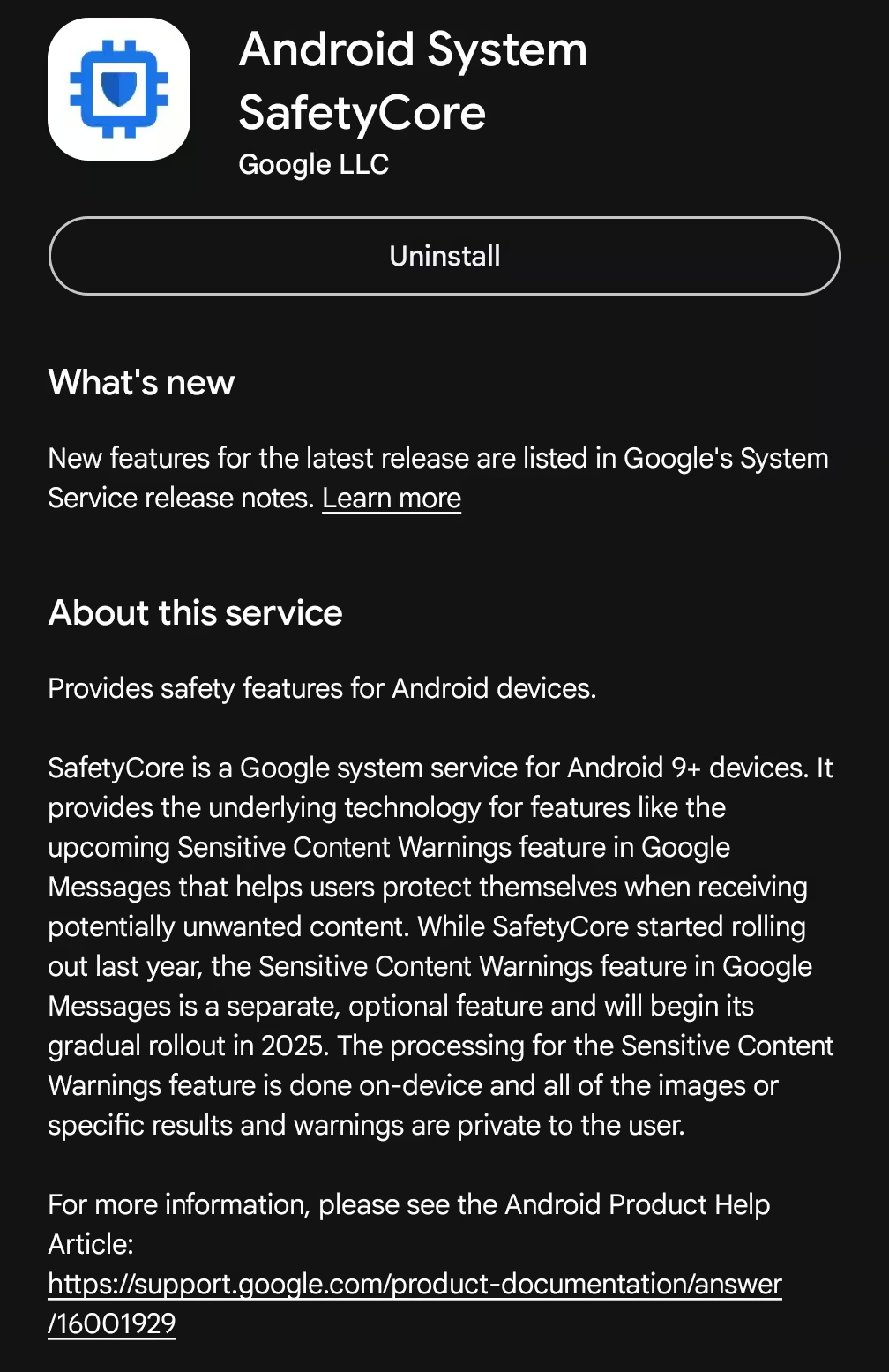
SafetyCore has previously been described as an app that “provides common infrastructure that apps can use to protect users from unwanted content.”
“The classification of content runs exclusively on your device, and the results aren’t shared with Google,” the company’s support documentation states.
Google recommends that users keep SafetyCore installed because the component processes data directly on the device and supports Android safety features. Most notably, it powers Sensitive Content Warnings in Google Messages. This feature blurs images containing nudity, displays warnings, and provides helpful information so users can interact with such content more safely.
Google states that the feature does not send personally identifiable information, scanned content, or classification results to the company’s servers.
“This feature doesn’t send detected nude images to Google,” the company assures users.
“Images are only classified when they are sent through Google Messages with Sensitive Content Warnings enabled.”
According to available information, the app uses an on-device machine-learning model to classify content.
Android has introduced a new API for developers called ContentSafetyManager. It uses an on-device content safety service to classify content and makes this functionality available to third-party apps.
ContentSafetyManager is currently listed under API level 10000. This is a special placeholder used for the current Android development version while it remains in preview or beta testing.
“It allows granted apps to manage the content safety service configured on the device,” the API documentation states.
The API can process not only images but also other types of media. It supports MIME media types and raw file data.
An app will effectively be able to ask the system to analyze selected content, after which ContentSafetyManager will return one of four results: allowed, warning, blocked, or unclassified.
The documentation does not say whether the new API directly uses the SafetyCore app. There is also no separate category for images containing nudity among the available results.
ContentSafetyManager will presumably provide Android apps with a standardized way to assess content safety directly on the device. The files should not need to leave the smartphone. After receiving the classification result, an app will be able to decide what to do next, such as displaying, blurring, or completely hiding an image.
However, Google cannot fully control how third-party apps use the results they receive.
“I’m not surprised Google came up with this. What worries me is that even I, someone fully immersed in tech, didn’t know about it for a long time. If I missed it, imagine how many people, for whom privacy isn’t even a priority, have no idea what’s happening,” said Rasa Jurgutyte, an information security researcher at Cybernews.
She also warned about the danger of society gradually becoming accustomed to such technologies.
“We’re normalizing a level of surveillance we don’t fully understand, and we’ll only realize it once it’s too late,” Jurgutyte said.
Potentially, yes.
If a malicious app obtains excessive system permissions, it could abuse the content-scanning feature to analyze large numbers of a user’s photos and other files.
This could lead to covert profiling and serious privacy violations. In the worst-case scenario, attackers could locate and steal private photos or other personal data, then use them for blackmail or extortion.
Content classification alone, however, does not give an app access to every photo or file on the device. The app would still need to obtain the necessary permissions. If a malicious app already has such access, attackers have many other ways to achieve the same goal.
Nevertheless, the on-device scanning feature could give them a quick and convenient way to sort content into four categories. This would eliminate the need to upload large amounts of data to external servers or add separate analysis tools to the malicious app.
Google advises developers to “request the minimum permissions that your feature needs”.
Android System SafetyCore currently has five system permissions:
View network connections
Have full network access
Run at startup
Prevent the device from sleeping
Read Google service configuration
According to the Data Safety section on Google Play, SafetyCore does not collect data or share it with third parties.
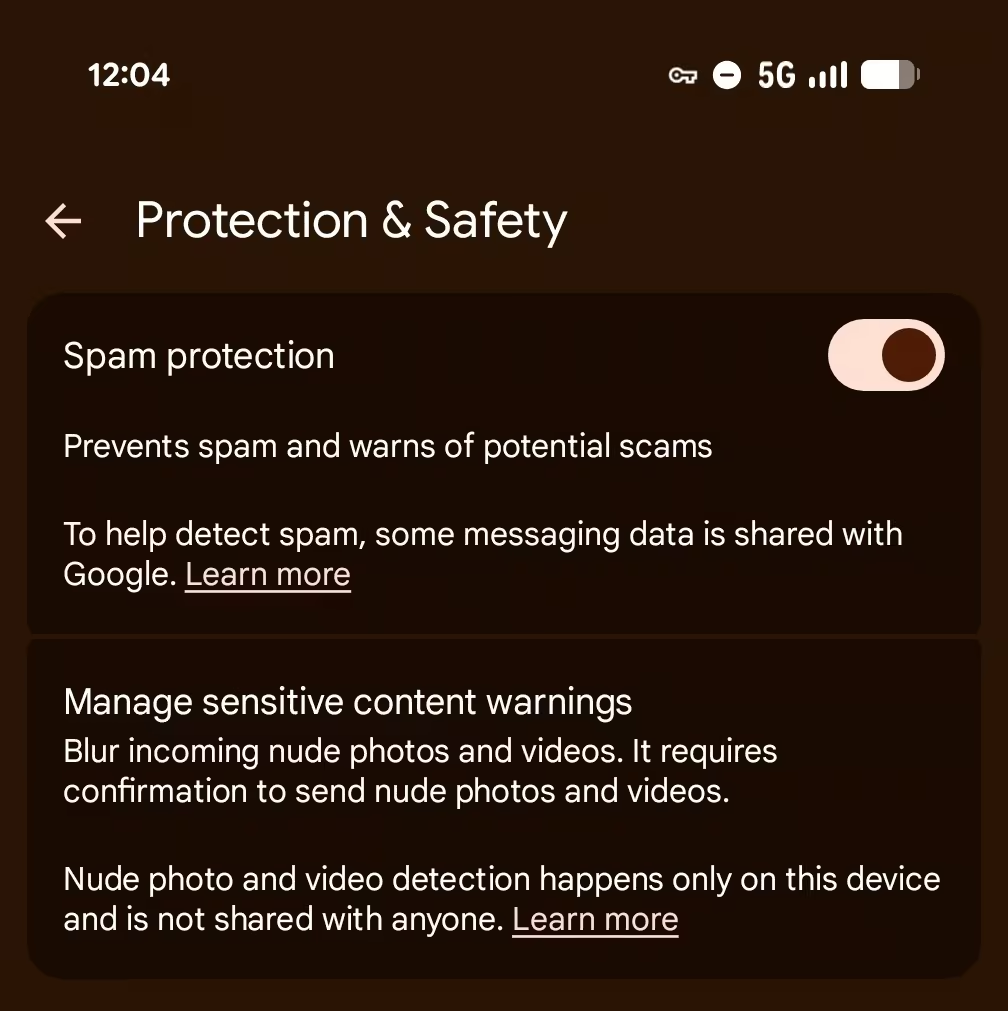
Adult users can choose to enable Sensitive Content Warnings. For unsupervised teenagers, the feature is enabled by default, although it can be turned off.
The feature can be managed through the Google Messages settings. Users need to open the “Protection & safety” section and select the option for managing Sensitive Content Warnings.
Despite Google’s assurances, many reviewers still recommend removing SafetyCore.
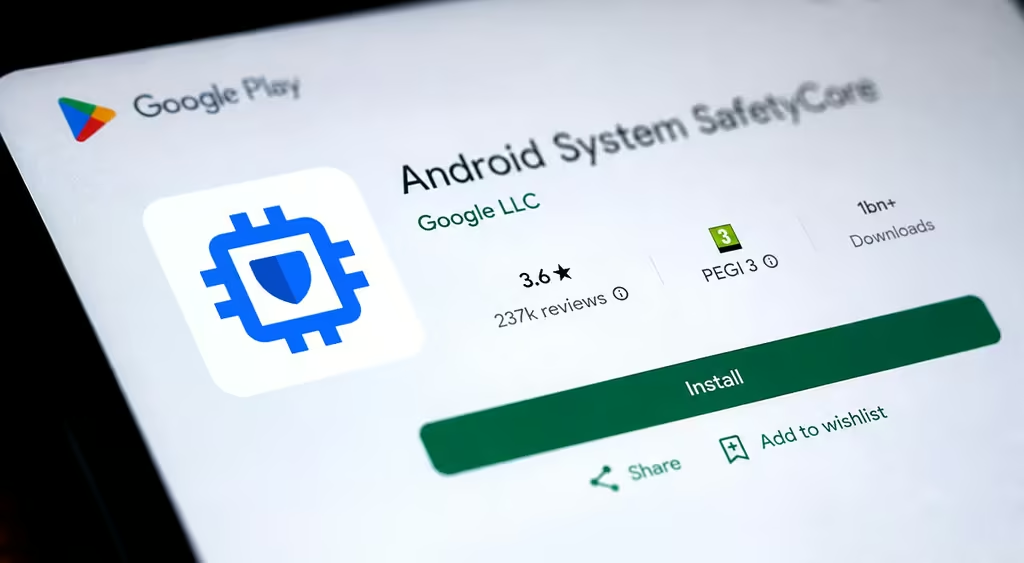
According to Google Play, Android System SafetyCore has been downloaded more than one billion times. It has an average rating of 3.6 out of five stars based on nearly 240,000 reviews.
In one review, a user sharply criticized the app and questioned Google’s claims about on-device data processing.
“One of the most dystopian apps on the internet. Vague on purpose, installs without consent. Says it does it locally, but Wireshark says otherwise. And it’s quite a lot of data as well. Instantly uninstalled. Removed Google services and replaced them with microG and Aurora Store,” the review reads.
Apple has also faced criticism over image-scanning technologies. In 2021, the company introduced a tool designed to detect child sexual abuse material, known as CSAM. The initiative sparked widespread outrage around the world.
Apple devices now use a similar nudity-blurring system called Communication Safety. It uses an on-device machine-learning model to analyze potentially unsafe photos and videos and is enabled by default.
Apple also allows third-party apps to use this sensitive-content detection technology through the SensitiveContentAnalysis framework.