
30.07.2025
2 min
702



Proton has introduced a new free two-factor authentication app, Proton Authenticator, which works on Windows, macOS, Linux, Android, and iOS. Unlike its competitors, it is free of ads, trackers, and does not require a Proton account, ensuring complete transparency and security.
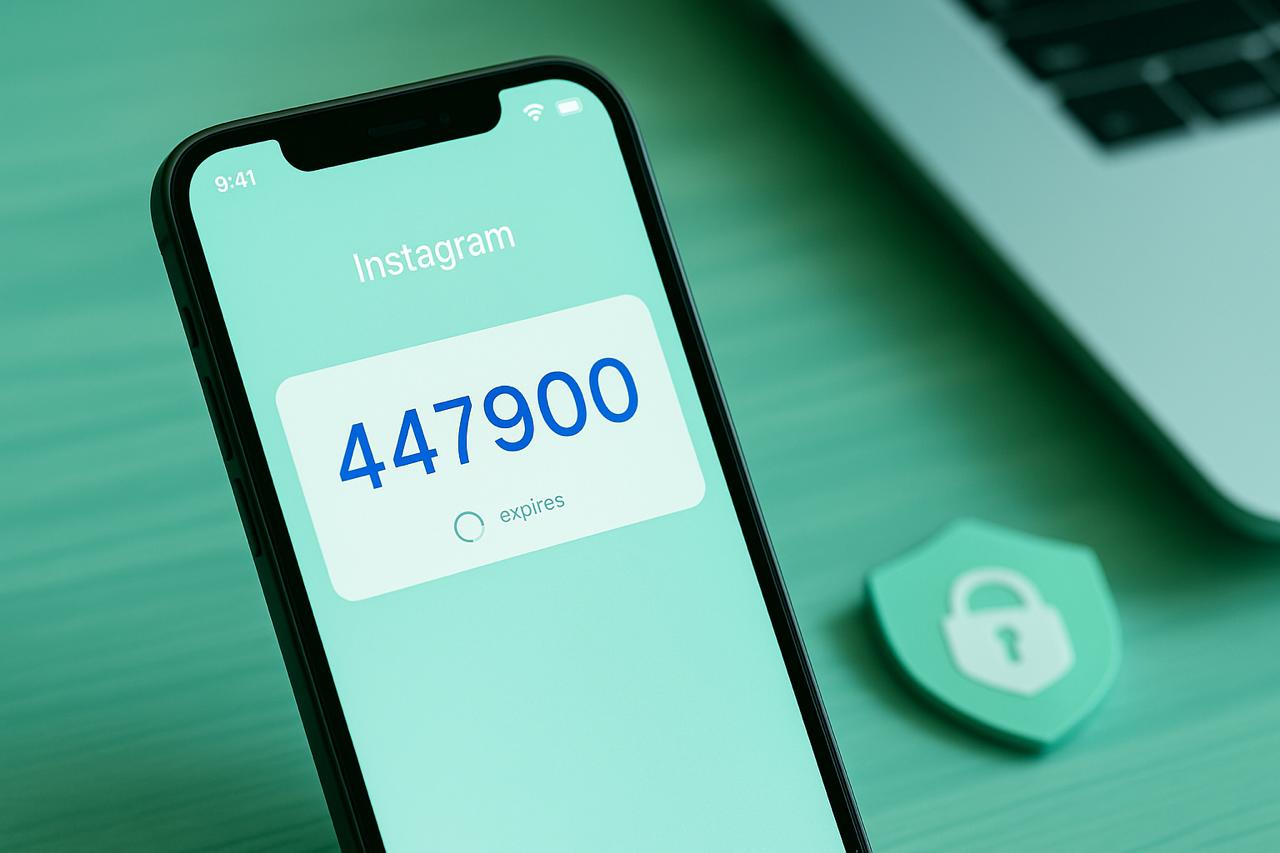
Proton Authenticator is an offline tool that generates one-time TOTP codes that change every 30 seconds. These codes are used as a second factor when logging into accounts, which significantly increases the level of protection.
The new app harmoniously complements the Proton ecosystem. The app is ad-free, does not track user actions, and does not tie you to the ecosystem, as Google Authenticator, Microsoft Authenticator, or Authy do. In addition, it does not even require registration with Proton services.
Key benefits:
End-to-end encryption, including backup;
Application locking with biometrics or a PIN code;
Export/import of TOTP keys, allowing you to easily transfer accounts from other apps.
Proton is a Swiss company that has been promoting the ideas of digital security and open source since 2014. Its services are used by activists, journalists, governments, and anyone concerned about protecting their private data. The new program is a response to growing criticism of “big tech” for monopolizing access to 2FA solutions. For example, popular apps do not provide the ability to export keys, which makes it difficult to change platforms.
Although Proton has not yet published the source code of the application, the company promises to do so within a few weeks, as in previous cases. Proton Authenticator is a modern, monopoly-free alternative to closed two-factor applications that focuses on security, convenience, and user freedom. If you are not using 2FA yet, it is time to start – and Proton provides the perfect tool for this.