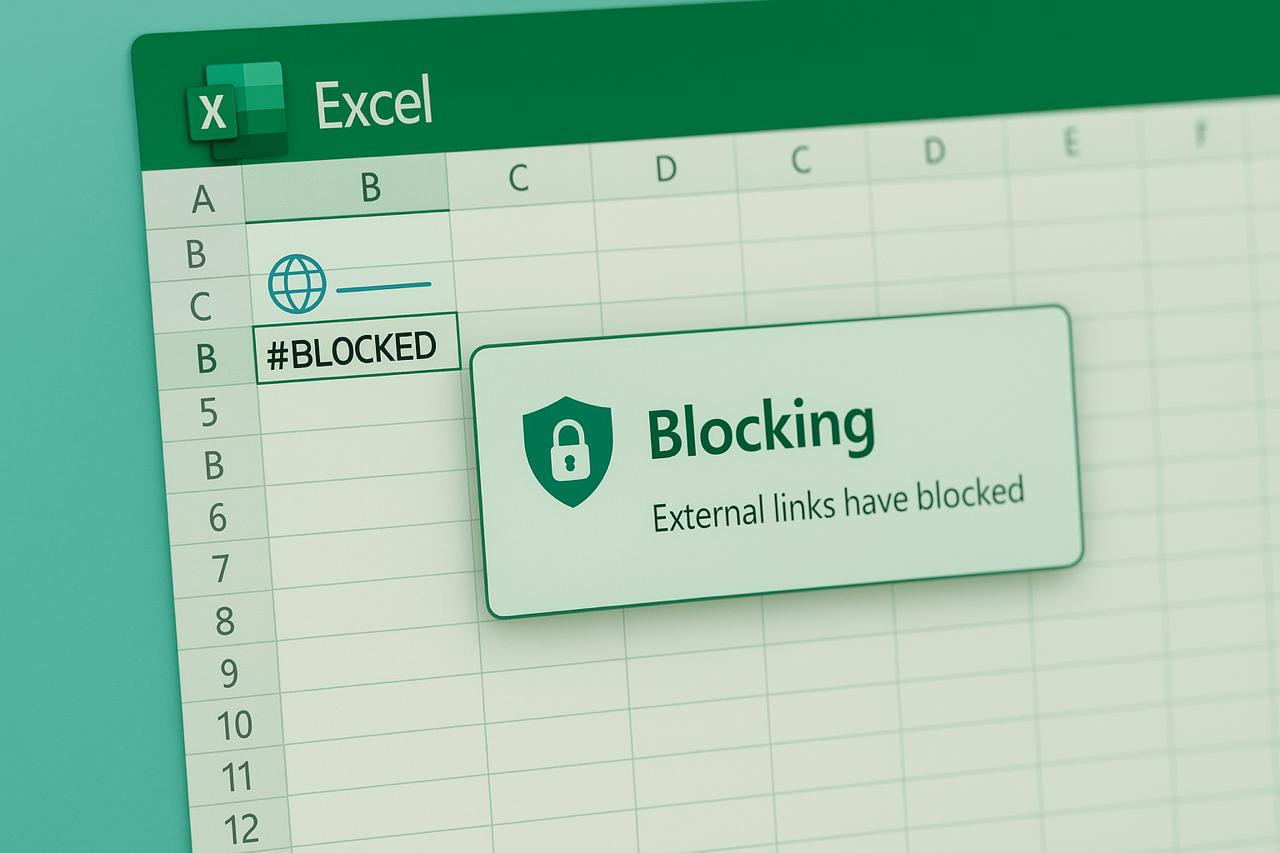
Microsoft is changing the rules of the game: starting in October 2025, Excel will automatically block external links to malicious file types, and instead of data, the error #BLOCKED will appear. This solution should reduce the risks of phishing and launching malicious scripts through spreadsheets.
Starting in October 2025 and until July 2026, the change will be implemented gradually. It is implemented through a new group policy `FileBlockExternalLinks`, which extends the File Block security settings.
After updating to Build 2509, users will be shown a warning in the form of a “business bar” if the spreadsheet contains links to prohibited formats. Starting in Build 2510, this interaction will become impossible: creating or updating links to prohibited file types will be blocked unless the policy is specifically configured.
Such blocked types include, in particular:
.library-ms,
.search-ms,
other formats that are used to launch malware or redirect to phishing resources.
Administrators can remove the restriction by editing the Windows registry in the following location:
HKCU\Software\Microsoft\Office\<version>\Excel\Security\FileBlock\FileBlockExternalLinks.
This is the latest step in Microsoft’s multi-year security campaign that began in 2018 with the introduction of AMSI (Antimalware Scan Interface) in Office 365.
Since then, the company has:
All of this is aimed at making Office unsuitable as a platform for attackers to run code.
Organizations using Excel with external data sources should check their spreadsheets for such links now and warn users about the change. Failure to do so could potentially disrupt their data exchange processes after the update.
This update is more than just another policy; it’s a proactive defense that can stop entire classes of attacks, including Outlook attachments and permission manipulation.