
18.08.2026
3 min
189



Grok Imagine has introduced new tools for working with text directly on generated images. Users can now manually change the font, size, color, and alignment of text, instead of having to explain each edit to the AI with a new prompt every time.
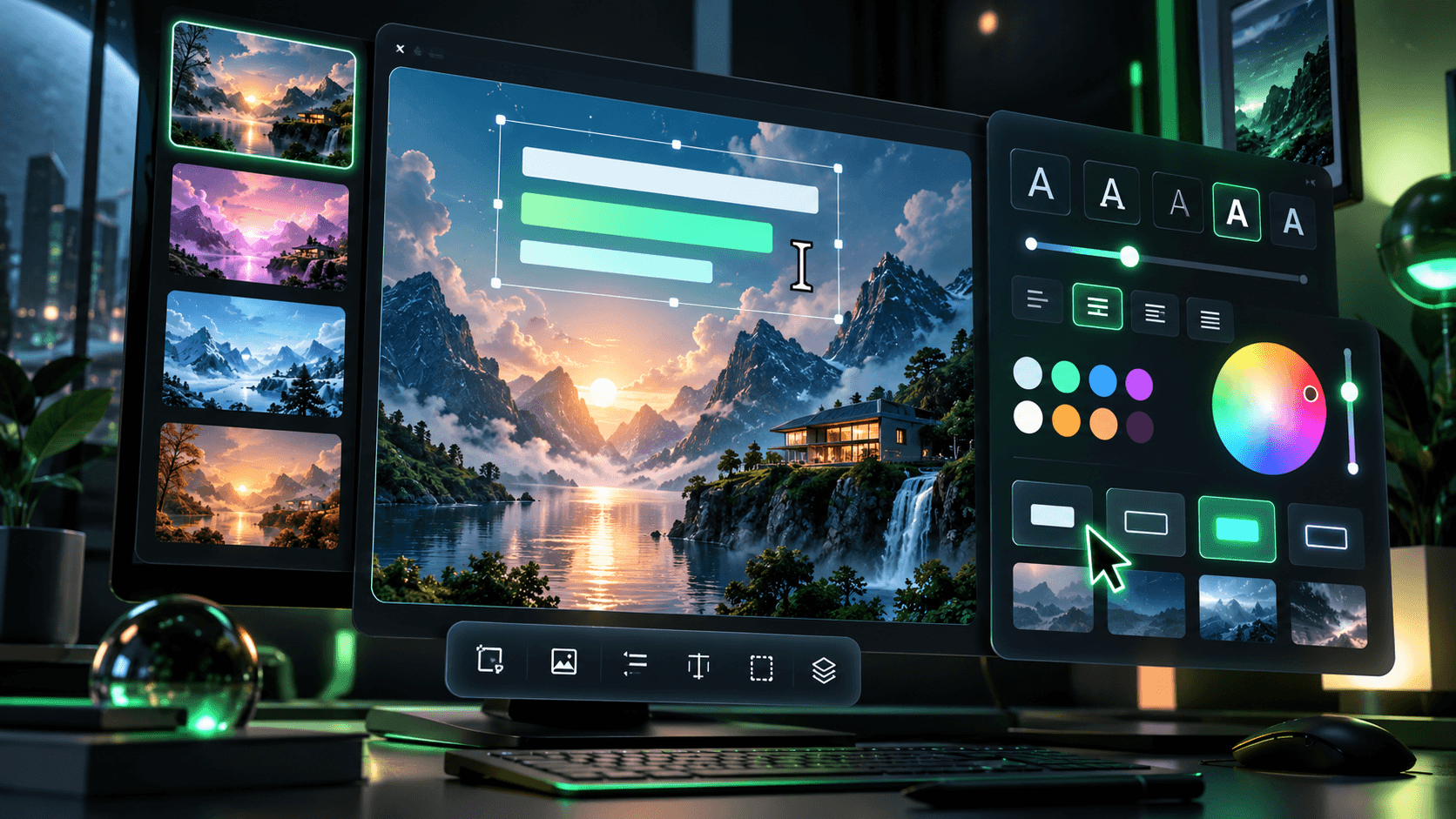
The feature is currently being tested in Grok Imagine and should be especially useful for creating ad banners, posters, cover images, and other visuals where text is a full part of the design.
Previously, working with text in image generators often turned into an endless cycle of regenerations: the model could write the correct phrase, but choose an awkward font, place it incorrectly, or alter other elements of the image after being asked to fix only the text.
These new tools continue the direction xAI set with the release of Imagine Image 2.0. In the official model announcement, the company specifically emphasized improvements in typography and composition. According to xAI, the model plans the placement of text and other elements more like a designer, which should help complex layouts with a large amount of text remain readable.
This is especially noticeable in posters, advertising materials, menus, infographics, and other creative assets where simply generating a beautiful image is not enough. Text elements need to be positioned correctly, sized properly, and not conflict with other design components.
At the same time, Imagine Image 2.0 also gained more precise editing for individual parts of an image. Users can select a specific area and change it without rebuilding the entire composition. The official Imagine documentation also confirms support for editing finished images and making sequential revisions.
The main advantage of this new approach is that simple design changes no longer have to rely only on text commands. If a caption turns out too large, the wrong color, or needs different alignment, the user can now adjust those settings manually. This brings Grok Imagine closer to traditional graphic editors, where AI handles the main image generation while the person keeps control over the final presentation.
For casual image generation, this feature may seem small, but for advertising creatives the difference is significant. Banners and social media posts often include headlines, prices, product names, or calls to action, and even a small mistake in the text can make the final result unusable.
Since the tool is still in the testing stage, its capabilities and interface may still change.
Even so, the direction is clear: image generators are gradually moving away from the “write a prompt and hope for the best” model toward a more familiar process where individual elements of a finished design can be edited manually.