

Microsoft has announced significant performance improvements for Windows 11 PCs with 8 GB of RAM. Following the optimizations, the operating system responds to everyday tasks up to 20% faster, while multitasking performance improved by up to 40% in certain tests, potentially making budget laptops much more comfortable to use.
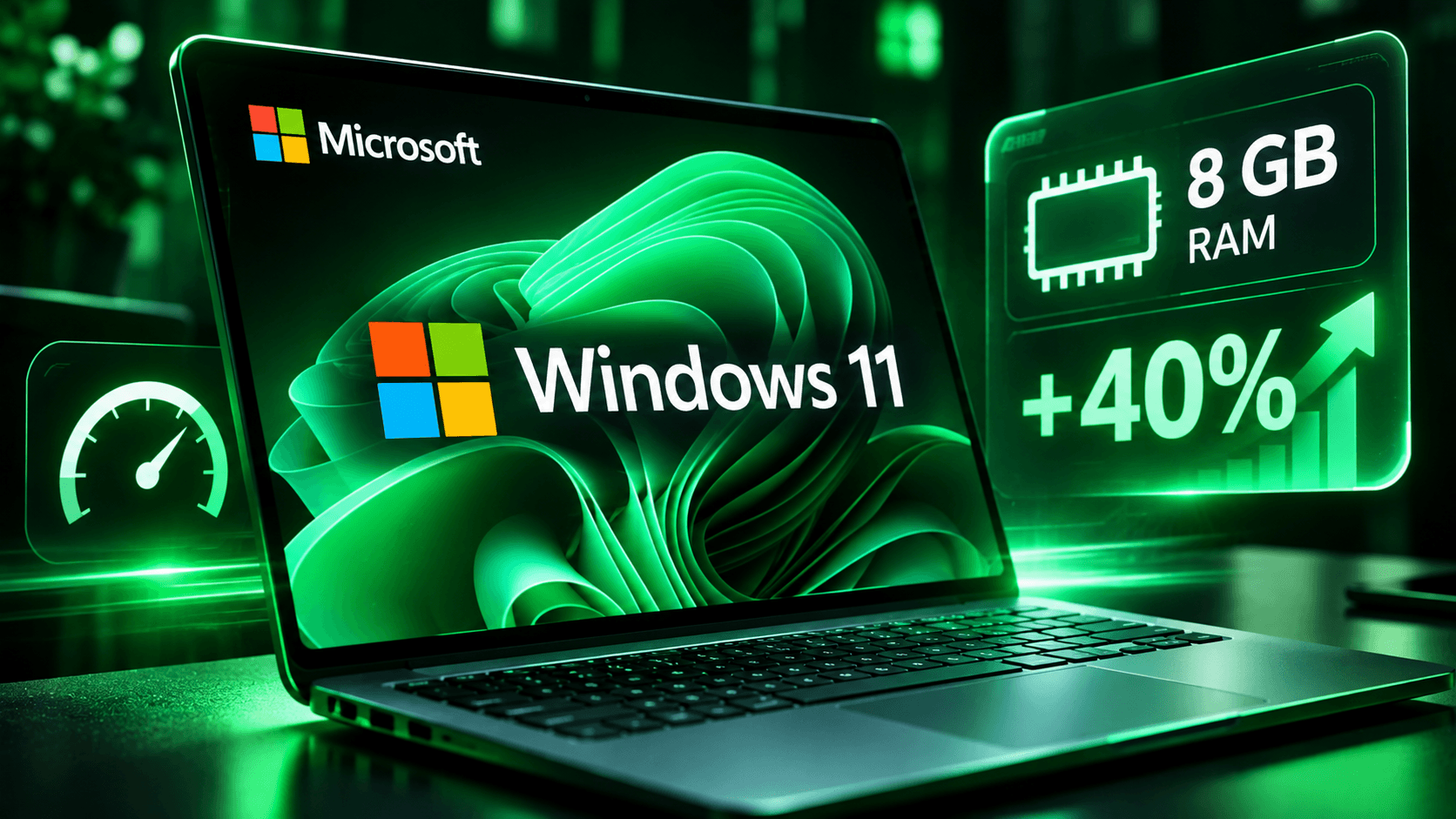
According to Microsoft, the company has revised how Windows 11 manages RAM to improve performance on devices with limited resources. The results were measured using telemetry data that tracked how quickly the Start menu, Search, Settings, File Explorer, Snipping Tool, and right-click context menus opened. Compared to January 2026 builds, the responsiveness of these components improved by up to 20%.
Microsoft recorded even greater improvements in multitasking tests. The company used an HP OmniBook 3 laptop equipped with a Snapdragon X Plus processor and 8 GB of RAM. During testing, researchers sequentially opened 20 Microsoft Edge tabs, a 4K video, large Word, PowerPoint, and Excel documents, as well as Outlook and File Explorer. All applications remained open simultaneously, placing a significant load on the system.
According to the test results, completing this workload became up to 40% faster. The measurements were performed using automated tools that verified the completion of each action before proceeding to the next. However, Microsoft emphasizes that these results apply to a specific laptop configuration and testing conditions, meaning actual performance gains may vary across devices.
The interface responsiveness improvements appeared in Windows 11 26H2, build 26300.9550, released on September 29, 2026, while the multitasking optimizations were tested in Windows 11 25H2, build 26200.9445, released on September 8. Both builds have since received newer updates.
One of the key changes involves optimizing memory compression. Previously, when available RAM ran low, Windows more frequently moved inactive data to storage, which is slower to access. The system now makes better decisions about which data to compress, keep in RAM, or temporarily move to disk.
Thanks to these improvements, Windows can retain up to 2 GB more active data in RAM. This reduces the likelihood of applications and browser tabs needing to reload when users return to them after a break. Microsoft began rolling out these memory management optimizations back in July.
Microsoft has also changed how resources are distributed between active and background processes. When users open an application, launch Search, or interact with the interface, Windows temporarily gives these actions higher priority. Less important background tasks, such as search indexing, receive fewer resources. The difference should be particularly noticeable after a restart, when the system is still completing update-related tasks while the user has already started working.
Microsoft Edge has also received separate optimizations. The browser can remain active in the background, allowing it to launch up to 33% faster. Changes also affect Microsoft Teams, which can automatically use Efficiency Mode on computers with 8 GB of RAM. This helps the application open faster and reduces system resource usage during operation.
Microsoft has reduced RAM consumption not only in the operating system but also across its own applications. Optimizations to Word, PowerPoint, Excel, and Outlook have saved approximately 360 MB of RAM in total. The company improved how these applications organize and allocate memory, reducing the resources required for them to operate.
On computers with 8 GB of RAM or less, Windows Widgets now load only when users open the corresponding panel. When users are not interacting with them, this helps save approximately 200 MB of memory. Meanwhile, Microsoft Edge now puts inactive tabs to sleep more quickly, after just 15 minutes of inactivity instead of the previous two hours.
Combined, the optimizations across Windows, Edge, and Microsoft 365 applications have reduced the growth in reserved memory during multitasking by up to 900 MB. Microsoft emphasizes that this does not mean the system permanently frees up that amount of RAM, but rather reflects differences in memory usage under specific testing conditions.
Pavan Davuluri, Microsoft’s Executive Vice President of Windows + Devices, noted that 8 GB of RAM remains a perfectly viable option for many users performing everyday tasks. The company also compared the performance of modern laptops with previous-generation models to demonstrate the impact of newer hardware and software optimizations.
According to Microsoft-commissioned testing, the 2026 Dell XPS 13 with 8 GB of RAM delivered up to 94% higher multicore CPU performance than the 2021 model with the same amount of memory. Additionally, the newer laptop with 8 GB achieved roughly the same results as the 2021 configuration with 16 GB in tasks involving CPU performance, web browsing, AI-powered features such as background blur and facial recognition, and 4K video export.
However, these results do not mean that 8 GB of RAM has become a complete replacement for 16 GB. The comparison involved computers from different generations, meaning newer processors and other hardware components also influenced the results. Microsoft acknowledges that computers with 16 GB or 32 GB of RAM remain more suitable for 3D modeling, advanced video editing, processing large datasets, and other resource-intensive workloads.
Apple previously made a similar comparison, claiming that MacBooks with 8 GB of RAM could perform on par with Windows PCs equipped with 16 GB in certain scenarios.
Microsoft plans to continue reducing memory consumption across Windows 11. Among the upcoming changes is the possibility of allowing multiple applications to share common components instead of loading identical modules separately. For example, Windows Search and Widgets are expected to share a web engine, as are OneDrive and Photos. This approach should reduce memory usage across several system components.
Microsoft is also redesigning applications built with WinUI 3, including File Explorer, Notepad, Paint, and the new Windows Search experience. These applications are expected to launch faster and consume less RAM. At the same time, the company is working with PC and processor manufacturers to reduce the amount of memory reserved for hardware, while also helping third-party developers optimize their applications.
According to Microsoft, future improvements will be based on user feedback, diagnostic data, and testing results. The company evaluates optimizations on more than 20,000 computers in its laboratories and continues monitoring their impact on real-world devices after updates are released.
To benefit from the latest performance improvements, Microsoft recommends installing Windows 11 26H2, build 26300.9818 or later. Users should open Settings → Windows Update, enable the option to receive the latest updates as soon as they are available, and check for updates. Microsoft Edge, Microsoft 365, and Teams should also be kept up to date, as some optimizations are delivered directly through application updates.