
18.03.2025
2 min
854



Selling or giving away an old TV could expose your personal information. Modern televisions store account details, viewing history, and home network settings, and even a factory reset may not always erase everything.
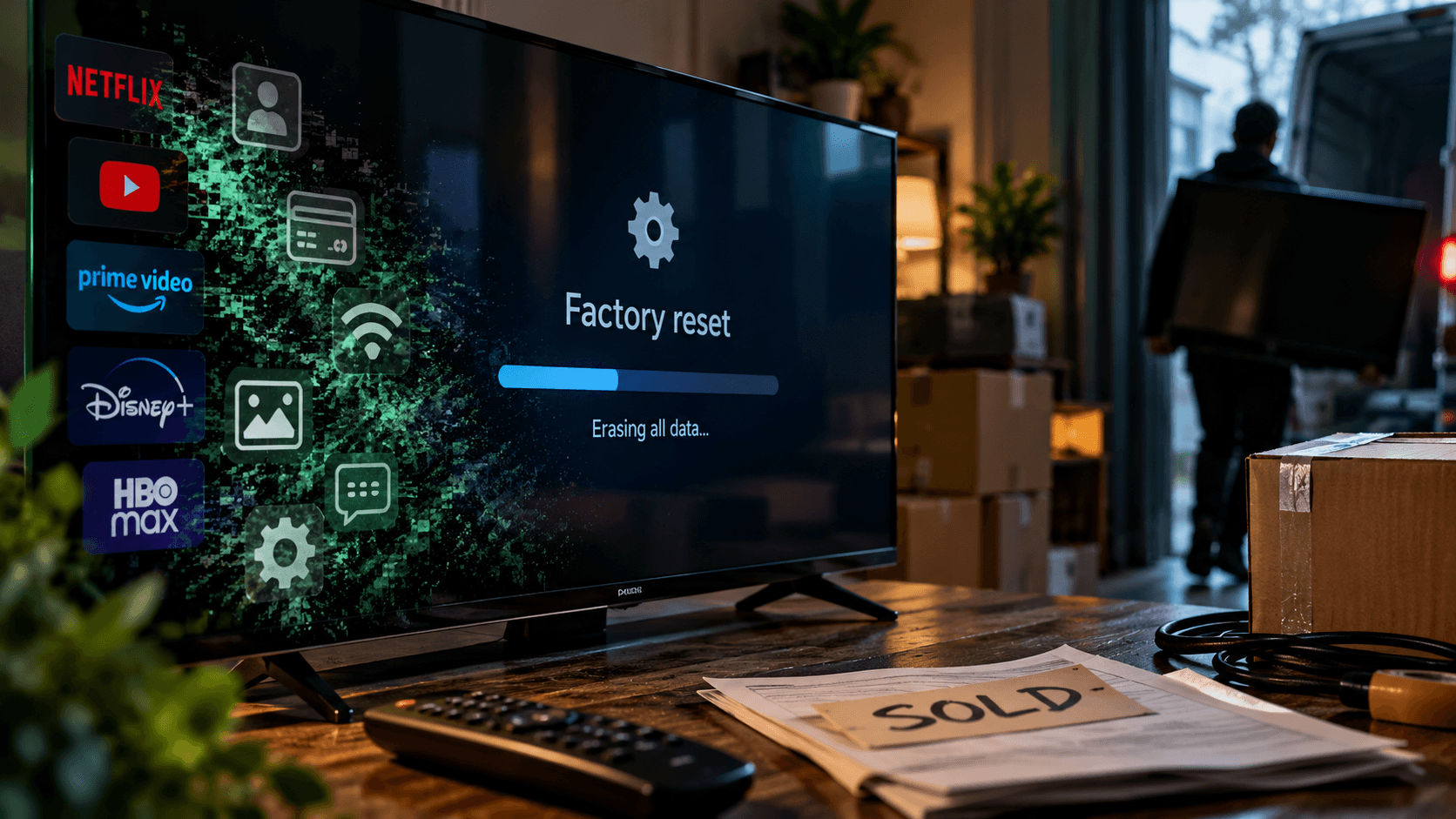
Before selling a smartphone, most users try to remove photos, messages, passwords, and other personal information. However, not everyone takes the same precautions with old televisions. These devices are often passed on to new owners or sent for recycling without considering how much personal data may still be stored in their memory.
Modern Smart TVs are essentially computers with internet access. Over years of use, they accumulate information about their owners, including streaming service login credentials, YouTube search history, viewing preferences, and details of connected Wi-Fi networks. Payment information may also be linked to certain accounts, creating additional risks when a television is transferred without being properly wiped.
The problem goes beyond Netflix or YouTube. Many models feature built-in browsers, voice assistants, and integration with other smart home devices. As a result, a television may store not only information about watched movies and TV shows but also details about other components of the household’s digital ecosystem. The exact data collected depends on the manufacturer, model, and operating system.
If a new owner receives a television with accounts still logged in, they could potentially access someone else’s profiles, change viewing recommendations, or use the previous owner’s paid subscriptions. With streaming services increasingly restricting account sharing, this can create additional complications.
Privacy concerns surrounding televisions are nothing new. Some manufacturers have collected information about what users watch without always properly informing them.
In 2017, the US Federal Trade Commission (FTC) announced a $2.2 million settlement with Vizio. Regulators accused the manufacturer of using software installed on approximately 11 million televisions to collect viewing data without users’ proper knowledge or consent.
The case demonstrated that televisions can collect far more information than users might expect. However, privacy risks arise not only while a device is being used but also after it is sold, given away, or recycled if the previous owner has left personal data in its memory.
The first step is to perform a factory reset. This procedure is designed to restore the television to its original state and remove locally stored accounts, personal settings, and other saved information. However, the reset process and the types of data removed vary depending on the manufacturer.
How to factory reset TVs from different manufacturers:
Google TV. Go to “Settings” → “System” → “About” → “Factory reset.” Detailed instructions are available in Google’s support documentation.
Roku. Open “Settings” → “System” → “Advanced system settings” → “Factory reset.” More information about the procedure can be found on the Roku support website.
LG. On many newer models, the relevant option is located under “General” → “System” → “Reset to Initial Settings.” However, some televisions allow users to retain network settings during the reset process, so it is important to select a complete reset before selling the device. More details are available in LG’s official instructions.
Samsung. The reset procedure may vary depending on the model. On many televisions, the path is “Settings” → “All Settings” → “General & Privacy” → “Reset.” After completing the procedure, users should separately check network settings and remove any saved Wi-Fi connections that remain. Samsung provides a factory reset guide and additional network setup instructions.
Before handing the television over to its new owner, it is advisable to check the settings again and make sure no personal accounts, saved networks, or confidential information remain on the device. If the television displays the initial setup screen after being wiped, this is a good indication that the factory reset was successful.
A factory reset alone may not be enough. Before selling or recycling a television, users should manually sign out of important applications, disconnect USB storage devices, and check whether the TV is still linked to any online accounts. Removing external storage devices is particularly important because they may contain personal photos, documents, and other files.
Some platforms allow users to manage connected devices remotely. For example, Netflix lets account holders review devices with access to their accounts and sign out remotely. Roku users can also unlink a television from their account.
These options remain useful even after the television has been given to someone else. If the device is no longer in your possession, you may still be able to restrict its access to your personal accounts through the settings of the relevant services.
However, resetting a television does not erase information that the manufacturer or streaming platforms have already collected and stored on their own servers. Managing that data requires using separate privacy settings and account management tools.
Ultimately, an old television should be treated with the same care as a smartphone or laptop before being sold. Completely wiping locally stored data, removing network settings, and disconnecting accounts can help reduce the risk of exposing personal information to others.