04.08.2026
2 min
201



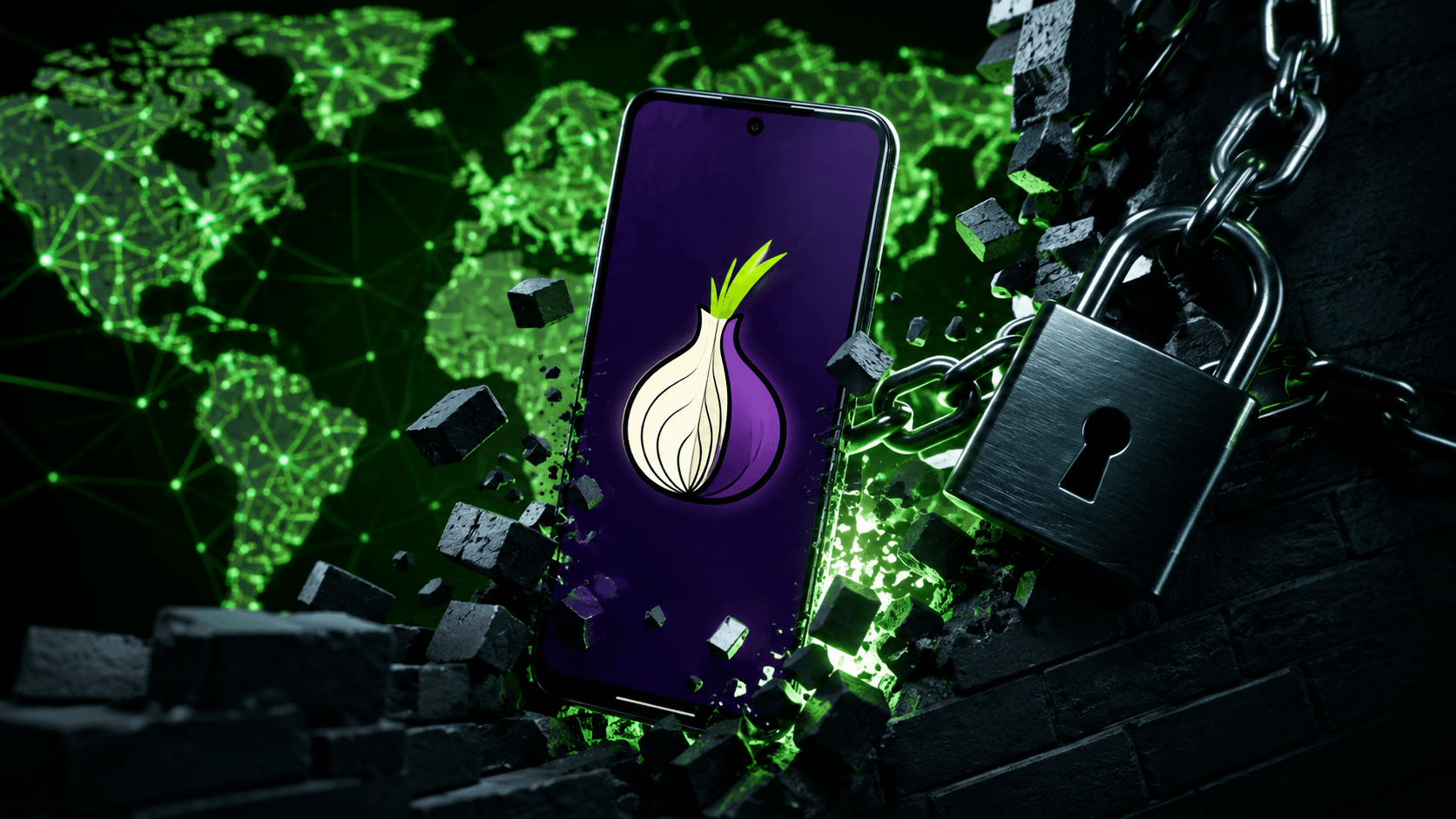
Tor Browser has long been one of the most widely used tools for anonymous web browsing. It routes encrypted internet traffic through multiple network relays, helping conceal a user’s real IP address.
At the same time, governments in countries with strict internet censorship are increasingly blocking VPNs, proxy servers, and even Tor relays. To help users bypass these restrictions, the Tor Project is encouraging volunteers to install the Snowflake Volunteer app, which is currently available only for Android.
Once installed, the app turns a smartphone into a volunteer proxy, allowing other users to connect to the Tor network through it.
“It disguises user traffic as a video call and routes it through volunteer-operated proxies using short-lived connections. This makes the traffic significantly harder to detect and block,” the Tor Project explained in a blog post.
With Snowflake, users can access the Tor network even in countries where it has been officially blocked.
Currently, about one-third of those active IP addresses come from Kindness Mode in the Orbot app. Orbot is the mobile equivalent of Tor Browser, allowing users to browse anonymously while also helping others bypass internet censorship.
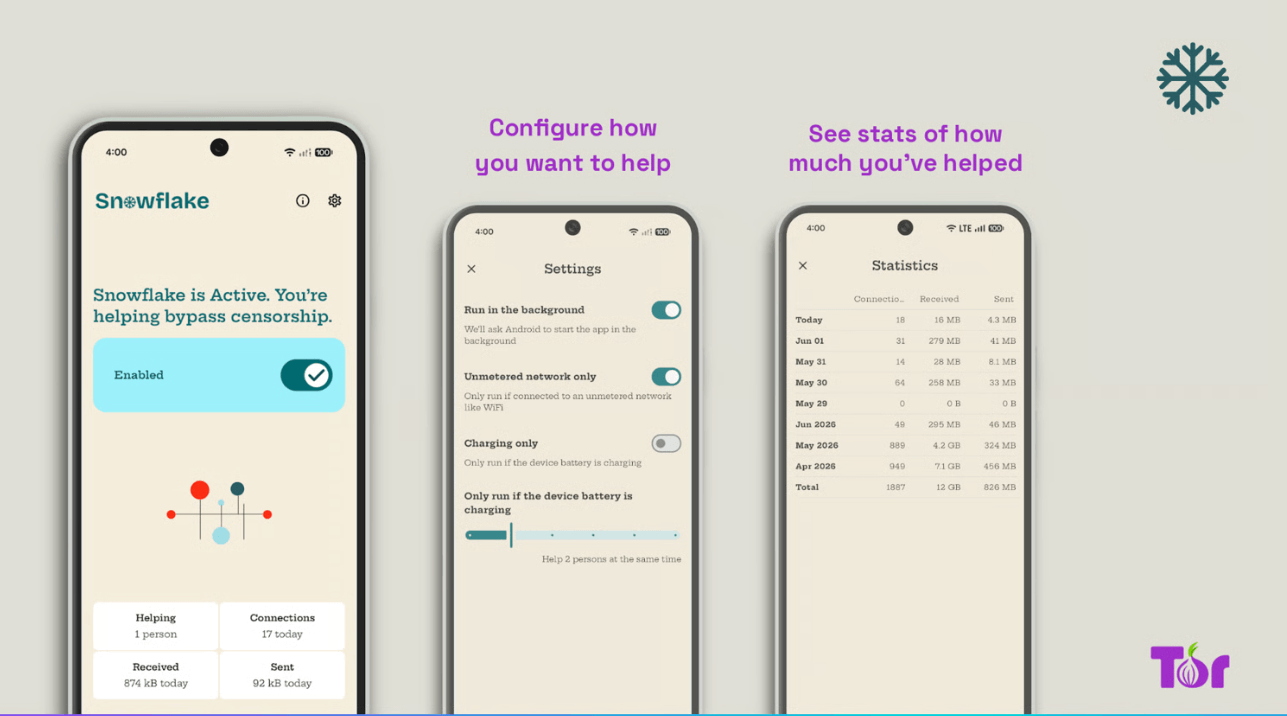
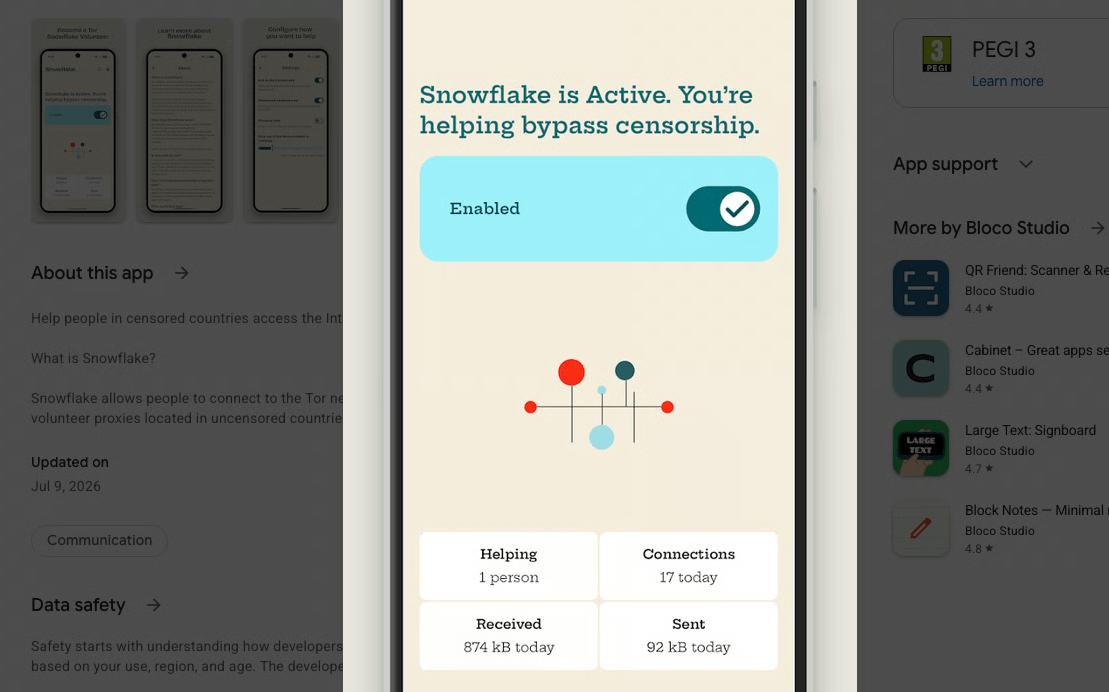
Unlike Orbot, Snowflake Volunteer is not designed for anonymous web browsing. Instead, it runs a proxy in the background that routes traffic for other users. The app also provides statistics such as the number of connections handled and the amount of data transferred. Users can limit battery usage, restrict mobile data, or disable cellular connectivity entirely.
To blend in with normal internet traffic, Snowflake uses WebRTC, the technology commonly used for real-time audio, video, and data communication.
As a result, censorship systems see the traffic as an ordinary voice or video call.
“This makes it prohibitively expensive for censors to block these circumvention tools, because doing so would require blocking a significant portion of regular internet traffic,” the Tor Project said.
The Tor Project also stresses that using Snowflake is safe for volunteers. User activity remains hidden, and any actions performed through the network are associated with the IP address of a Tor exit relay rather than the IP address of the device acting as a proxy.
The Snowflake Volunteer app is now available on Google Play, F-Droid, and as open-source software. It was developed by the Portuguese studio Bloco with support from the Open Observatory of Network Interference (OONI). The app has already been downloaded more than 100 times on Google Play, while Orbot has surpassed 10 million downloads.
Snowflake does not collect user data, but it requires several system permissions to function, including network access, foreground service operation, notifications, automatic startup, battery optimization exemptions, and preventing the device from going to sleep.
The developers recommend using the app over Wi-Fi or an unlimited mobile data plan. They also note that running a proxy may slightly reduce connection speeds, although the network limits the number of simultaneous connections and the app has been optimized to minimize battery consumption.