

12.05.2025
5 min
889



We explain what 502, 503, and 504 errors mean, why they occur, how they differ from one another, and how they relate to modern web service architecture.
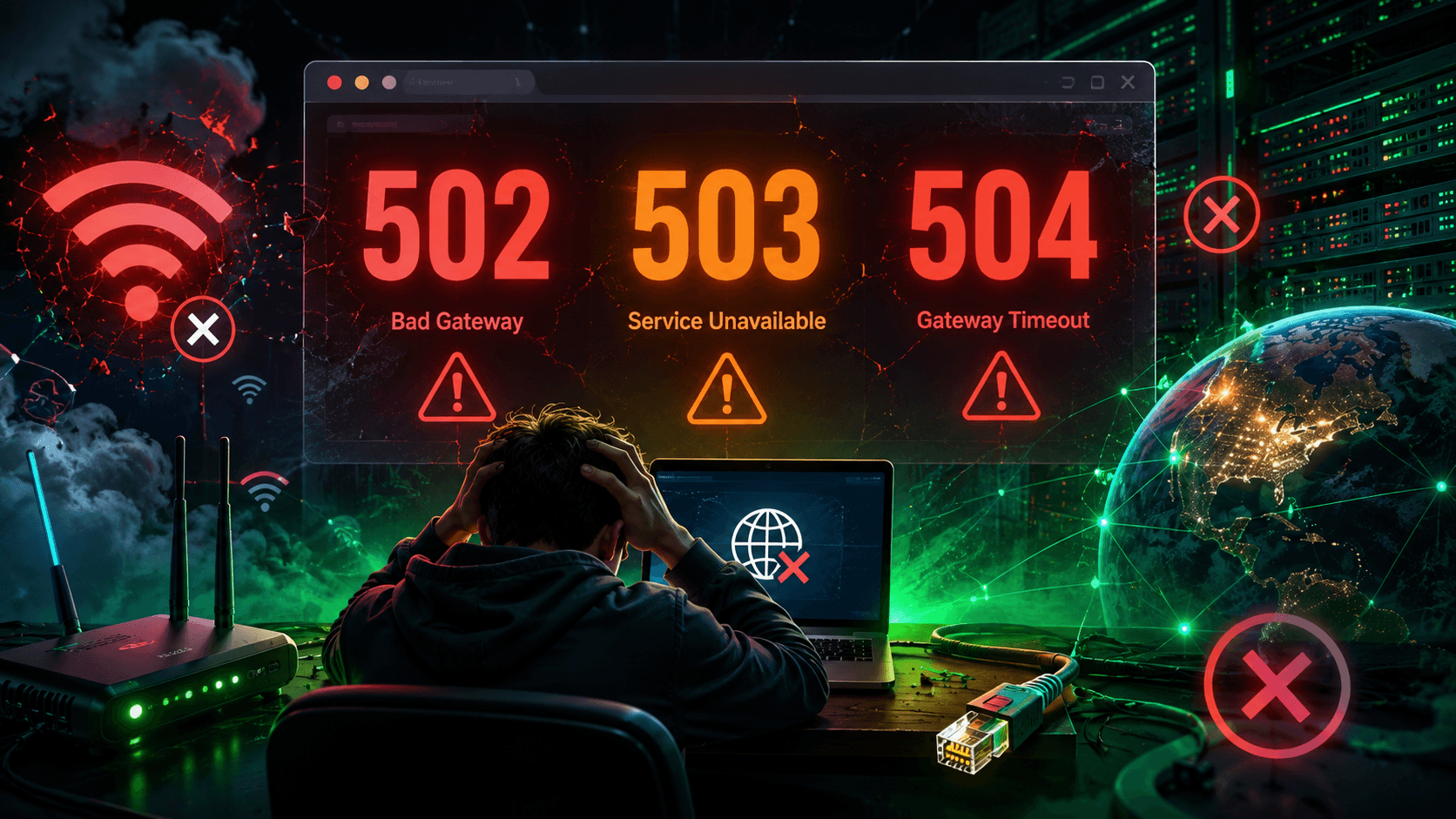
Almost every internet user has encountered the same frustrating situation: instead of the expected webpage, the browser displays a short message such as 502 Bad Gateway, 503 Service Unavailable, or 504 Gateway Timeout. To most people, these errors all mean the same thing — the website is simply “down.” Some immediately refresh the page several times, others check their internet connection, while some assume the site is broken for good. In reality, however, these three status codes indicate completely different situations, even though they may look nearly identical at first glance.
What makes this even more interesting is that the website itself is often not actually broken. In today’s internet, a user’s request almost never reaches the application that generates a webpage directly. Before the response makes its way back to the browser, it typically passes through an entire chain of intermediary systems, including CDNs, load balancers, proxy servers, gateways, caching layers, firewalls, and DDoS protection services. Each of these components serves a specific purpose, but each can also become a point of failure. That is why an error message does not necessarily mean that “the server is down.” Sometimes the problem occurs somewhere between different parts of the infrastructure while the application itself continues to run perfectly normally.
This is precisely why 502, 503, and 504 have remained among the most common HTTP errors for many years. They do much more than signal that something has gone wrong — they help administrators and developers quickly identify the stage at which request processing failed. To fully understand why these specific status codes exist and why they are so important, however, we first need to take a brief look back at the early days of the internet.

Today, it is hard to imagine, but the first websites operated in a much simpler way. A browser established a direct connection to a server, sent a request, and almost immediately received an HTML document in return. There were no cloud platforms, containers, or complex server clusters. In most cases, a single computer acted as the web server, the application, and the data storage. If that computer was running, the website loaded. If it was not, the user simply received no response.
The earliest versions of HTTP were equally minimalistic. For example, HTTP/0.9, introduced in the early 1990s, effectively supported only a single command: GET. The browser requested a document, and the server either sent it back or failed to respond altogether. There were no status codes, diagnostic messages, or explanations. Computers were far less powerful, web pages consisted mostly of text, and the internet itself was so small that it simply did not require a sophisticated infrastructure.
Things began to change in the mid-1990s as the number of websites grew rapidly. Servers could no longer handle the increasing volume of users on their own, so additional components started appearing between browsers and websites. With the introduction of HTTP/1.0, standardized status codes allowed servers not only to indicate whether a request had succeeded but also to explain why it had failed. This marked a major shift in thinking: a failure could occur not only within the application itself but anywhere along the request path. It was the beginning of the multi-layered architecture that modern online services depend on today.
The introduction of HTTP/1.0 was one of the most significant milestones in the evolution of the World Wide Web. Before that, browsers could do little more than guess why a page had failed to load. The new version of the protocol introduced a system of HTTP status codes, allowing servers to report the outcome of each request. This gave rise to the familiar response categories we still use today: 2xx for successful requests, 3xx for redirects, 4xx for client-side errors, and 5xx for server-side failures. As a result, browsers, administrators, and developers could quickly determine what had gone wrong instead of troubleshooting blindly.
As the web continued to evolve, however, even that proved insufficient. The internet expanded rapidly, websites became more sophisticated, and new intermediary systems emerged between users and servers. Internet providers deployed caching servers, organizations introduced proxy servers to optimize traffic, and large websites began distributing workloads across multiple physical machines. In this kind of architecture, it was no longer enough to report a generic “server error.” It became essential to identify where the failure had occurred: whether the server had failed to respond, returned an invalid response, or was simply overloaded. That is when the status codes we now know as 502 and 503 began to take shape.
By the late 1990s, HTTP/1.1 had become the standard that would dominate the web for nearly two decades. During this period, the internet transformed from a collection of standalone websites into a complex distributed ecosystem. A single user request could pass through several proxy servers, a load balancer, a web server, an application server, a caching layer, a database, and sometimes dozens of external APIs. This architecture dramatically improved performance, reliability, and scalability, but it also created many more potential points of failure. That is why the 504 Gateway Timeout status code was formally established to describe another increasingly common scenario: a request that failed because an upstream server did not respond within the expected time.
Today, this multi-layered architecture powers virtually everything on the web, from small online stores to services operated by Google, Microsoft, Amazon, and Cloudflare. When a user opens a webpage, the request almost never reaches the application directly. Instead, it may first pass through a nearby CDN node, then a DDoS protection service, a load balancer, an API gateway, a web server, and only then arrive at the application itself. If a failure occurs at any stage of this journey, the browser receives one of the 5xx status codes. That is why a single, seemingly simple error message can actually represent a chain of events involving dozens of servers across multiple data centers.
A 502 Bad Gateway error occurs when a server acting as an intermediary receives a response from another server that it cannot process correctly. The key word here is intermediary. This could be a proxy server, a load balancer, an API gateway, or any other component that does not generate the webpage itself but simply forwards requests to another service. When that intermediary contacts the backend, it expects a response in a specific format. If it instead receives corrupted data, invalid HTTP headers, an incomplete response, or if the upstream server unexpectedly closes the connection, the user sees a 502 Bad Gateway error.
Imagine asking a customer service representative for an official document. The representative does not issue the document personally—they simply forward your request to another department. A few minutes later, that department returns an empty file or a page filled with unreadable characters instead of the requested document. The representative did receive a response, but it is unusable, so they inform you that something went wrong. That is essentially what a 502 error represents. It does not necessarily mean that the website is offline or completely broken. In most cases, it simply indicates that two parts of the infrastructure failed to communicate properly.
In practice, there are many possible causes of a 502 error. For example, after deploying an application update, developers may accidentally change the web server configuration, causing it to return malformed HTTP headers. In another case, the backend application may crash before it finishes generating a complete response. The same error can occur when a load balancer sends traffic to a server that is in the middle of restarting or has already gone offline but has not yet been removed from the pool of available servers. Sometimes the problem originates even deeper in the infrastructure, such as with networking equipment or security systems that modify or truncate HTTP traffic.
That is why, for system administrators, a 502 Bad Gateway error is only the beginning of the investigation rather than the answer itself. They examine web server logs, application logs, load balancer diagnostics, network connections, and the health of backend services to determine what actually happened. At companies such as Amazon, Netflix, or Google, a 502 may be triggered by a brief failure in just one microservice among hundreds. To the user, it appears as nothing more than a simple page displaying “502 Bad Gateway,” but behind those few words may lie a complex chain of interactions across dozens of servers that broke down for only a few seconds.
While a 502 Bad Gateway error usually indicates a communication problem between different parts of the infrastructure, 503 Service Unavailable means something entirely different. In this case, the server is honestly saying: I received your request, I understand it, but I cannot process it right now. The issue is not a corrupted response or a transmission error. Instead, the system is temporarily unable to handle new requests. The word Unavailable is important here because it implies a temporary condition. The server is not necessarily broken—it may be functioning perfectly well but simply lacks the resources to serve another user at that moment.
This situation is most commonly seen during sudden spikes in traffic. For example, an online store launches a major sale, pre-orders for a highly anticipated game go live, or tickets for a popular concert become available. Within seconds, the website may receive tens or even hundreds of thousands of simultaneous requests. Even modern infrastructure has its limits. CPU resources, memory, databases, and network bandwidth cannot scale infinitely in an instant. Rather than becoming completely unresponsive or behaving unpredictably, the server may return a 503 Service Unavailable response to indicate that it cannot accept another request at that time. In many ways, this acts as a self-protection mechanism, allowing the service to survive peak traffic without suffering a complete outage.
Heavy traffic, however, is far from the only reason for a 503 error. It is also commonly used during scheduled maintenance. When developers deploy software updates, migrate databases, roll out a new version of an application, or perform other maintenance tasks, they may intentionally place the service into maintenance mode. During this period, users receive a 503 response, often accompanied by a message such as “The website is temporarily unavailable. We’ll be back soon.” This approach is far safer than allowing users to interact with a system that is actively being updated and could otherwise behave unpredictably or risk data loss.
Interestingly, the HTTP specification even defines a special Retry-After header that is frequently used together with a 503 response. It allows the server to tell browsers or other clients when they should try again—whether that is in a few seconds, several minutes, or at a specific time. That is one of the reasons why 503 Service Unavailable is considered one of the most informative server-side errors. It does not hide the problem, mislead the user, or imply that the service has permanently failed. Instead, it clearly communicates that the system is aware of its current state and simply asks the client to wait a little longer.
At first glance, 502 and 504 errors seem very similar because both include the word Gateway, referring to an intermediary server. The difference, however, is fundamental. With a 502 error, the backend server does send a response, but that response is invalid or malformed. With 504 Gateway Timeout, no response arrives in time. More precisely, the backend may eventually respond, but the intermediary server has already stopped waiting. Its timeout has expired, so it returns an error to the user instead.
Imagine a courier arriving at a warehouse to collect a package. They know they can wait no longer than ten minutes. If the warehouse staff fail to bring out the package within that time, the courier leaves because there are other deliveries to make. A load balancer or proxy server behaves in much the same way. It forwards the request to the application, starts a timer, and waits for a response. If the application does not respond before the timeout expires, the intermediary stops waiting and returns a 504 Gateway Timeout error. Ironically, the backend may finish processing the request just a second after the timeout has already occurred.
There are many reasons why this delay might happen. One of the most common is a slow database. If a complex SQL query takes tens of seconds instead of one or two, the application simply cannot generate a response any faster. The same problem occurs when a server depends on a third-party API, such as a payment gateway, mapping service, authentication provider, or cloud storage platform. If that external service becomes slow, every application that relies on it is affected as well. As a result, the user sees a 504 error even though their own internet connection is working perfectly.
In modern microservice architectures, 504 Gateway Timeout errors have become far more common than they were ten or fifteen years ago. A single user request may trigger dozens of internal operations, including authentication, permission checks, database queries, cache lookups, business logic processing, and communication with other services. If just one step in that chain becomes significantly slower, the delay propagates throughout the entire request. For engineers, a 504 Gateway Timeout is therefore often less a sign of a complete system failure than an indication of a performance bottleneck that needs to be identified and resolved before it causes more serious issues.
A closer look at the HTTP specification reveals that there are many more server-side status codes than just these three. There is 500 Internal Server Error, which indicates an unexpected application failure, 501 Not Implemented, which means the server does not support the requested functionality, 505 HTTP Version Not Supported, and even less common responses such as 507 Insufficient Storage. Yet the average internet user encounters 502, 503, and 504 far more often. That is not because these codes are inherently more important, but because they perfectly reflect how the modern web operates. They often result not from failures inside the application itself, but from the complexity of the multi-layered infrastructure that powers virtually every large online service today.
Twenty years ago, a typical website might have consisted of little more than a web server and a database. Today, even relatively small projects commonly rely on a CDN to accelerate content delivery, DDoS protection services, load balancers, multiple application servers, Redis or Memcached for caching, dedicated database servers, centralized logging platforms, monitoring systems, and numerous third-party APIs. Large platforms such as YouTube, Netflix, Amazon, and Facebook operate infrastructures made up of thousands of servers and hundreds of individual services. Every component has its own role, yet each also depends on others. The more interconnected these systems become, the greater the chance that one service will fail to respond, return invalid data, or exceed its response time limit.
For that reason, a server error no longer automatically signals a catastrophic outage. If one application server out of dozens stops responding, the load balancer will usually detect the failure and redirect new traffic to healthy servers. However, if the failure occurs while a specific request is already being processed, the user may briefly encounter a 502 or 504 error, even though refreshing the page a few seconds later works perfectly. Likewise, a sudden traffic spike may trigger 503 Service Unavailable responses for only a small percentage of visitors, while everyone else experiences no disruption at all. This demonstrates how modern infrastructure is specifically designed to prevent localized failures from bringing down an entire service.
As a result, engineers rarely describe these situations as simply “the website is down.” Instead, they talk about service degradation, partial loss of availability, or increased latency. Large technology companies continuously monitor these metrics because even a few seconds of disruption can cost millions of dollars. To the user, it appears as nothing more than a short message containing three digits. To the engineers responsible for the platform, however, those three digits provide a valuable clue about which part of a complex distributed infrastructure requires immediate attention.

It is sometimes suggested that cloud computing, Kubernetes, automatic scaling, and artificial intelligence will eventually eliminate errors such as 502, 503, and 504. In reality, the opposite is true. Modern technologies make online services far more reliable, but they also make their internal architecture significantly more complex. Whereas an application once ran on a single physical server, today it may consist of hundreds of containers, dozens of microservices, and multiple data centers spread across different countries. All of these components must be synchronized, coordinated, and kept running, which inevitably increases the number of potential points of failure.
That is why modern engineering focuses less on eliminating failures entirely and more on detecting them quickly and minimizing their impact. If one server fails, another automatically takes its place. If a database becomes overloaded, a cache may absorb part of the traffic. If an entire data center goes offline, requests can be redirected to another region. Even with all these safeguards in place, users may still encounter 502, 503, or 504 errors. The difference is that today these incidents usually last only a few seconds—or even fractions of a second—instead of the hours-long outages that were much more common two decades ago.
Interestingly, developers and system administrators do not consider these status codes to be unusual. On the contrary, they use them as one of the primary indicators of a system’s overall health. Monitoring platforms continuously track how many 5xx responses a service returns, when they occur, which servers are involved, and whether they are linked to a specific software release. A single 502 response may be completely insignificant, but a sudden spike in their number is often an early warning sign that engineers need to investigate before thousands of users begin experiencing problems.
For that reason, 502, 503, and 504 are unlikely to disappear from the modern internet anytime soon. They are not evidence of shortcomings in HTTP. Quite the opposite—they demonstrate how the protocol has, for more than three decades, provided a precise way to describe different types of failures. As long as the web remains a distributed system built on countless interconnected components, these three status codes will continue to be familiar companions for administrators, developers, and everyday internet users alike.
When your browser displays 502 Bad Gateway, 503 Service Unavailable, or 504 Gateway Timeout, it is telling you much more than simply “the website is down.” Each status code describes a different situation: an invalid response from an upstream server, a temporarily unavailable service, or a request that exceeded the allowed waiting time. Together, they illustrate just how dramatically the internet has evolved over the past few decades. What was once a simple model in which a browser communicated directly with a single server has become a globally distributed ecosystem where every request passes through an intricate chain of interconnected components.
That is why these errors do not necessarily mean that everything has broken. More often than not, they indicate a brief issue affecting just one part of a complex infrastructure—one that may be resolved automatically within seconds. Understanding what 502, 503, and 504 actually represent offers a deeper appreciation of how the modern web works. Behind those three numbers lies not just an error message, but the story of countless servers, networking devices, databases, and applications working together every second to deliver billions of web pages around the world.


Дякую за дуже доступне пояснення.