A home cluster with mini PCs demonstrates how second-hand equipment can become the basis for a full-fledged computing system. Lenovo compact mini PCs are combined into a cluster with Ubuntu Server 22.04 and Kubernetes installed, creating a stable environment for tests, training and experiments. The article reveals the technical details of the construction: selection of components, connection via a network switch, power supply organization and system configuration. This approach allows you to reduce costs, maintain silence and energy efficiency without losing functionality.
At the end of 2021, the idea arose to create a small home computing cluster — more out of research interest than practical need. Such clusters can be used for experiments, home hosting, or simply for the pleasure of the process — in this case, the motivation was precisely curiosity and the desire to implement the project on their own.
While studying the experience of others, it quickly became clear that most enthusiasts build their systems on Raspberry Pi. However, at that time the prices of “raspberries” had increased significantly, so it was decided to find a more affordable alternative.
The option with a full-fledged server immediately fell out: too high a cost, large dimensions, noise, excessive energy consumption and power exceeding real needs. The optimal solution was mini PCs — compact, economical and flexible devices that are perfectly suited for a small home cluster.
Mini PCs have a number of features that make them ideal for building computing systems at home:
Compactness. The devices take up minimal space and are easy to place even in tight spaces.
Low power consumption. They operate around the clock, almost without heating up and without creating significant electricity costs.
Silence. Most models are equipped with passive or very quiet cooling.
Practicality. Much cheaper than servers and convenient for gradual expansion – adding another node is easy.
Portability. If necessary, they are easy to move or take with you.
Scalability. Each new device increases the total capacity – in fact, its own “cloud” is formed.
Flexibility of configurations. Support for SSD, gigabit and even 2.5G networks, M.2 slots, two network adapters and sufficient RAM for working with containers or Kubernetes.
After analyzing the market offers, the Lenovo IdeaCentre Q180 and Q190 became the best option. The Q180 model, although it is not capable of performing serious tasks or working as a full-fledged Kubernetes cluster, is quite suitable for basic experiments, training tests and light services.
The configuration of such devices: Intel Atom D2500/D2700, 4 GB DDR3 and HDD 240–500 GB. This is enough for simple scenarios, but the limitation of 4 GB of memory and a weak processor make them ineffective for loaded systems. However, this is quite enough to create a small test infrastructure – for example, to deploy a home website on WordPress.
The stages of system assembly took place gradually:
A TP-Link LS1005G switch with 5 Gigabit Ethernet ports was purchased. The cost is 549 UAH. The choice was made in favor of the most budget solution.
Several Lenovo IdeaCentre mini PCs were received:
Q180 — 2 pcs. 1,550 UAH;
Q190 — 1 pc. 1,330 UAH.
One Q180 had an HDMI failure, but the VGA output worked without problems.
Together with the previously purchased device, a configuration of four nodes was formed:
Q180 — 3 units;
Q190 — 1 unit.
Thus, the basis of a compact, inexpensive, and almost silent home cluster was formed, which allows you to experiment with distributed systems and cloud technologies in real conditions.
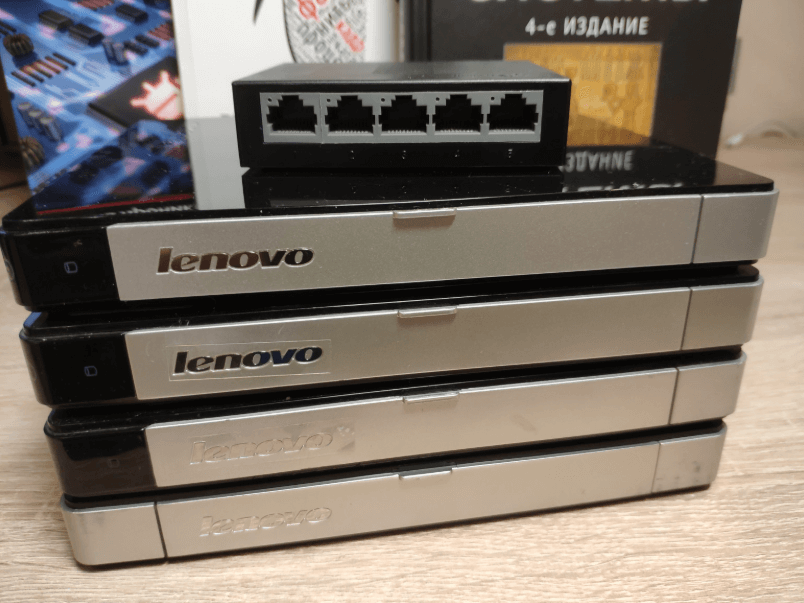
Racks and screws for mounting hard drives were ordered. The costs amounted to 530 UAH.
A power calculation was performed – for stable system operation, a power unit with a capacity of at least 300 W is required with a small margin, since the mini PC cases indicate a consumption of 60 W each.
A detailed work plan has been formed:
check power requirements (including switch connection);
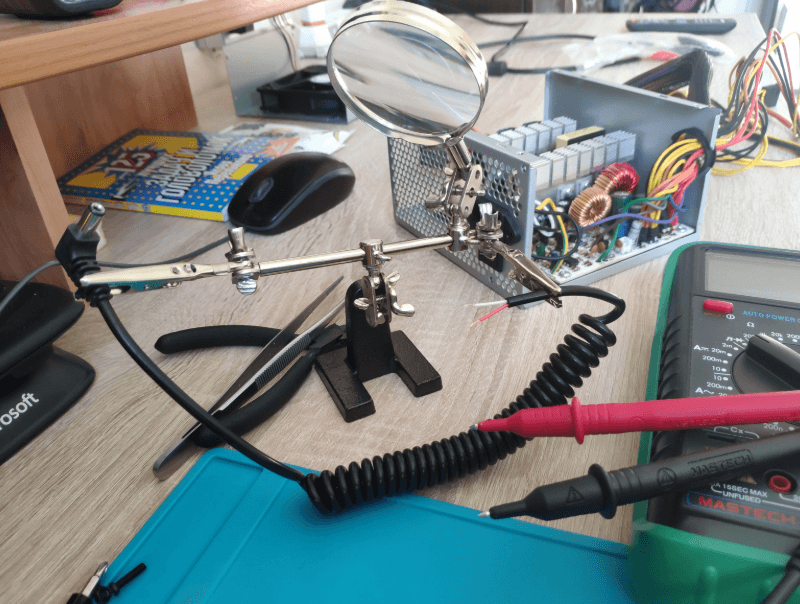
convert four 5.5×2.5 mm outputs;
replace thermal paste and clean cooling system;
mount boards on racks;
install Ubuntu and configure network infrastructure.
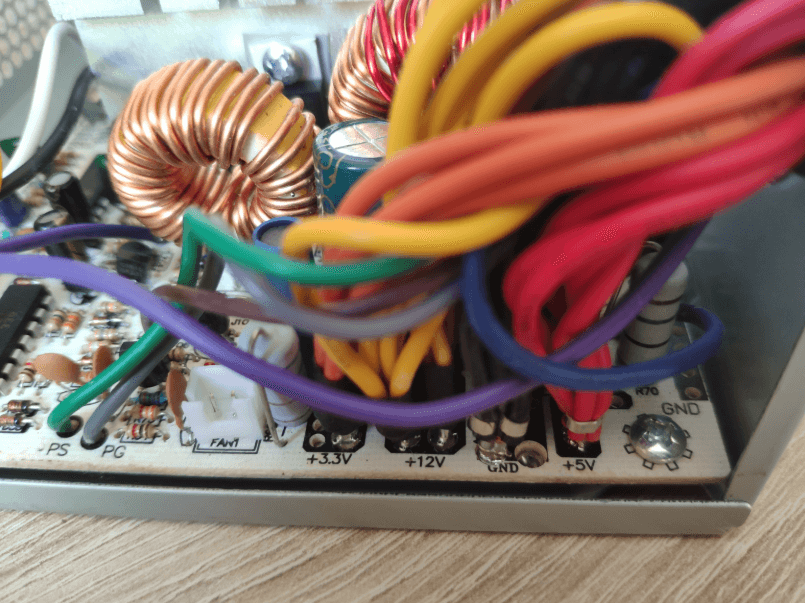
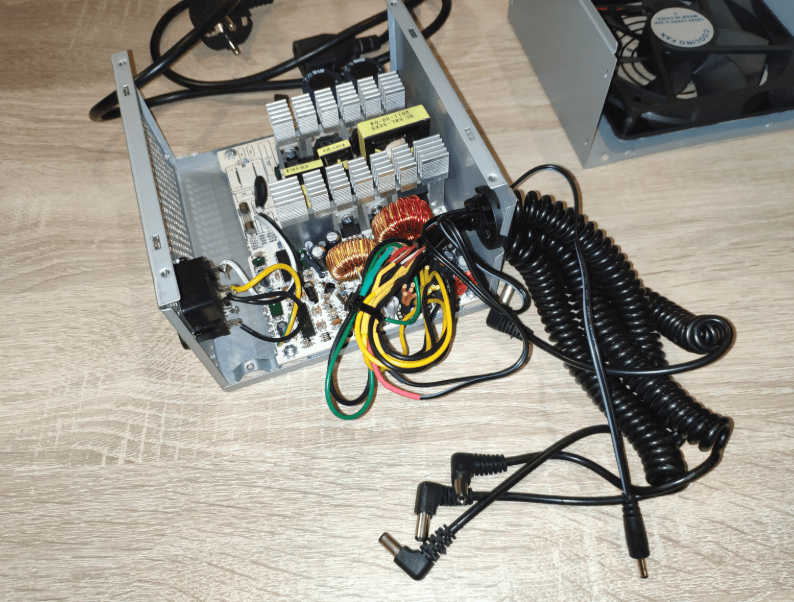
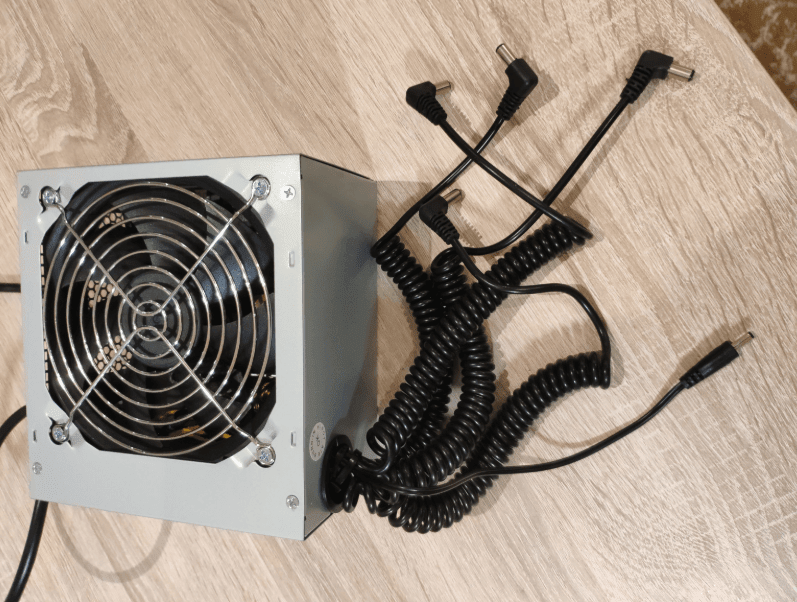
An old 800W ATX power supply was found. After checking, it was confirmed that the mini PCs operate on 12V, so they can be safely powered directly from this source.
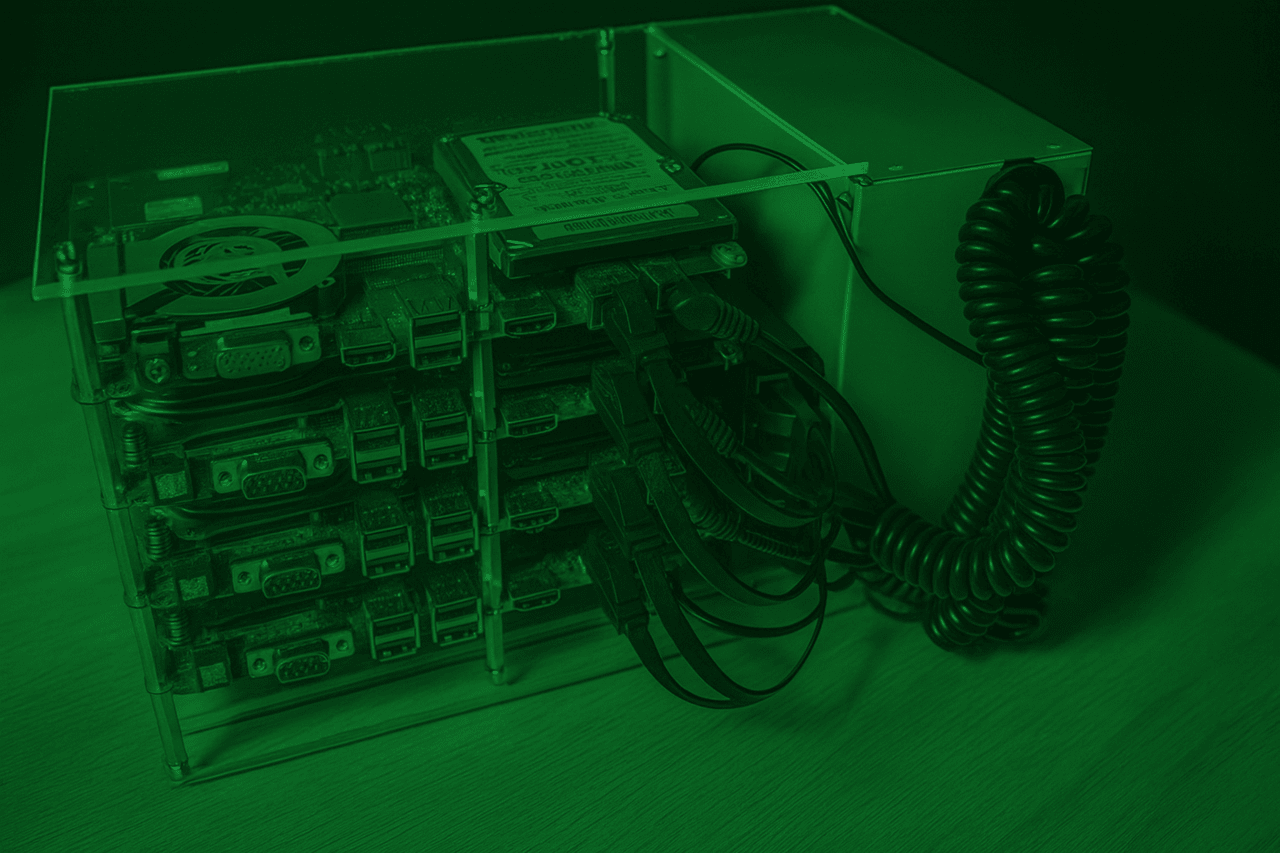
The boards are installed on racks, and the approximate layout of the future home cluster has been determined.
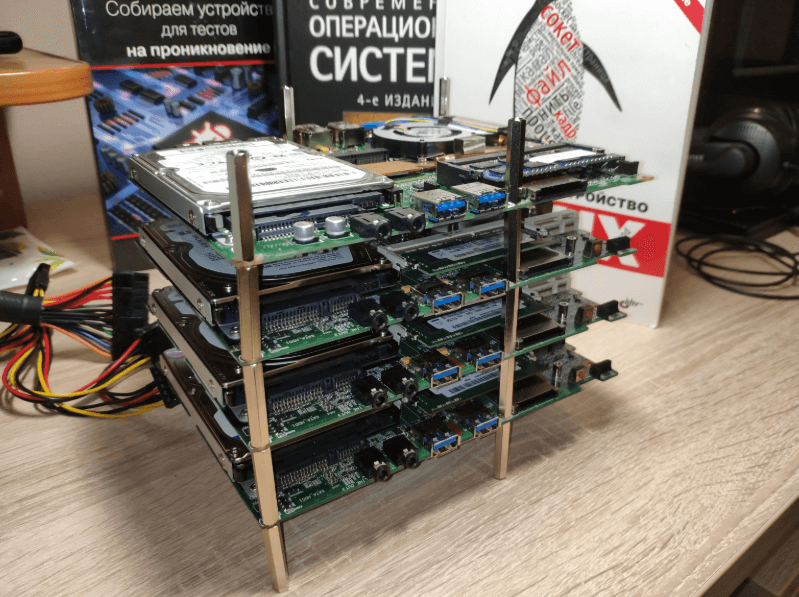
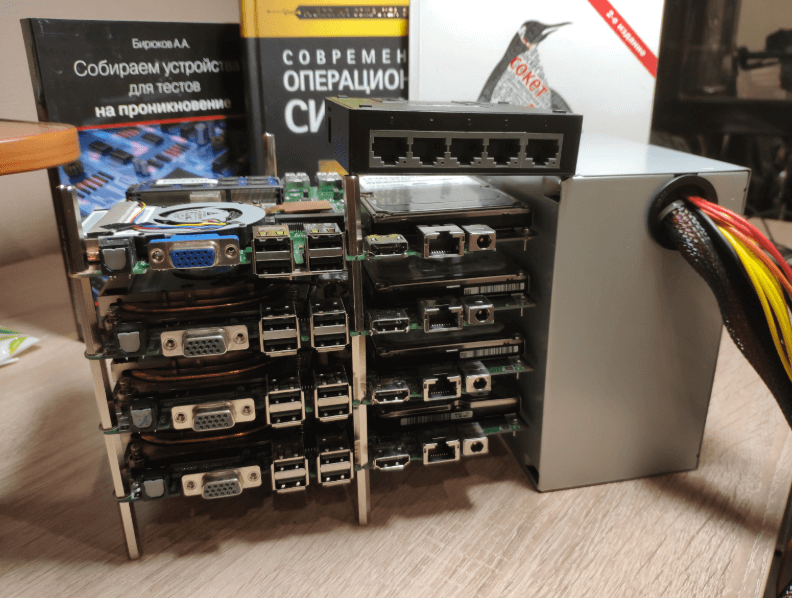
The power supply system was redesigned: 4 car charging cords with 2.5×5.5 mm connectors were purchased for 70 UAH each. This allowed us to organize a convenient and safe connection of all mini PCs to a common power supply, ensuring stable operation of the system without overloads.
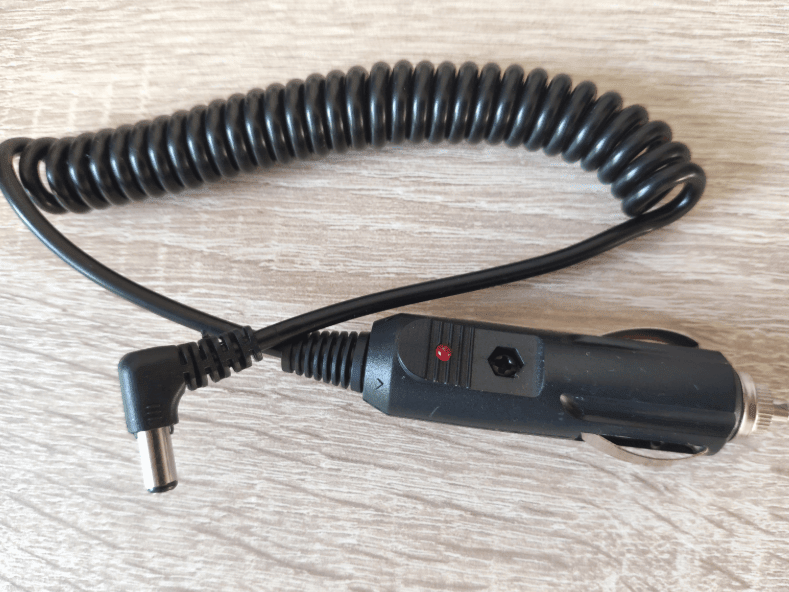
The cable for the switch was included.
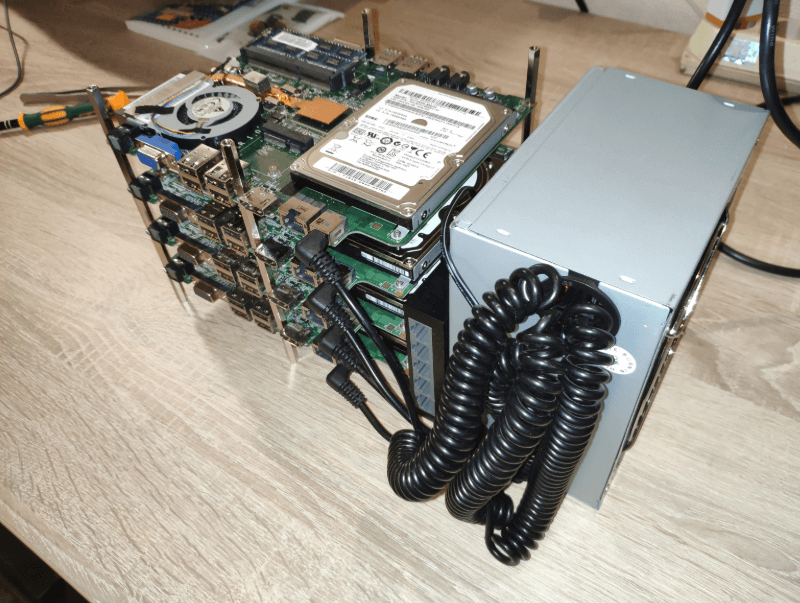
The lower platform of the body and supports were made of plexiglass. The initial attempt to weld the elements using a solvent was unsuccessful, so hot melt adhesive was used for fixation – it provided sufficient strength and stability of the structure with minimal time consumption.
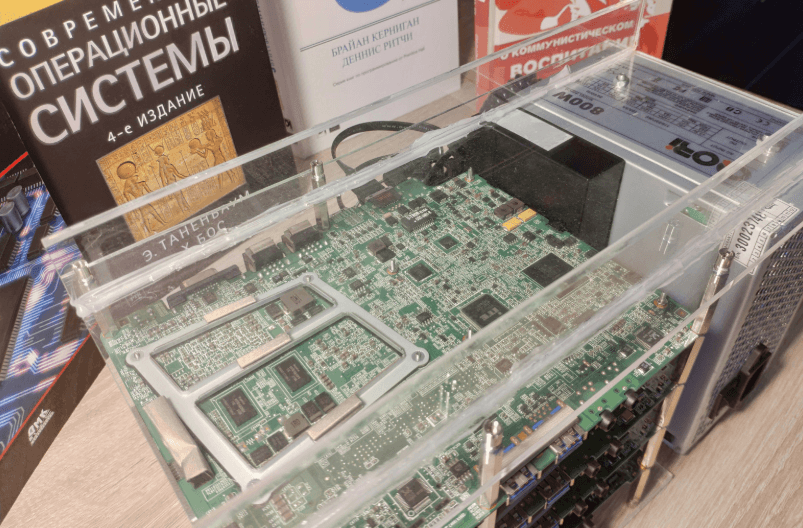
The top cover made of plexiglass was cut and fixed. The design took on a completed look – the case became more rigid, and the internal components are now reliably protected from dust and mechanical damage.
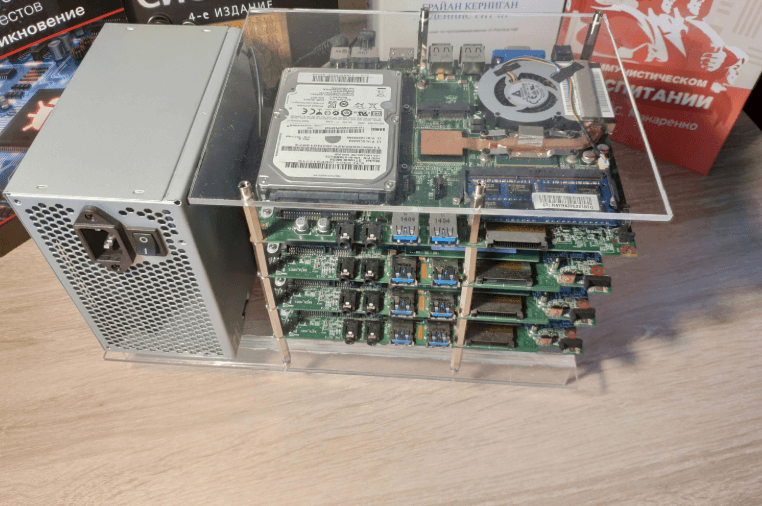
The cluster is fully assembled and running. All four mini PCs are running stably under Ubuntu Server 22.04, connected to a single network, and ready to experiment with distributed computing and cloud services.
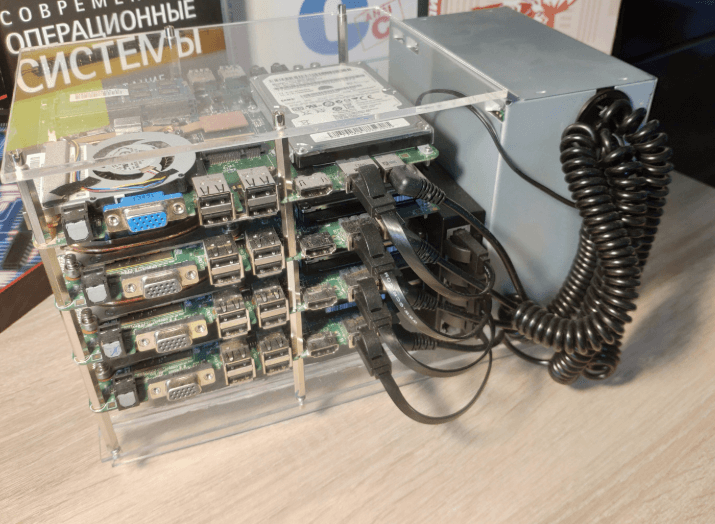
One Q180 machine had to be replaced with a Q190, since the previous instance had an outdated 2011 BIOS that did not support booting Ubuntu. Instead of solving the problem, another Q190 was purchased for 2,000 UAH (2,220 UAH with delivery).
After installing Kubernetes, the cluster worked stably, confirming the operability of all nodes and the network configuration.
The total cost of building the system was 9,670 UAH, excluding the cost of plexiglass and four RJ-45 cables, the amount for which was not preserved.
Mini PCs turned out to be quite suitable for creating home clusters. The optimal configuration depends on the budget and goals, but it is mini PCs that currently have significant advantages over Raspberry Pi and analogues – both in cost and technical characteristics.
A budget used power supply is enough to power four mini PCs and one switch, although this parameter is largely determined by the specific device model. The result is a quiet, economical and functional home cluster that is perfect for learning, experimenting and testing modern containerization technologies.