03.03.2026
11 min
668



In the last section of this article, we will examine the underlying components of the containers used in your environment. While securing the containerized cluster itself is important, it is equally as important to ensure that there are “no surprises” within your application images. We will discuss why shell removals of containers matter; how to enable automated policy enforcement using GateKeeper, and how your security context provides you the primary method of controlling your run time environment. This concludes our multi-part guide for HackYourMom, which demonstrates methods for creating layered defenses to protect against real world attacks from the image creation phase through the post-attack monitoring phase.
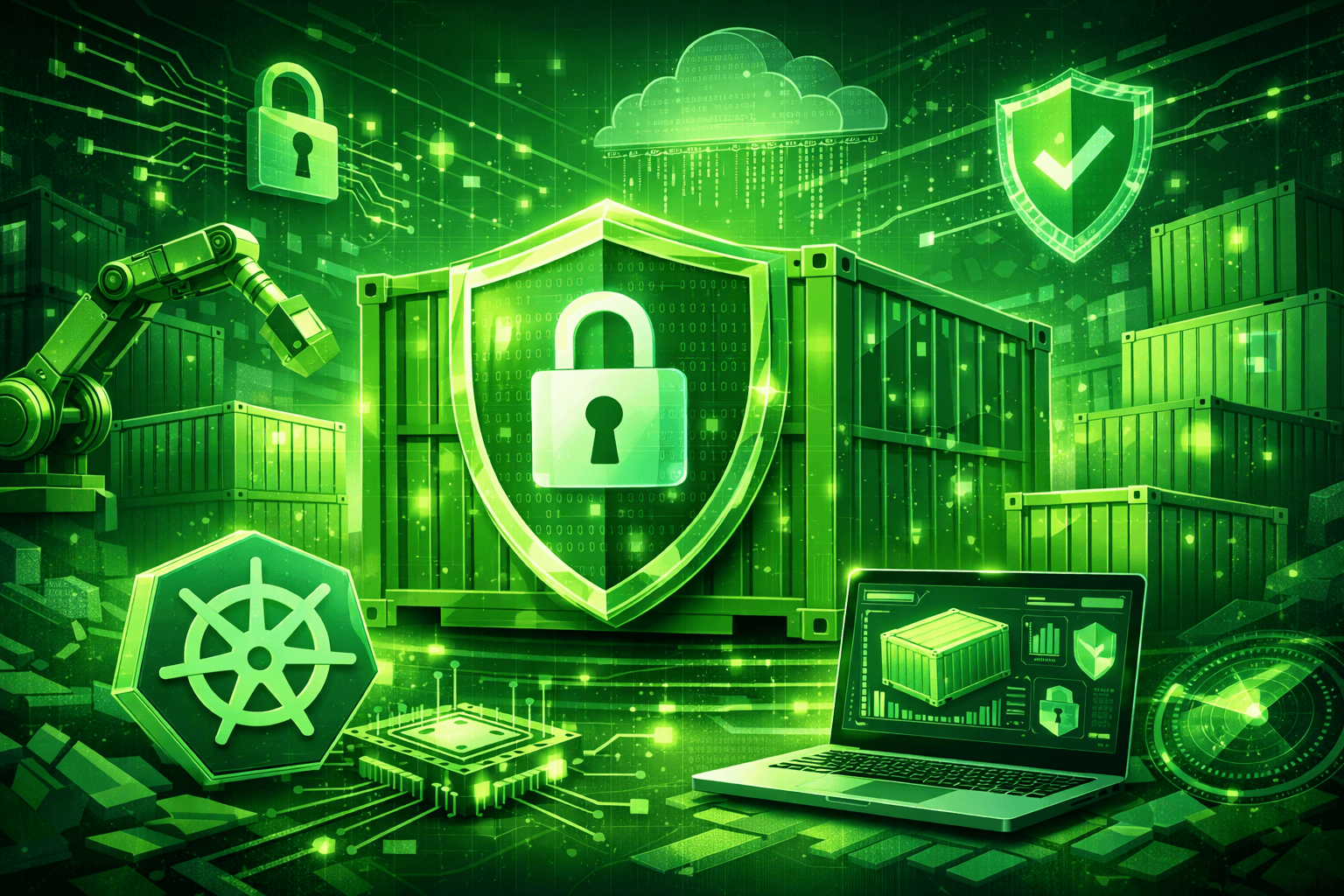
Application-level security begins with the image of the container. Even the most hardened cluster cannot stop an attacker who obtains control of a vulnerable container due to operating system or library level vulnerabilities in the image itself. A compromised container can then serve as a launch point for attackers to move laterally throughout a network.
Use of a minimal base image should be the first, and most important, step when developing secure applications. Don’t use full scale Ubuntu or Debian images for running simple micro-services. The best option would be distroless images which contain only your application, and the direct dependencies of the application, but do not have a shell or package manager installed. This greatly minimizes the attack surface; an attacker has no place to attach to, or from which to execute arbitrary commands. For additional information on the distroless philosophy please see their official GitHub repository.
Regular CVE scans are the next step after choosing a minimal base image. Luckily there are great tools in the Kubernetes ecosystem that help to automate the process. Tools like Trivy by Aqua Security, and Grype by Anchore, can be easily added to your CI/CD pipeline and scan images during the build process, look up the vulnerabilities of the images in a database, and refuse to deploy images that have significant vulnerabilities.
Immutable image references (image digests) are another critical component of creating secure environments. Instead of using a floating tag (like ‘latest’) to reference an image, you should use a specific digest (e.g., “my-image@sha256:abcd…”) to ensure that you’re always deploying the exact same version of the image that you tested and scanned for vulnerabilities. Additionally, immutable images make it impossible for an attacker to replace the image in the registry.
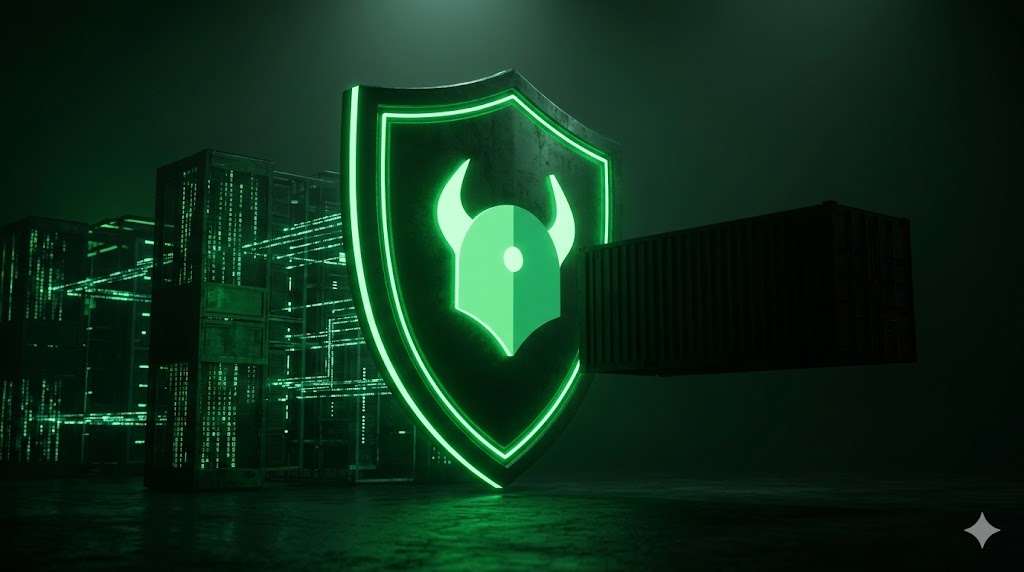
So how do you ensure that all of those security best practices are actually being applied within your cluster? Developer discipline alone is not enough. That is where Admission Controllers fit in. Admission Controllers are internal controllers that get in the middle of a request going to the API server and check if the request has violated any of the rules you have established via Admission Controller Policy. The two major categories of Admission Controllers are Validating and Mutating Admission Controllers. Validating Admission Controllers will either accept or deny a request based on the rules you have established. For example, you could establish a rule that requires all pods deployed in your cluster to have been scanned using Trivy prior to being allowed to deploy. Mutating Admission Controllers can not only deny a request but also make changes to the request. For example, you could use a mutating controller to automatically add a secret environment variable to your application whenever you want to deploy it.
In order to enforce policy, Admission Controllers will allow you to enforce your policy across your entire cluster. OPA Gatekeeper is the strongest implementation of the “Policy-as-Code” concept in Kubernetes and provides extremely fine-grained policy definition options through the declarative Rego policy language. For example, with OPA Gatekeeper, you can specify that you do not want to allow your developers to use “latest” tags when they deploy their pods. You can also specify that all pods need to have certain labels associated with them. You can also enforce access control over resources by specifying what actions different roles can perform on different resources. With OPA Gatekeeper, you can enforce all of this policy at admission time.
Using secure images is one part of ensuring your applications are running securely. The other part is controlling how your containers are running at runtime. As of today, containers in Kubernetes have the ability to run with a higher privilege level than needed, which creates a huge risk should your container ever become compromised. In order to restrict the privilege levels of your containers, you must create a Security Context in your pod’s manifest file.
One of the most important parameters in creating a Security Context is the readOnlyRootFilesystem parameter. When creating a container, you would mount the root filesystem of the container as read-only. This is a fundamental security practice because it ensures that no matter how a process compromises your container, it can not write anything to your container’s configuration files or install additional software.
If your application requires the ability to write temporary data to disk during execution, you can still accomplish this using a mounted volume like emptyDir. Using a mounted volume such as emptyDir will keep your writable data areas separate and controlled while maintaining the integrity of your container’s base image.
# Приклад маніфесту пода із Security Context
spec:
  containers:
  - name: my-secure-app
    image: my-secure-app:latest
    securityContext:
      readOnlyRootFilesystem: true  # Коренева файлова система лише для читання
      runAsUser: 1001                # Запуск від імені не-root користувача
      runAsGroup: 3000
To effectively reduce the attack surface and improve the overall security posture of your environment, it’s also important to set allowPrivilegeEscalation = false. The “allowPrivilegeEscalation” setting prevents an application running within a container from being able to gain escalated privileges via means such as SUID binary files.
Containers should always be configured to run as a non-root user by defining the runAsUser and runAsGroup parameters. Distroless Images (e.g., alpine) will often run as a non-root user by default, which would satisfy the requirement of running as a non-root user.
The handling of Linux capabilities is equally important. Instead of allowing a process running in a container full root privileges, you can instead select which of the capabilities required by the application that need to be allowed — for example, NET_BIND_SERVICE if the container requires binding to a low numbered port. All other capabilities should be explicitly denied.
Finally, utilize kernel level security features, such as AppArmor or SELinux Profiles, along with Pod Security Standards. Kubernetes has implemented three Pod Security Levels — Privileged, Baseline, and Restricted — that provide automated verification of pod manifests against established best practices. For further information on Pod Security Standards please refer to the official Kubernetes Documentation.
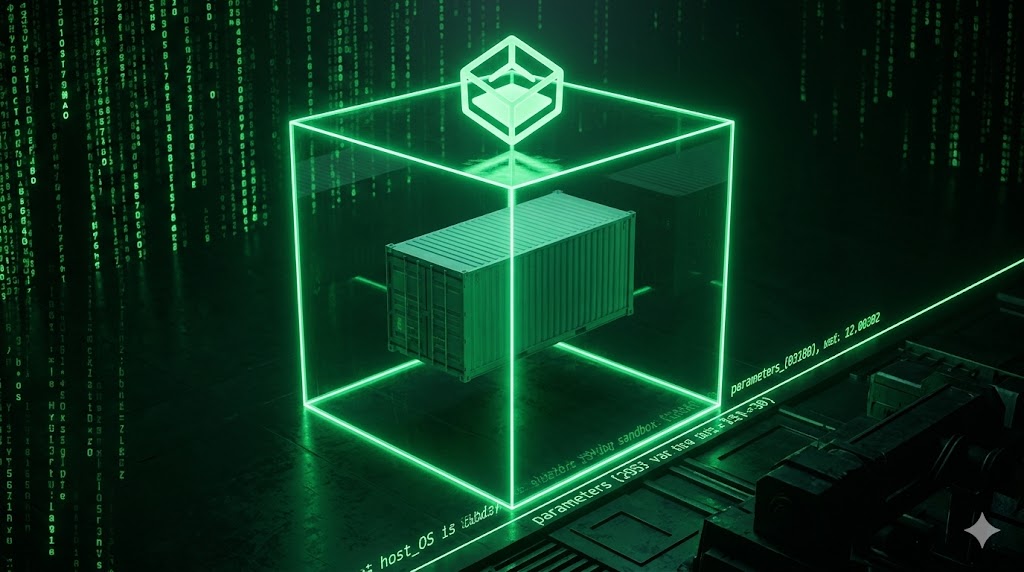
Once your container is active, then you need to think about runtime security. Containers aren’t virtual machine; containers share their host’s operating system. The fact that containers share the host OS introduces risks for a “container breakout” because if a kernel vulnerability is found in a shared OS, it could allow a hacker to break out of the container and have direct access to the host and the rest of the cluster.
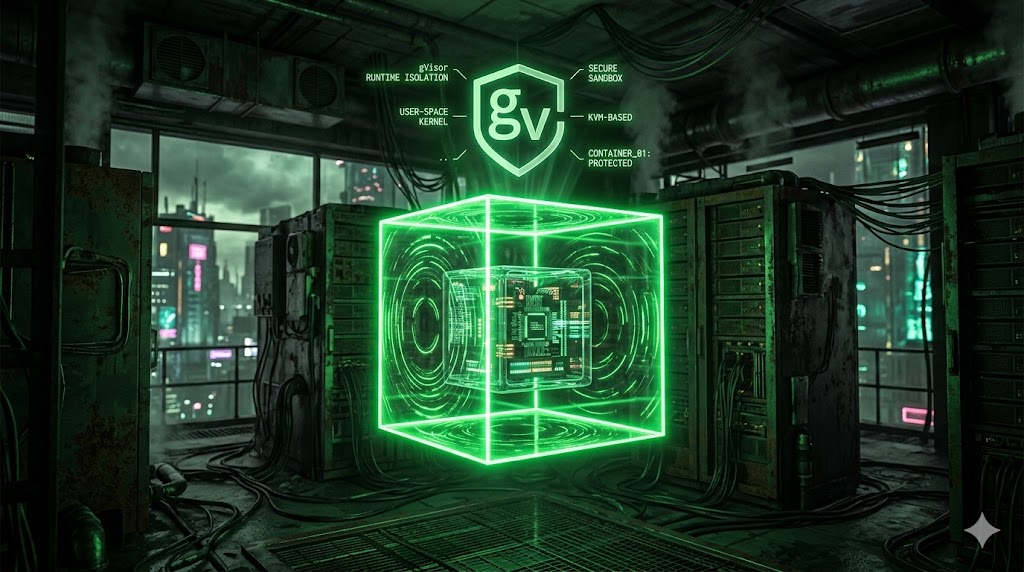
To minimize these risks, select a container runtime with better isolation than others. For instance, Google has created a product called gVisor that creates a “sandbox” around each container. gVisor includes a user space kernel that catches and filters all of the system calls made by the container.
Therefore, even if a hacker breaks into a container running under gVisor, he would be limited to the new barrier that was just introduced. He would never get to the host’s kernel. gVisor can be installed as a RuntimeClass in Kubernetes so you can make choices as to which pods you want to run in the gVisor sandbox.
Auditing and real-time threat detection are the last lines of defense. Without proper audit logging, incident response is almost impossible; the system will leave no trail at all. Kubernetes Auditing provides you the ability to create an audit log of every single request made to the API Server, including the user who requested it, what actions were taken against the cluster, and what the outcome was.
In addition to enabling auditing in your cluster, and defining a focused audit policy which captures only the most relevant security related events, this will help prevent log bloat while maintaining the required level of detail to enable forensic investigations.
Additional information on Kubernetes Auditing can be found within the official Kubernetes documentation.
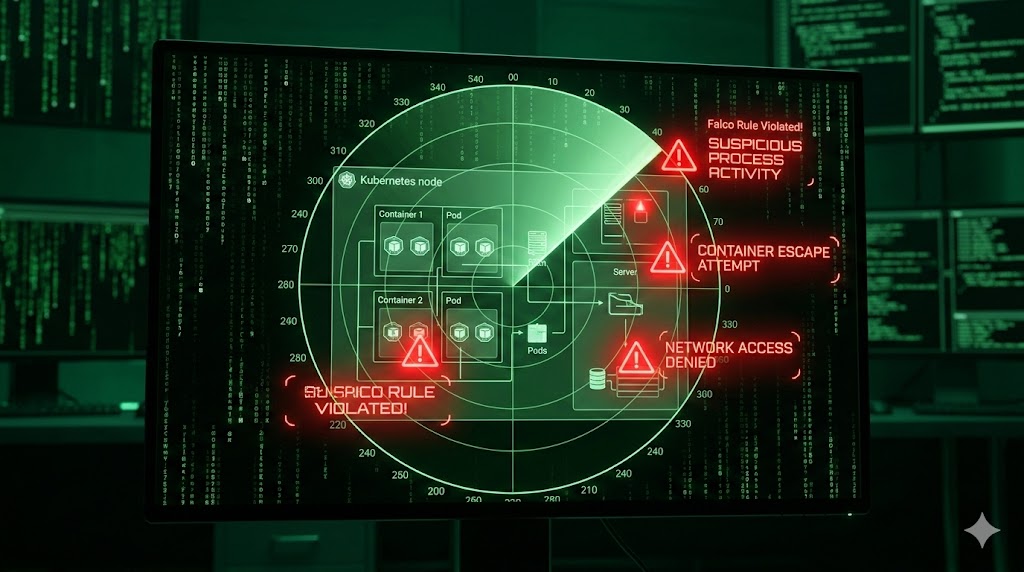
To provide additional insight into your cluster’s internal workings, you must also have a means to view the activities of the processes running inside running containers in real time. To accomplish this, utilize a security tool such as Falco from Sysdig that utilizes eBPF (Extended Berkeley Packet Filter) provided by Linux to evaluate system call events and to discover when the cluster is under attack.
Falco includes a robust set of pre-defined rules which include identifying malicious patterns such as unexpected processes being executed, files being modified without authorization, attempting to perform a network scan, etc. This will allow for an immediate reaction to threats, rather than waiting days or even weeks before realizing a breach has already occurred.
Falco also provides integration with alerting services such as Slack or PagerDuty which allows for rapid notification of breaches and facilitates collaborative incident management efforts.
So now we have completed our overall journey through Kubernetes Cluster Security. We went from learning about the architecture and modeling threats using STRIDE to actually hardening the Control Plane, creating a Zero Trust Network Isolation (for the network), and finally securing the actual container itself.
As we have learned, there is no single “silver bullet” or single configuration flag that will make Kubernetes secure. Securing Kubernetes requires a multi-layered, and therefore multi-faceted, defense strategy. We secured the API Server’s primary doors, implemented very restrictive, least-privileged access controls, implemented very real encryption and isolation for all sensitive data stored in etcd, and segmented the cluster’s internal network using very uncompromising Zero Trust policies.
Securing the control plane is just half the story though; a cluster is created to run applications, and many times those applications are the initial entry points for attackers. We explored how to use the workload as a hardened layer of defense: from using only the most minimal distroless images available (images that do not contain a shell) to strictly limiting the system calls made by the application via Security Contexts, and using advanced sandboxing technologies such as gVisor. We also used automated policy enforcement with OPA Gatekeeper and provided continuous auditing and real-time threat detection capabilities with Falco.
It is critical to recognize that security hardening is not a destination — it is a journey. As new versions of components are released in the Kubernetes ecosystem, so too are new attack techniques. Therefore, regular component releases, configuration audits, and continuous monitoring are necessary to maintain a strong security posture.
By being aware of the evolving nature of the Kubernetes ecosystem and taking a proactive stance, you can provide reliable protection to your applications and data.