Bitrix remains a widely used system for managing websites and corporate processes. However, its Russian origins, potential vulnerabilities, and risks of unauthorized access raise serious security concerns. We examine the risks associated with using Bitrix and explain how to install CREEPYTRIX on Kali Linux for authorized vulnerability testing.

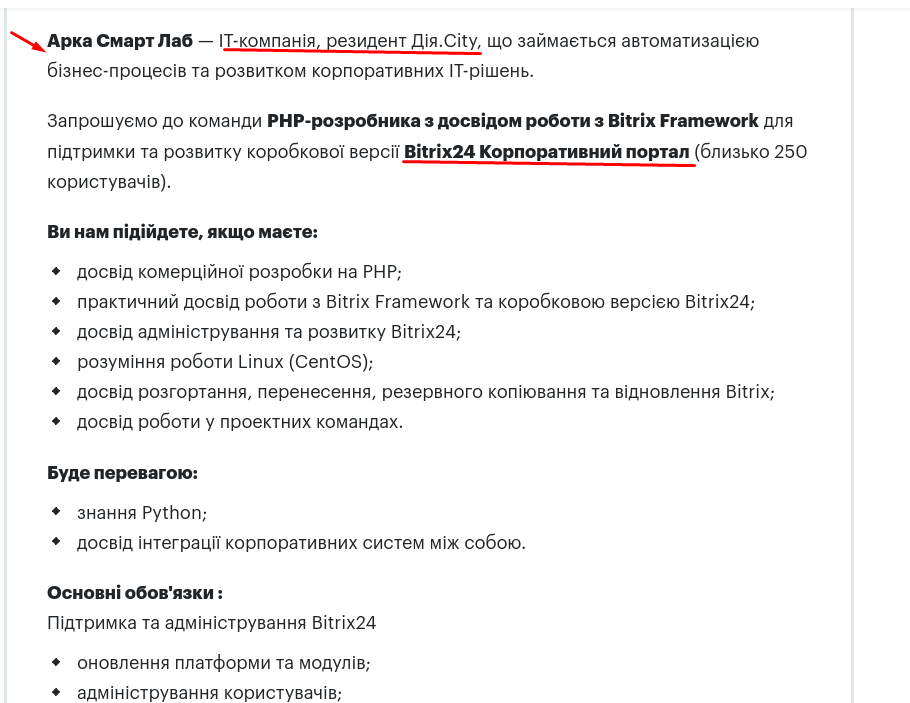
Recently, I became interested in the current job market, particularly employer offers and job postings. While searching for “Bitrix,” I came across the following job listing.

It is quite interesting to see exactly what the employer expected from the developer.
Next, it is worth explaining what Bitrix actually is and who its founders are. Google’s AI provided the following answer.

I became curious about its status in Ukraine, so I once again turned to Google’s AI for an answer.
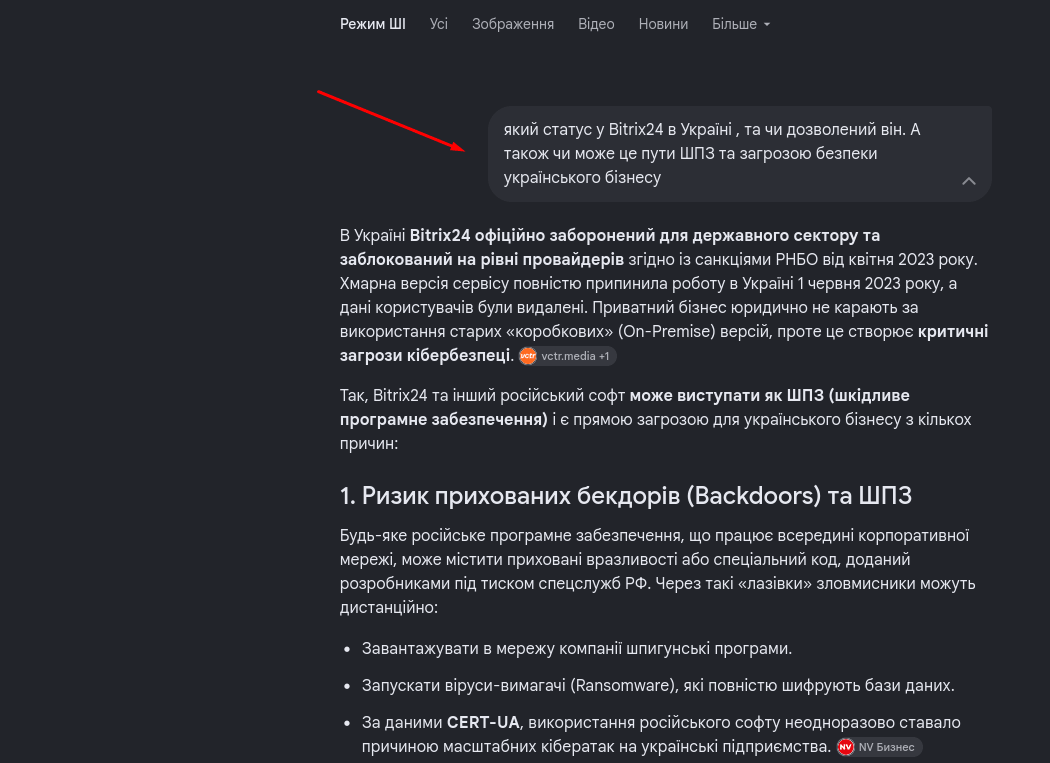
In other words, even AI indicates that it could be malicious software. Therefore, to understand the problem, it is necessary to have a tool for vulnerability testing. One such tool is CREEPYTRIX.
Disclaimer: The author is not responsible for the user’s actions and warns that the demonstrated tool is questionable. Each user must decide at their own discretion whether to use it. This tool was used exclusively for research and educational purposes. When using this tool, use a virtual machine and a VPN to ensure your online safety. Use this tool exclusively for testing systems for which you have explicit authorization.
To use the tool, you must have a Linux distribution installed. Detailed installation instructions are available on the portal. In my case, I am using Kali Linux.

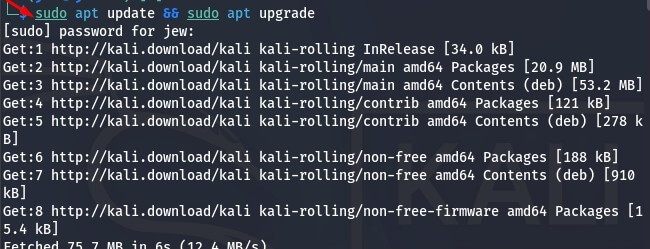
Open the terminal and proceed with installing CREEPYTRIX. However, you must first update and upgrade the packages using the following command:
sudo apt update && sudo apt upgrade
This process may take some time, depending on your network speed and hardware. Simply wait for it to finish.
Now we need to install CREEPYTRIX. Open a search engine, enter “CREEPYTRIX GitHub,” and follow the first link.

Next, copy the link and install the tool.
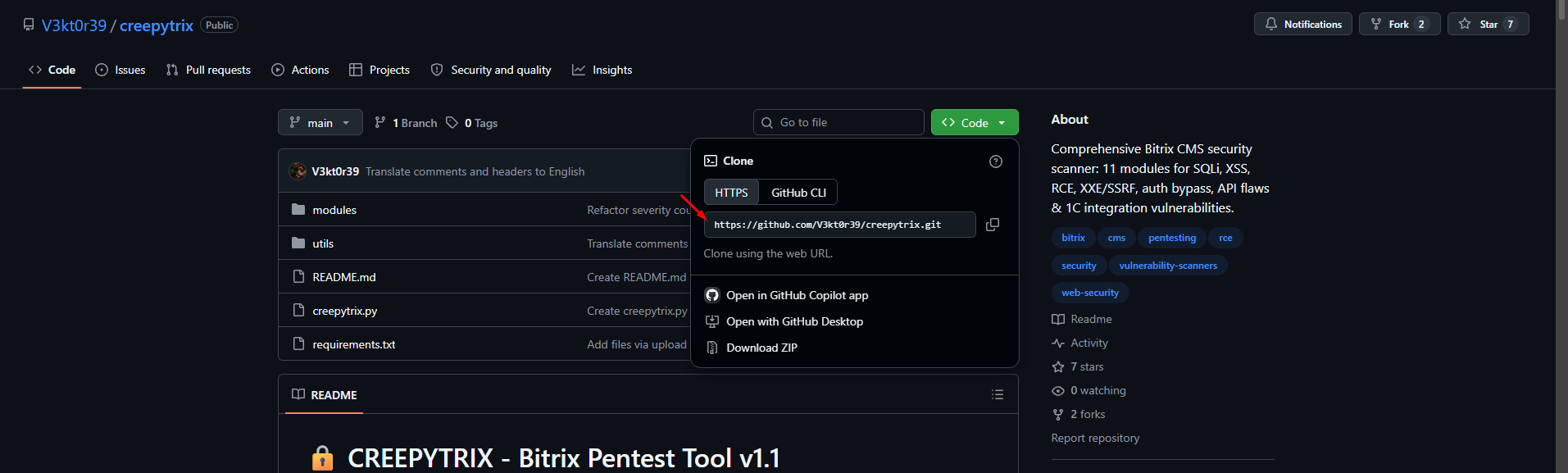
The installation is as follows.
Open a terminal and enter the following commands one by one:
git clone https://github.com/V3kt0r39/creepytrix.git
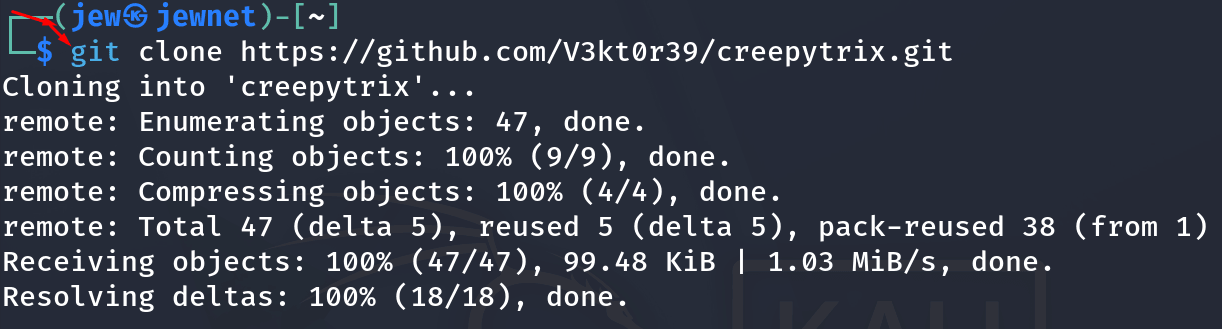
Now go to the folder with CREEPYTRIX and install the necessary components with the commands:
cd creepytrix
pip install -r requirements.txt
Sometimes there may be an error like this.
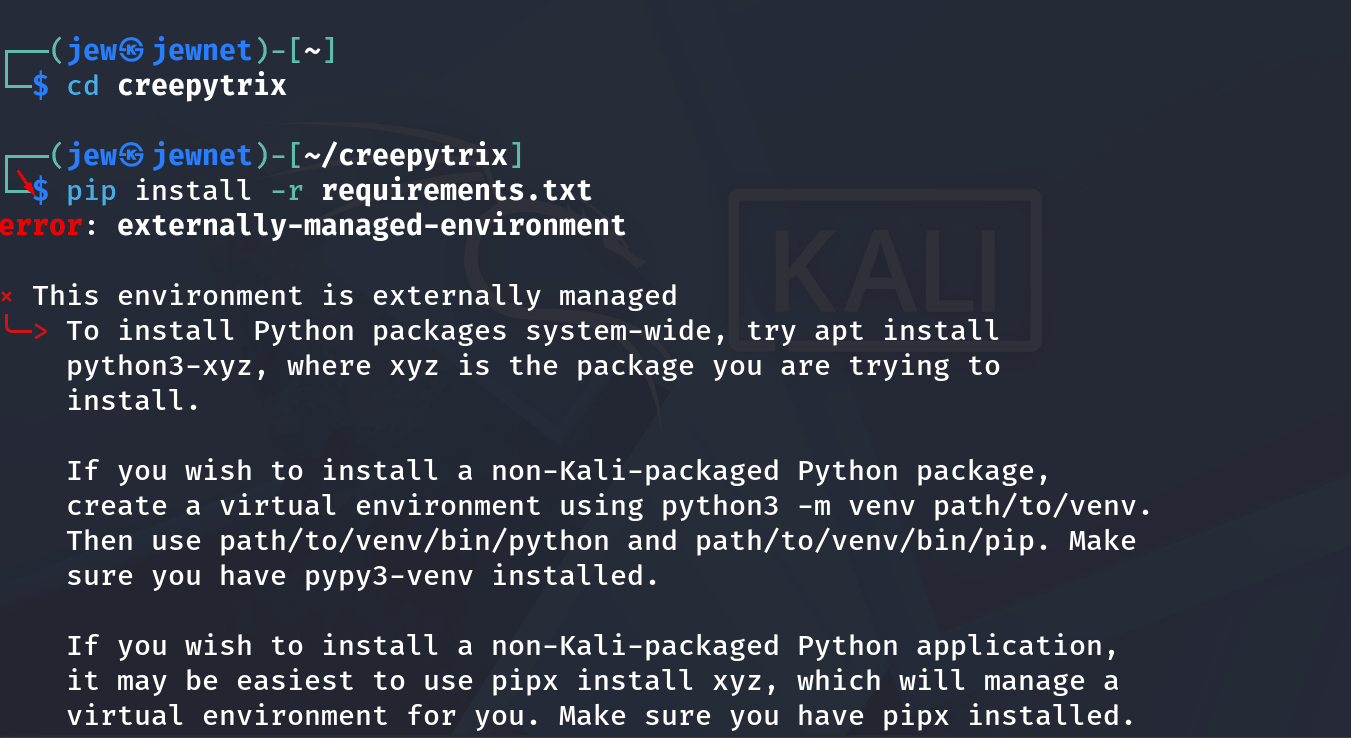
The solution for it is the following commands in the terminal:
sudo apt install python3-venv -y

And then we insert the command:
python3 -m venv venv

We check whether the program is installed with the command:
python creepytrix.py --help
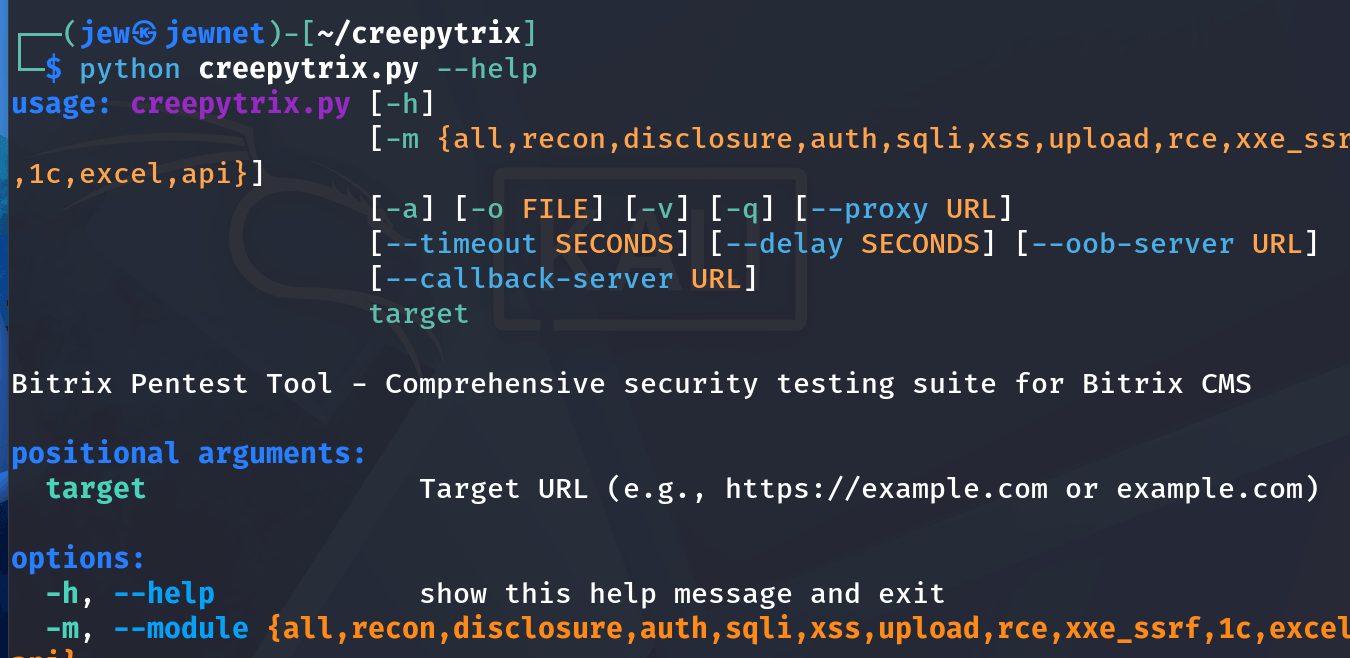
As you can see, everything is set up. Now you can try to explore something.
Examples of commands for working with the program.
Basic:
python creepytrix.py https://вашприклад.com
To work with the API:
python creepytrix.py https://вашприклад.com -m api
The rest of the commands for work can be found using the command:
python creepytrix.py --help
To sum up, it is worth noting that, according to AI, Bitrix itself may be considered malware or software that could pose a threat to an organization’s cybersecurity. This tool can therefore be used for authorized penetration testing of Bitrix systems.