02.06.2025
2 min
837



Samsung smartphone owners have begun reporting serious problems after installing One UI 9. Some new Galaxy S26 Ultra devices are unable to complete the initial setup process, while users of older models are reporting a sharp decline in battery life.
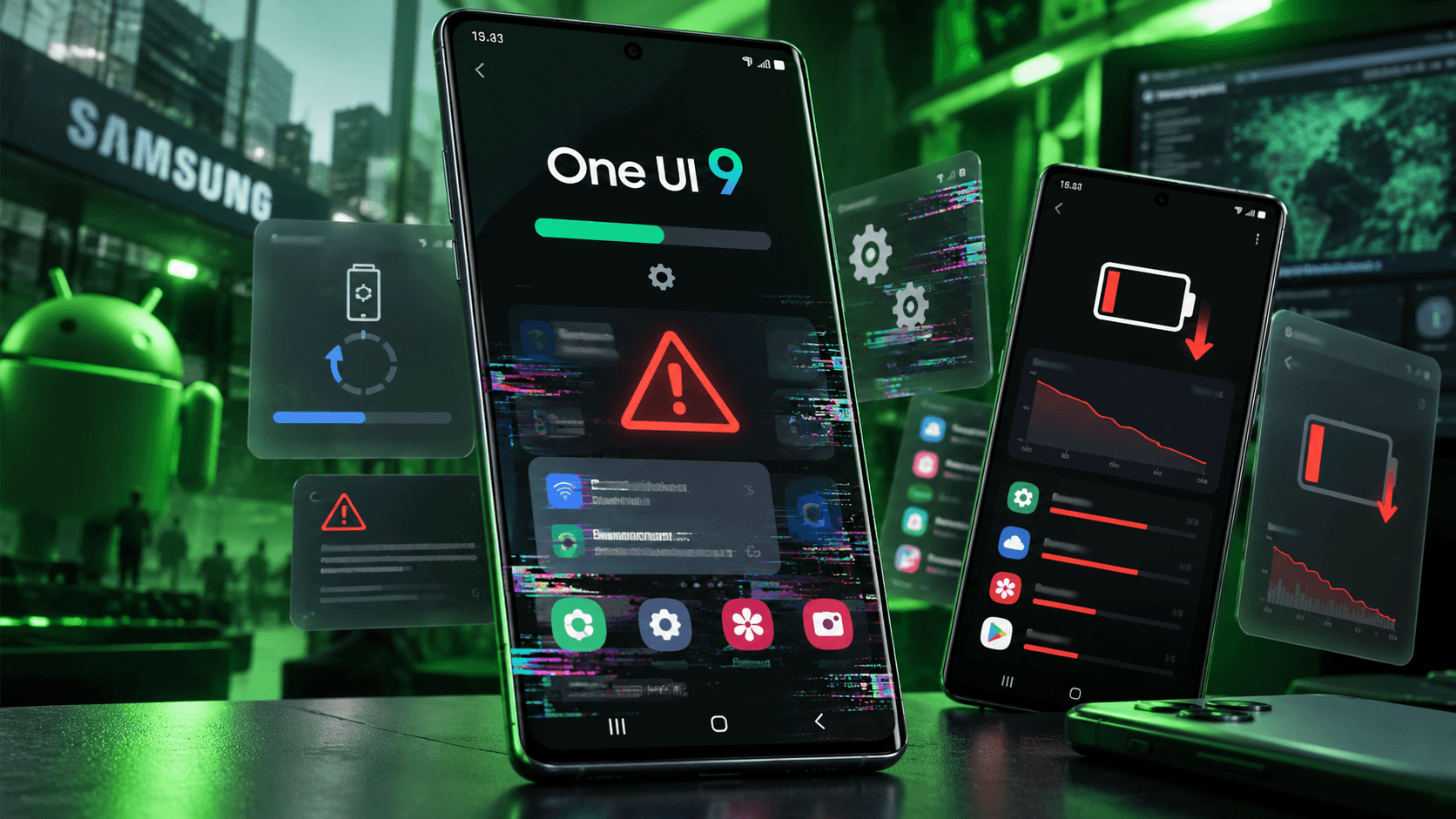
Samsung began gradually rolling out One UI 9, based on Android 17, in September 2026. The Galaxy S26 series was the first to receive the update, followed by the Galaxy S25, Galaxy Z Fold 7, and Galaxy Z Flip 7.
In October, the new software version began reaching older devices, including the Galaxy S24, Galaxy S23, Galaxy Z Fold 6, and Galaxy Z Flip 6. However, some users encountered bugs after installing the update, affecting the normal operation of their smartphones.
The most serious issue has been reported on the Galaxy S26 Ultra. Some buyers say they are unable to complete the initial setup of their new devices after updating. Their smartphones become stuck at one of the setup stages, effectively preventing them from using the devices.
Samsung confirmed the issue on its South Korean community forum, explaining that the problem is caused by unstable behavior of the Android System WebView component on certain networks.
“The development team has confirmed that this issue occurs when an unstable system WebView is used on certain networks,” Samsung representatives said.
To resolve the issue, Samsung recommends updating Android System WebView or installing the latest version of Google Chrome if WebView is not available as a separate app. Users are also advised to switch from mobile data to Wi-Fi or sign back into their Samsung account.
If signing in on the smartphone is impossible, Samsung suggests accessing the account through its website and accepting the latest terms of service. If the problem persists, users are encouraged to contact customer support. The exact number of Galaxy S26 Ultra owners affected by this issue remains unknown.
Another issue involves reduced battery life after installing One UI 9. Reports have been particularly common among Galaxy S24 and Galaxy S25 owners, who say their batteries are draining significantly faster, even when their devices are not in use.
One Reddit user reported that their Galaxy S25 previously delivered approximately 6–7 hours of screen-on time. After the update, that figure dropped by nearly half.
“Previously, with my usage pattern, I was getting 6–7 hours of screen-on time. […] Now that time has been cut in half. The main issue I’ve noticed is that the battery drains faster even when the phone is on standby or not being used at all,” the user wrote.
In the comments, other Galaxy S25 owners confirmed experiencing similar problems. One of them noted:
“The exact same thing happened to my S25. You’re not alone.”
Complaints have also emerged from Galaxy S24 Ultra owners. One user reported on X that their smartphone’s battery began draining faster after installing One UI 9.
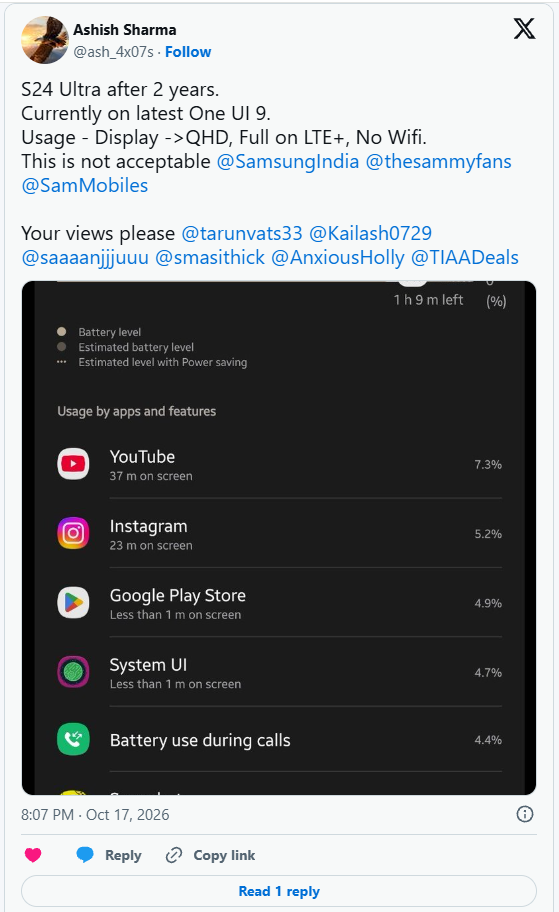
In response, Samsung advised the user to schedule a diagnostic appointment at a service center.
Reduced battery life immediately after a major software update does not always indicate a malfunction. After installing a new version of Android, the system may spend some time optimizing apps and background processes, temporarily increasing power consumption.
As Sammy Fans reports, the post-update optimization process can take approximately two weeks. Users are therefore advised to give their smartphones a few days to adjust to the new software version.
However, if the battery continues to drain rapidly and the charge level drops significantly for no apparent reason, Samsung recommends contacting customer support for further device diagnostics.
Samsung has already suggested ways to resolve the initial setup issues affecting some smartphones, but there is currently no universal fix for the increased battery consumption reported after installing One UI 9. For now, users are left to monitor their battery performance and wait for further fixes if the problem persists after the optimization process is complete.