
08.10.2025
3 min
1460



Robin AI is an extremely valuable resource to help make using Tor and .onion sites much simpler than it was previously. In addition to reducing the time and effort spent manually searching through websites and looking for relevant data, you will be able to use AI as a means to greatly accelerate your search efforts.
The post takes you through every step of setting up everything including installation, Docker configuration, OpenAI or Ollama model connection and organizing your workflow in order to minimize risk by utilizing a virtual machine and a VPN.
For those who are involved in OSINT, Cybersecurity, or Dark Web Research this tutorial should be very helpful. As well as automating your searches within Tor you will learn how to more efficiently analyze onion resources and save the time that would normally be wasted doing tedious manual work.

The AI revolution has started, and now more and more people are using AI in their personal and professional lives. The .onion domain has been one of those places. While trying to find information and links via .onion, most know that finding the right site is almost impossible when using standard search queries. Even if you’re using specialized search engines such as Ahmia or Onion-Search, it’s common to spend an hour or more (and sometimes days) trying to locate the information you need, especially if you don’t already have significant knowledge of the Tor network.
Enter the latest generation of AI powered tools, which can greatly reduce the time it takes to navigate the Tor Network. This post will look at one of these tools: Robin AI. This tool is developed to improve your ability to search for information, and organize your workflow within the Tor Network, thereby improving efficiency.
Disclaimer: The Author is not accountable for user behavior on the Tor Network. Many Websites and Forums within the Tor Network are run by malicious actors or affiliated individuals. I did use this tool for Research and Educational Purposes. Therefore, please do ensure that you work from a Virtual Machine and utilize a VPN to keep yourself safe while browsing.
First you need to have a Linux distribution installed. There is a complete installation guide for this here at the portal, I am using Kali Linux as my distribution.
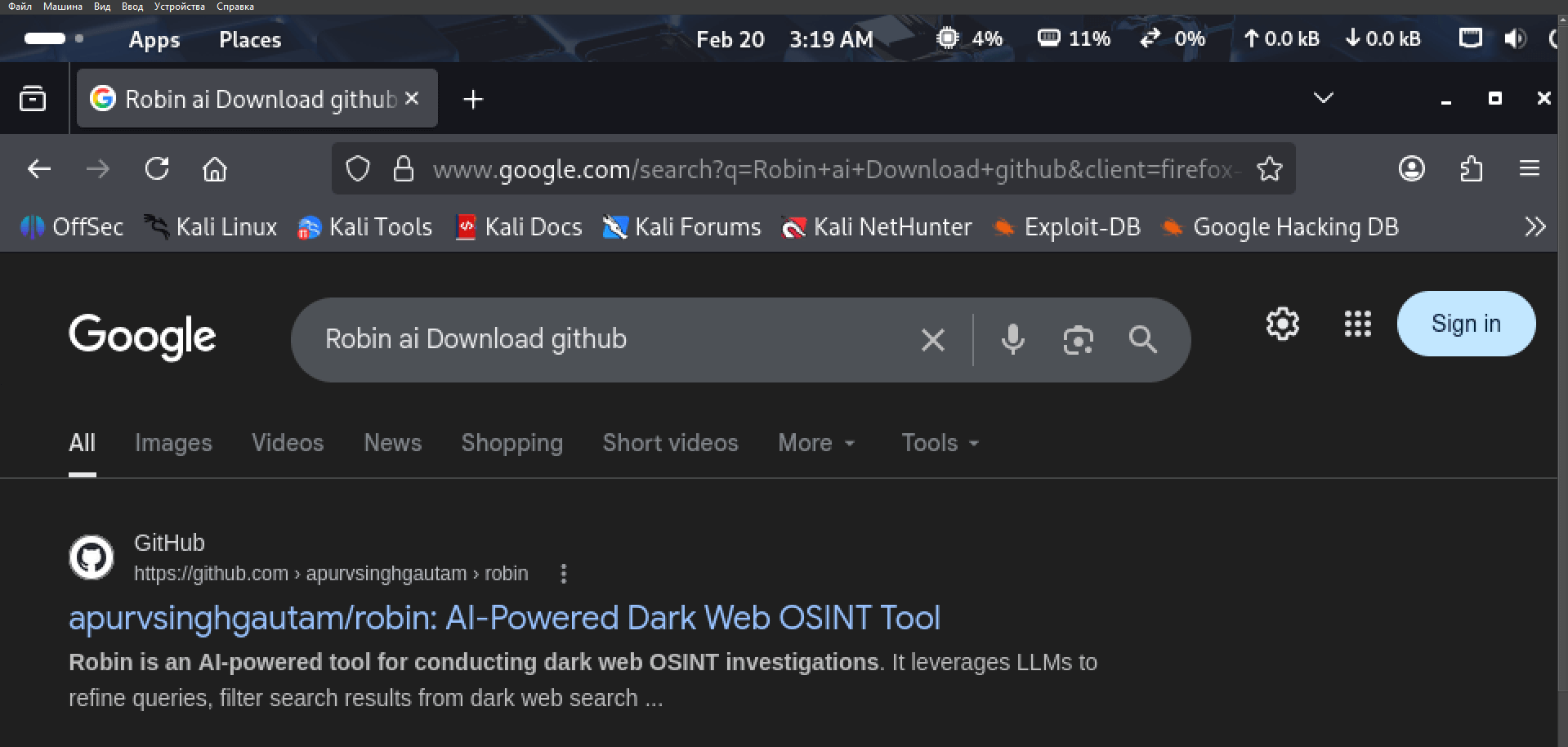
Search “Robin AI GitHub” in your favorite web-browser to find the first link in the search-results (which should be the link of the Robin AI-Project)
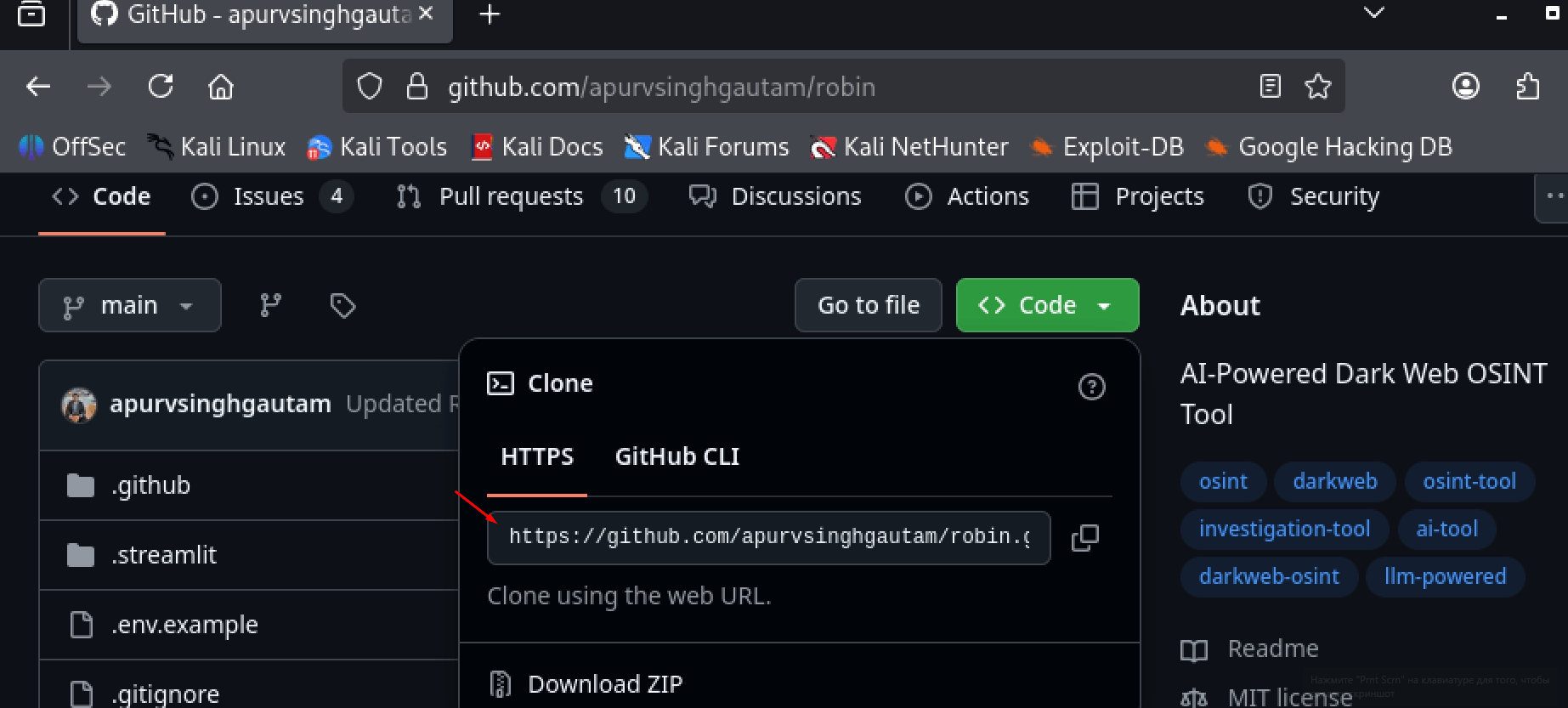
Copy the Repository Link and use the git clone command in your Terminal to download the project.
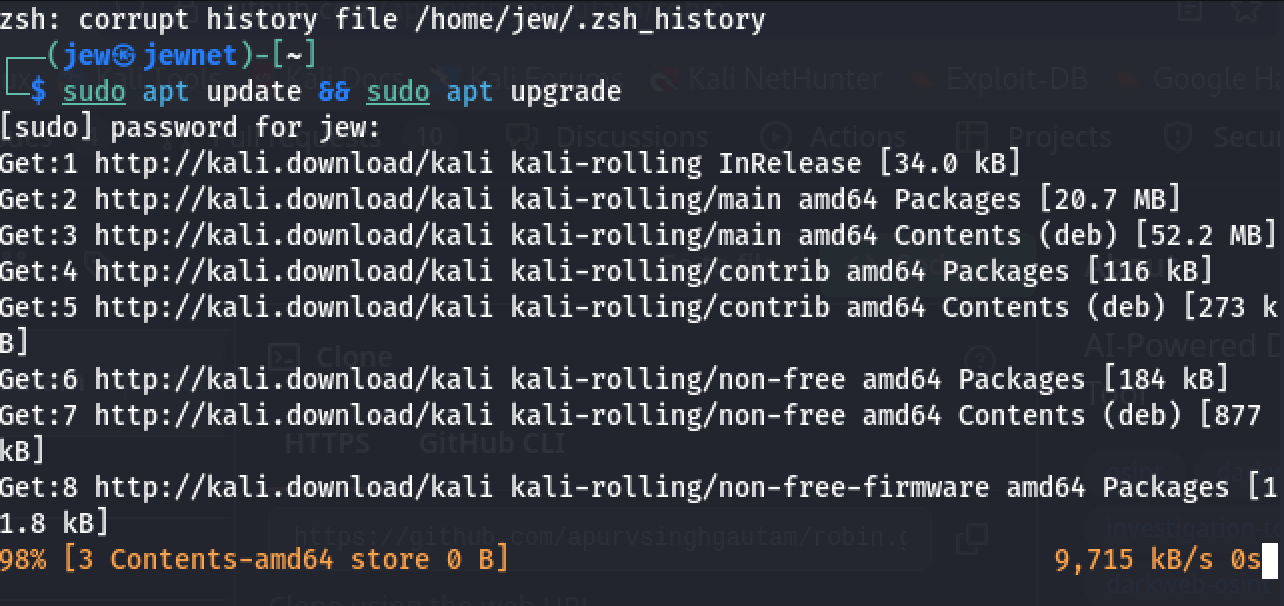
Open your Terminal, Update Your System, and Install all Packages which are necessary to run Docker with the following command:
sudo apt update && sudo apt upgrade
This process may take some time, depending on your internet speed and hardware performance. Just let it run and wait until it finishes.
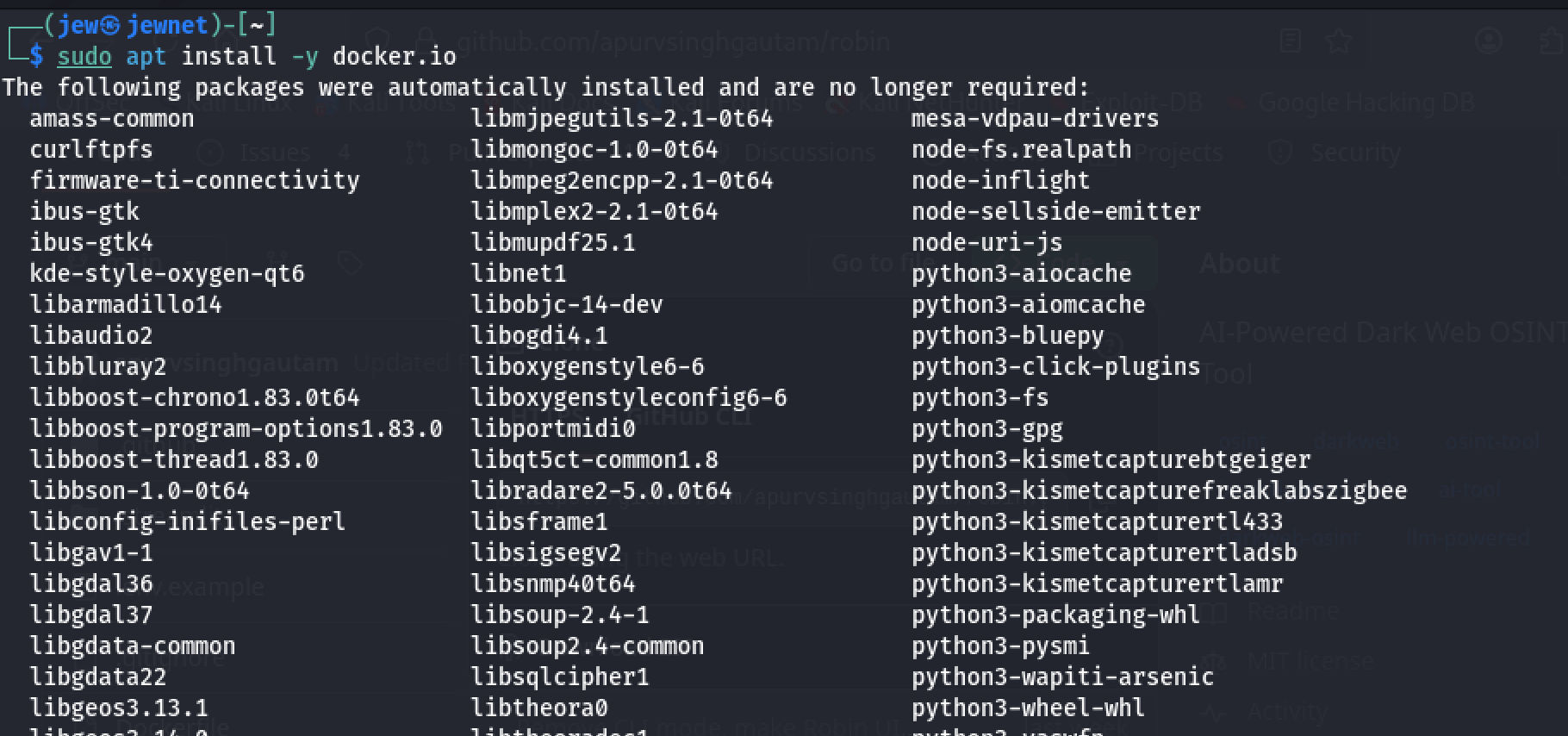
Once that’s done, install Docker by running the following command:
sudo apt install -y docker.io
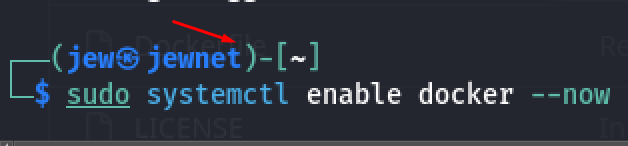
Now start the Docker service by running the following command:
sudo systemctl enable docker -- now
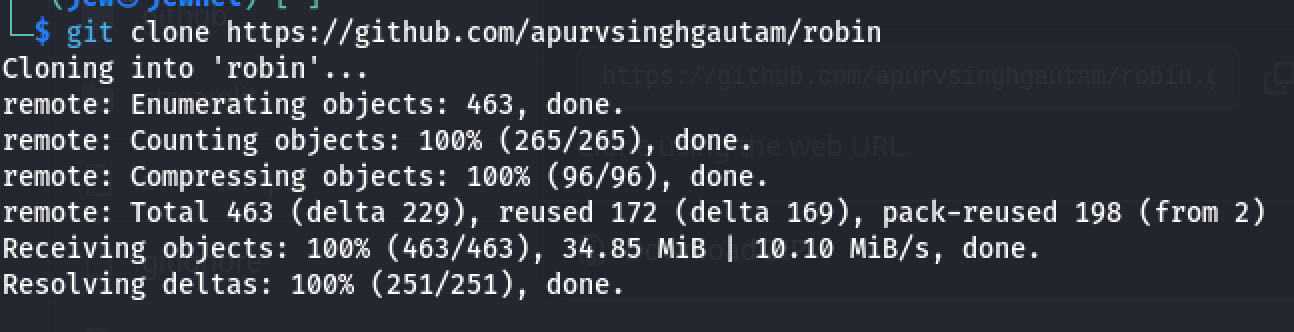
Clone the repository from GitHub:
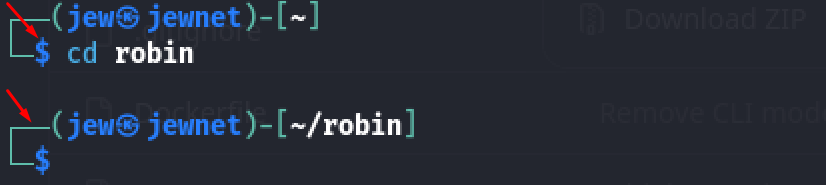
Now move into the tool’s directory. By default, that would be:cd robin
Now check which AI models are available for use by running the following command:
cat .env.example
As you can see, there are quite a few options to choose from here.
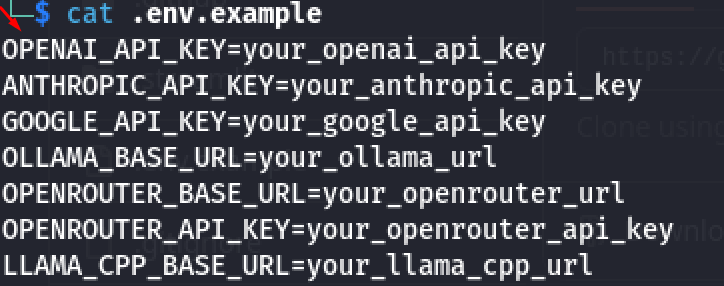
For a more convenient setup, copy the existing env.example file into a new file named env by running the following command:
cp .env.example .env

Now it’s just a regular file that you can open with nano, edit, and paste in your own API keys.

I’ll be using OpenAI and Ollama.
Create a Docker file with our settings by running this command:
sudo docker buildx build -t robin .
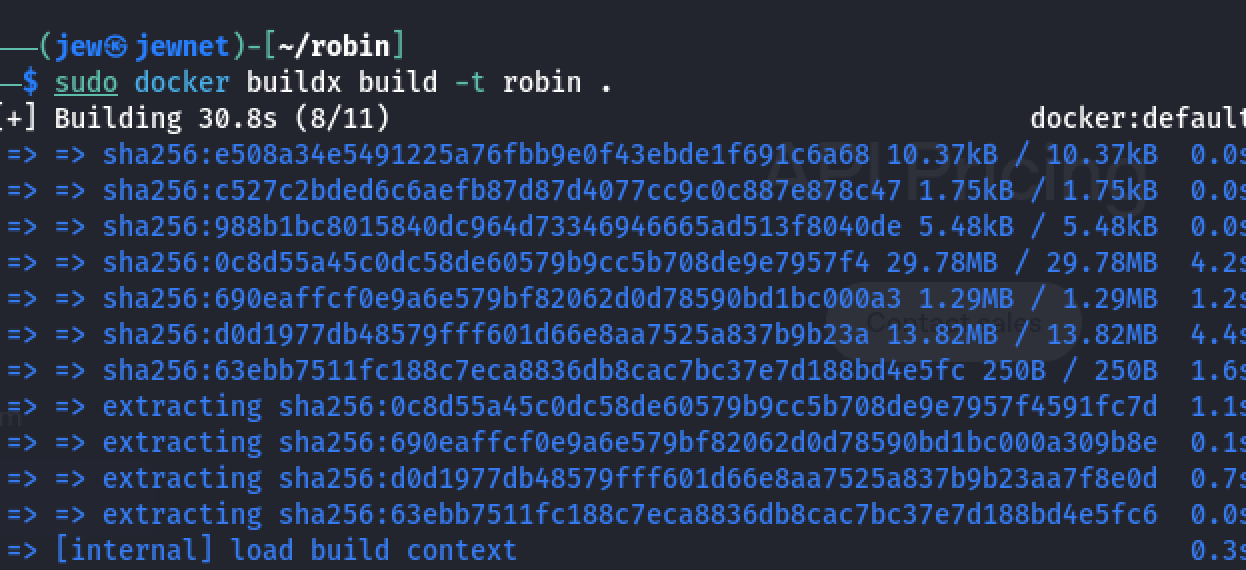
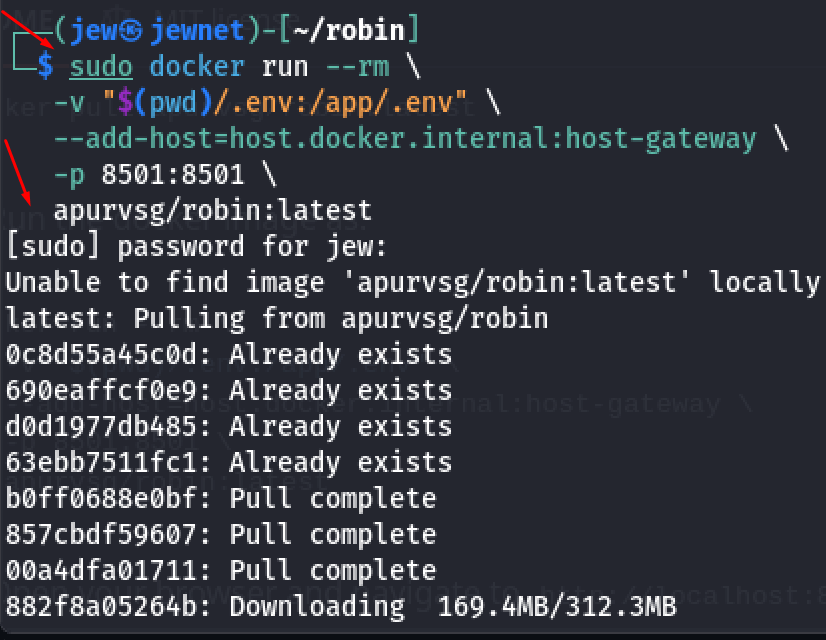
Once the file is created, go back to GitHub and copy the run command provided there.
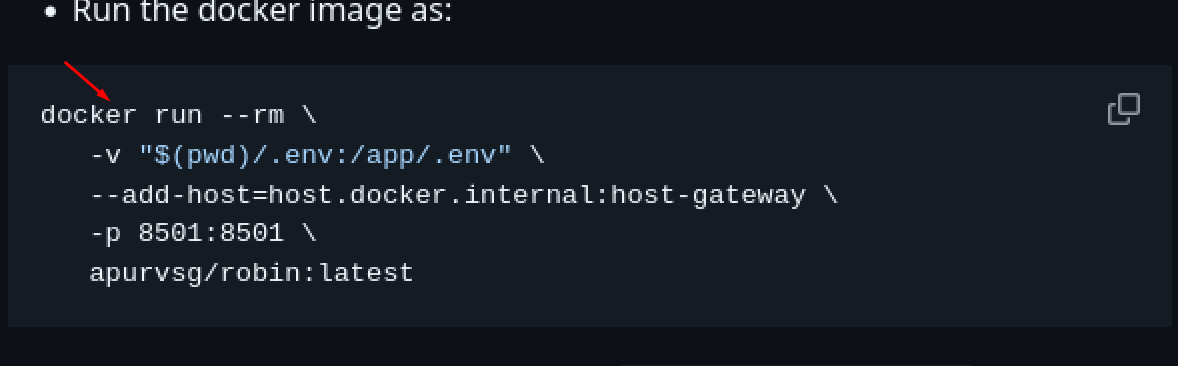
Now just wait for everything to download and finish setting up. Once it’s done, the tool will be ready to use.
Open your browser and go to http://localhost:8501 to access the interface.
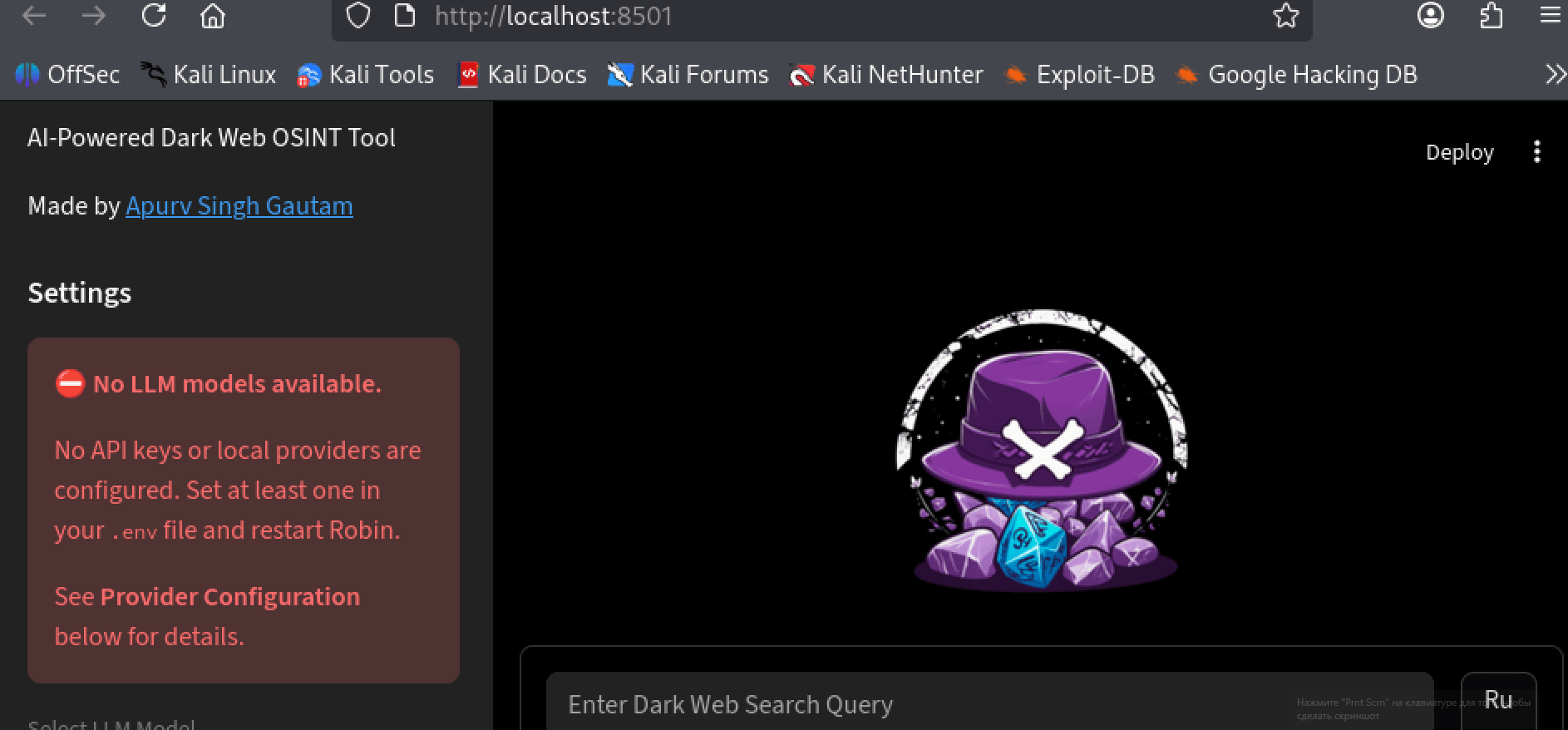
It was clear from the start that the initial API key I had failed to function as expected. When checking through the file and making the appropriate corrections, all worked out well in the end. We now have a working OSINT tool that is ready to use for research purposes.
There are many other OSINT tools for researching the Tor Network, and the tool that works the best will depend upon what you are looking to find. While the .onion network provides numerous opportunities, there are also inherent risks. Be sure to always maintain caution when conducting online research and ensure that you take the necessary steps to protect your privacy and security.