20.09.2025
16 min
2
1490



In this article, we explain in detail how smishing works, what social engineering methods cybercriminals use, what to do in case of a suspicious SMS, and how to build effective protection. You will learn about the main signs of fraudulent messages, real examples of attacks, and simple tips that will help you avoid risks and keep your personal data safe.
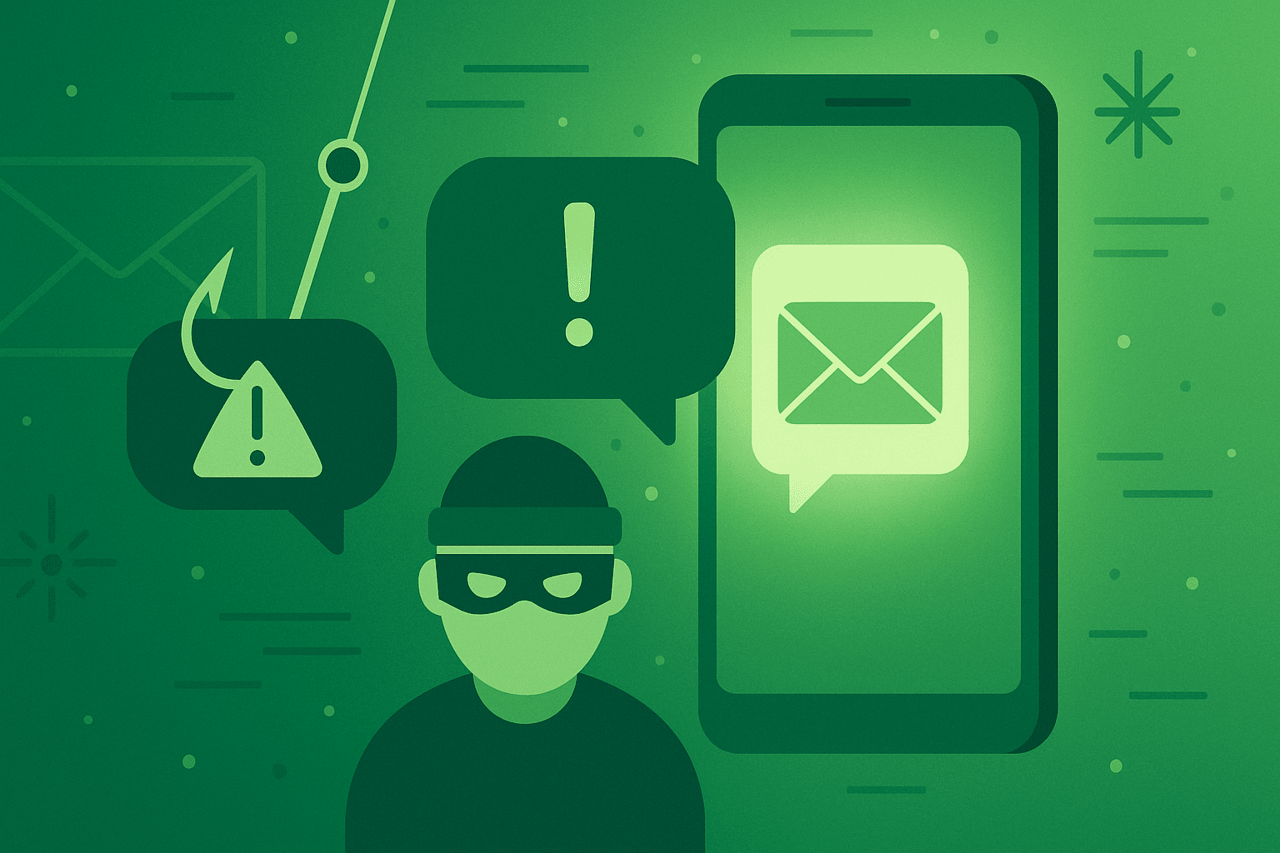
The term “smashing” may sound silly, but the meaning of the word “smashing” is less funny than it seems. A smishing attack is a type of phishing attack that uses text messages as an attack vector. It can rely on social engineering, malicious attachments, and fraudulent websites to trick people.
Smishing scams can be easy to execute, difficult to track, and dangerous in their consequences. A successful smishing attack can potentially expose your passwords, images, videos, and other sensitive data to the scammer, as well as serve as an infection vector for installing malware on your smartphone.
Every one of the billions of smartphone users worldwide is a potential target for smishing. In the United States alone, the Federal Trade Commission recorded nearly 400,000 complaints of spam text message fraud, including smishing attacks, in 2021. Consumers reported losses to regulators of more than $80 million that year.
This guide will help you avoid smishing attacks and learn how to prevent them. Read on for more information on the following:
Definition of Smashing: What is a Smashing Attack in Cybersecurity?
Examples of Smashing
Smishing vs. Phishing
What to Do in the Event of a Smashing Attack
How to Protect Yourself from Smashing
Here’s a quick definition of smishing: Smishing is a type of cyberattack that occurs via Short Message Service (SMS), also known as text messages. Some experts may also define smishing as an attack on any type of text message, not just native mobile text messaging systems, such as messages on social media platforms.
A simpler way to define smishing is to call it a phishing text message. This begs the question: What is phishing? Phishing is when an attacker impersonates a trusted organization in order to trick a target into making a cybersecurity mistake, such as sharing sensitive information, usually via email. A phishing text message, also known as smishing, is phishing via text message.
A smishing attack is when an attacker uses malicious text messages to compromise a target’s cybersecurity. The goal of a smishing attack is typically to obtain sensitive information such as the following for identity theft or financial crimes:
Names
Addresses
Usernames
Passwords
Credit card numbers
Credit card codes
Bank details
Phishing text attacks can also be highly targeted. Once an attacker knows a victim’s phone number, they can devise a convincing attack. For example, if a scammer targets a financial executive’s mobile number, they can launch a smishing attack that looks like an attack from a potential business contact.
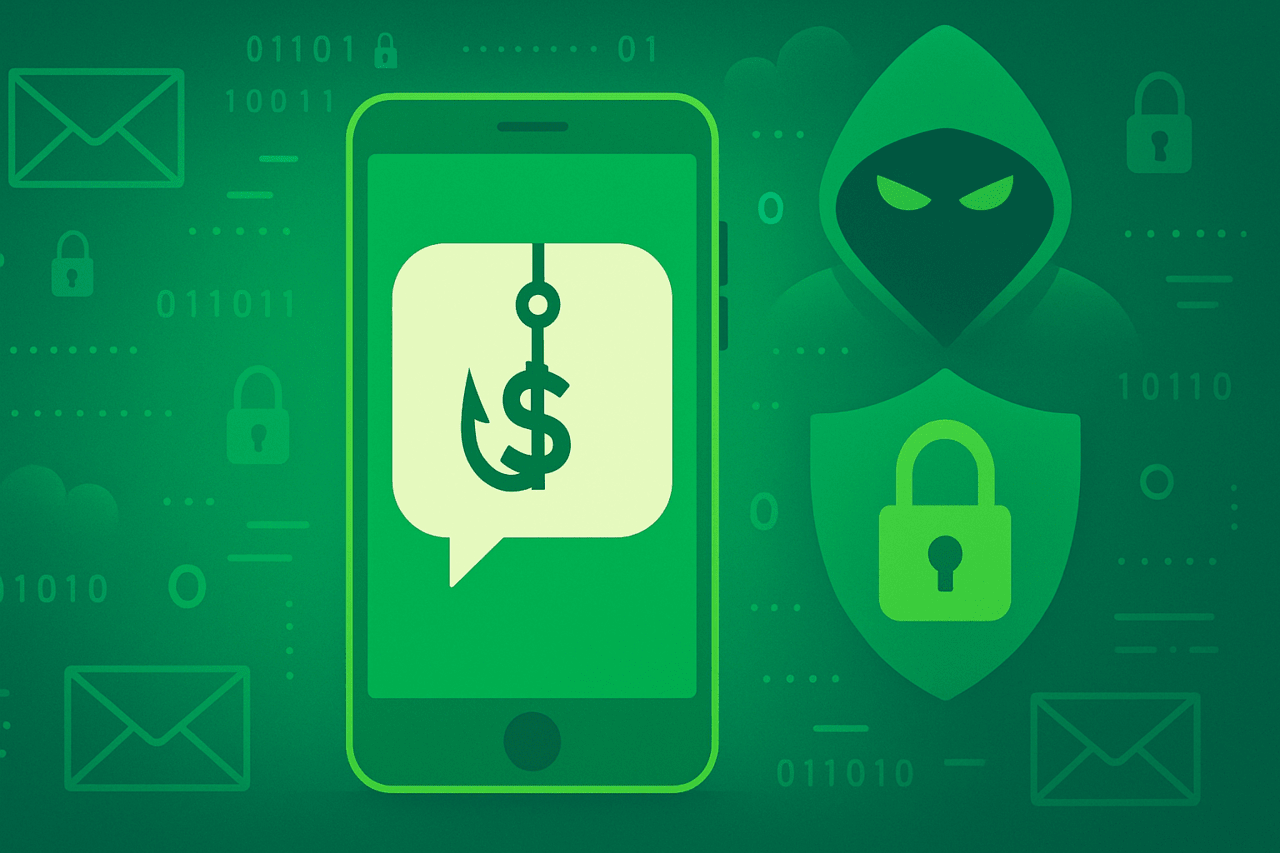
Like phishing, smishing tricks us into believing that fake messages are real so that we interact with them without fear. Smishing attacks work by exploiting some or all of the following features:
Context: Smishing text messages use context to appear authentic. Text messages can appear to come from a bank, your favorite store, or your government. For example, the IRS-themed smishing scam, which steals personal and financial information, is gaining traction because it effectively uses context to gain the victim’s trust.
Targeting: Blackmail victims can be targeted based on demographics and locality. For example, a gang of extortionists might send fake text messages from a financial institution popular in a certain area code to local numbers. Or they might send phishing text messages from a university to its students after gaining access to phone numbers.
Social engineering: A social engineering attack manipulates a victim’s emotions, such as fear, love, lust, greed, anger, or compassion, to cloud their judgment. For example, a fraudulent message that appears to be from a loved one may simulate an emergency to trick the victim into sending a money transfer.
Malicious attachments: A phishing text message may contain a malicious attachment that appears to be an image, video, or document but is actually a virus, adware, spyware, Trojan horse, or ransomware.
Malicious links: Smishing attacks often use malicious links, malware, or fraudulent websites.
Smishing also works by taking advantage of the simplicity of text messages. You can spot a phishing email by looking for grammatical errors, spelling mistakes, image formatting issues, strange email addresses, and other irregularities. But text messages are usually shorter and don’t include graphics like company logos.
For example, a typical text message from your bank might be a few sentences long and include a link to a store or financial services website. Unlike an official email, such a message is easy to spoof.
Hackers are less likely to make grammatical errors when writing a sentence or two during a phishing attack. And they don’t have to worry about copying logos to make their phishing texts look authentic. They can also use caller ID spoofing techniques and monument phones to cover their tracks.
You won a contest or prize and need to claim it.
Someone sent you a gift or coupon that needs to be redeemed.
Your financial institution needs to verify your details.
An expected money transfer to your account requires your authorization.
An expensive purchase you made needs confirmation.
A virus has been detected on your phone.
Your account has been locked due to suspicious activity or unusual login attempts.
Smishing and phishing may sound similar, but they are not exactly the same. So, what is the difference between phishing and smishing? The biggest difference between smishing and phishing is that smishing uses SMS as the means of attack, while phishing is a general term for any email, website, text message, or voice message that uses deception to attack a target. In other words, smishing is a type of phishing attack that occurs through a text message. The goal of both attacks is to collect your personal information for fraudulent activities. So, that’s what both methods have in common.
The first thing you should do is report the attack to the appropriate agency with as many details as possible. For example, if you are the victim of an IRS smishing attack, send an email about the attack to [email protected] with the following details:
Phishing caller ID.
Screenshot of the attack.
Copy of the message if you can’t take a screenshot.
Date, time, time zone, and recipient number.
Other organizations have also been forced to respond to these scams. For example, banks and payment companies like PayPal have opened channels to report phishing. If you use PayPal, learn how to recognize PayPal phishing emails to protect your account.
If you suspect you’ve been the victim of a gateway attack, change all your passwords and PINs immediately. Your new password should be strong and unique. You can read our guide to learn how to create a strong password.
A hacker may try to use your debit or credit card after gaining access to your sensitive information. We recommend that you temporarily freeze all your cards after changing your passwords to prevent financial fraud. You can freeze your card by logging into your credit card account or by calling your financial institution.
Also, notify your credit card issuer about the smishing attack. They may block your card and issue a new one with a different set of digits.
Monitoring for further activity Monitor your accounts for the following types of suspicious activity:
Unknown transactions on your bank or credit card account.
Unusual places to log into your accounts.
Your confidential images, videos, or text messages are leaked.
Friends receive suspicious messages from you.
Loans taken out in your name.
Participation in government financial assistance programs
Even if you don’t see any immediate suspicious activity, keep an eye on your accounts long-term after a smishing attack. A great way to monitor your financial accounts for irregularities is to check your credit reports.
Federal law allows you to get a free credit report from each of the major credit bureaus each year. That’s three free reports per year. And by December 2023, everyone in the United States will be able to get a free credit report from all three bureaus each week.
Once you’ve determined that a text message is fraudulent, you can block it on your iOS or Android phone. On your iPhone, go to your contacts page and tap “Block this caller.” On your Android phone, go to your contacts page and tap “Block contact.”
Both operating systems also offer filters that allow you to block spam and other unwanted text messages.
How to filter text messages on iPhone:
Go to Settings.
Tap Messages.
Swipe the button next to Filter Unknown Senders.
How to filter text messages on Android:
Go to Messages.
Tap the three dots to open Settings.
Tap Block numbers and messages.
Enable Caller ID and spam protection.
Smishing attacks can be sophisticated, using scaremongering, malicious attachments, dangerous links, and fraudulent websites to compromise our cybersecurity. Protecting yourself from smishing requires preparedness on several fronts.
Phishing messages can appear urgent to prevent you from thinking clearly before you react. The first thing you should do when you receive an urgent message is take a deep breath. Assess the situation before responding. It is unlikely that a legitimate organization will ask for your confidential information or payment via text message. If in doubt, find the organization’s publicly listed number on their official website and call them directly.
Check your caller ID. Find the number under the caller ID and search for it online to see if it matches the context of the call.
Enable multi-factor authentication (MFA) on your accounts to protect them from hackers who might have access to your login credentials. MFA forces users to authenticate their identity in another way if suspicious activity is detected during a login attempt.
Smishing attacks may urge you to click on a link urgently to take advantage of a great offer or to pay taxes to the IRS and avoid arrest. These links can lead you to malicious websites that steal your credit card details or other sensitive information. It’s best to avoid clicking on any links in text messages. Instead, check the source of the message.
Call filtering can help protect you from smishing attacks. A message from an unknown number could be part of a scam.
Avoid storing your credit card information on your phone in the form of web forms, text files, or even screenshots. A smishing attack, which installs a Trojan or spyware on your device, can easily steal this information. Look for signs of such an attack that are related to malware. Also, use a free antivirus to regularly scan your system for viruses, ransomware, spyware, adware, and Trojans.
It’s not unusual for banks to send you text messages about recent purchases and credit limits. But it’s unlikely that your bank will ask for your sensitive information for a transfer via text message. Always call your bank to confirm any request via text message or email.
Never give out usernames and passwords in text messages, even if you trust the source. Hackers can find this information in your device’s sent messages folder.
As previously mentioned, there has been a noticeable increase in SMS phishing. Smishing is an easy attack vector that scammers use against the millions of people who rely on text messages for communication.
Trash crimes can lead to a variety of security and privacy issues, including identity theft. Experts say the effects of identity theft can last for years, ranging from lost time, money, tax debt and a damaged credit history to a criminal record.