21.09.2025
11 min
1085



This article will help readers understand what pharming is and how it differs from traditional phishing. It will take a closer look at two main types of attacks: hosts file modification via malware and DNS spoofing, which allow cybercriminals to redirect users to fake websites. It will also explain the risks pharming poses to passwords, financial data, and personal information.
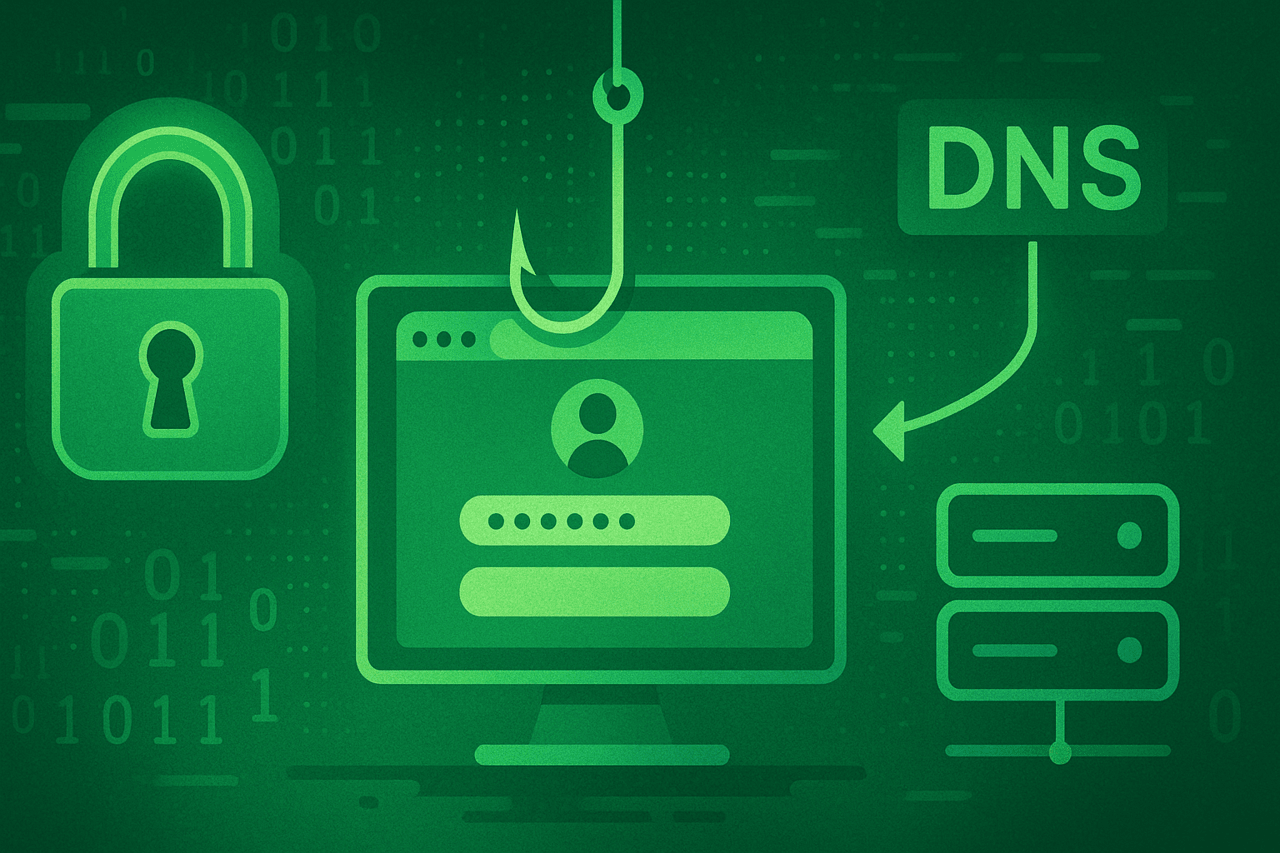
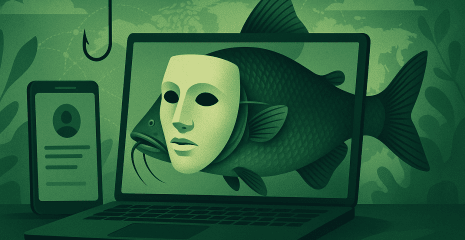
Pharming is a type of cyberattack that involves redirecting web traffic from a legitimate site to a fake site with the aim of stealing usernames, passwords, financial data, and other personal information.
When you type a URL into your browser’s address bar, such as www.google.com, several background processes must occur before you see the familiar Google logo and search box on your computer screen. In a pharming attack, cybercriminals subtly manipulate these processes, sending your web traffic to a malicious website instead of the one you intended to visit. The targeted site can download malware onto your computer. Most often, it is a fake phishing site. It is this latter activity that gives pharming its name, a portmanteau of the words “phishing” and “pharming.”
A typical phishing site is faked or faked to look like a site that the victim regularly visits, often of a financial or e-commerce nature. The goal of a phishing site is to collect or intercept usernames and passwords when an unsuspecting victim attempts to log in to their account.
Pharming is a sophisticated type of phishing attack that can affect anyone on any platform. Windows and Mac users, as well as Android and iOS mobile users, should be wary of potential phishing attacks. Fortunately, there are some smart steps you can take to protect yourself from phishing, so read on to learn everything you need to know about phishing.
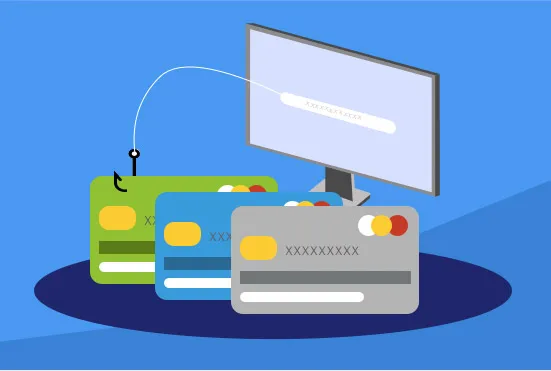
To understand how pharming works, we need to start with a brief overview of domain names and IP addresses. Domain names and IP addresses are to websites what your name and location are to regular regular mail.
For example, if you address a letter to “Nancy Thompson” without writing anything on the stamped envelope except her name, Nancy will not receive your letter. The post office needs both her name and location; for example, “Nancy Thompson, 1428 Elm Street, Springwood, Ohio” in order to successfully deliver your letter.
Similarly, an IP address (short for Internet Protocol address) functions as the base location for the domain name you want to contact. When you type “www.facebook.com” into your browser’s address bar, your request is sent to a DNS server. A DNS server is a computer with one job: to translate domain names into IP addresses. For the most common type of Internet protocol, IPv4, this address would be four numbers separated by periods: “0.0.0.0.” In the case of Facebook, the IP address would look something like this: “66.220.159.255,” although the actual numbers may vary because large companies like Facebook own large blocks of IP addresses.
With the IP address, the DNS server passes that information back to your computer, and your computer directs you to the Facebook website. This DNS resolution process, from the time you press Enter in the address bar to the time the web page starts loading, typically happens in milliseconds.
Now, back to the topic of pharming, cybercriminals can manipulate this online address system to redirect your request for “www.facebook.com” to another address controlled by the criminal. This can happen in a few different ways.
There are two types of pharming: malware pharming and DNS poisoning.
Pharming malware, also known as DNS changers/hijackers, infects a victim’s computer and silently makes changes to the victim’s hosts file. It’s helpful to think of your computer’s hosts file as a directory of websites. As mentioned, the process of sending a domain name to a DNS server and translating that domain name into an IP address usually happens so quickly that most of us don’t even notice. “Usually” is the key word here. To avoid any lag while loading a page, your computer caches the domain name-to-IP address translation, reducing the time it takes for each website to load. In a malware-based pharming attack, malware infiltrates your computer (often via a Trojan) and then begins modifying your hosts file so that the domain name of a specific website points to the malicious site. Some pharming malware, such as the Extenbro Trojan, also blocks access to cybersecurity sites, preventing victims from downloading software to remove the DNS-altering malware.
DNS poisoning, also known as DNS spoofing, uses exploits in the software that runs DNS servers to hijack them and redirect web traffic. Typically, DNS poisoning targets companies that manage and maintain DNS servers, which translate human-friendly domain names into computer-ready IP addresses. So DNS poisoning has a much wider base of potential victims, numbering in the tens of thousands. However, your home internet router has a DNS cache that stores previous DNS queries. Any device connected to your home network can access this cache when trying to connect to a website that you or someone else on your network has visited before. Your router, in a way, functions as a small-scale DNS server, and it can also be poisoned.
Create a strong password for your home internet. And definitely don’t use the default password written on the bottom of your router. Here’s how to protect your home network from local DNS poisoning. If you’re having trouble remembering your password, try using a passphrase. A passphrase is a string of meaningless words that are easy for a human to remember but nearly impossible for a password cracker to crack. Unlike a regular long, strong password, there’s no case mixing or special characters. For example (please don’t use this as a passphrase) “pensivepurplecathighheelshoes” would make a great passphrase. All you have to do is picture a purple cat in high heels with a pensive look on its face.
Use a password manager. In particular, you want a password manager that offers to autofill username and password fields when it detects a login page you’ve visited before. A fake phishing site may look legitimate at first glance, but a password manager is not so easy to fool. If you end up on a bad site, the password manager won’t recognize it and won’t offer to autofill your login credentials.
Use a good anti-malware program. Phishing isn’t a type of computer virus, and traditional forms of antivirus can’t protect against it. On the other hand, advanced anti-malware protection can actively block malware from attempting to hack your computer’s hosts file.
Consider using a different DNS service. While consumers can use a cybersecurity program to block malware-based pharming and malicious websites from DNS poisoning, there’s really nothing they can do to prevent DNS poisoning. Companies that offer DNS services are required to ensure the security of their servers. For most people, the default DNS service is the one offered by your Internet Service Provider (ISP), and that’s probably fine, but there are other popular alternatives, including Google DNS, OpenDNS, and Cloudflare. All three companies claim that their DNS services offer improved security and privacy over traditional DNS. OpenDNS also offers dedicated servers specifically for families who want to block adult content.