
20.09.2025
8 min
913



In this article, you will learn what spoofing attacks are, what their types are (email spoofing, website spoofing, Caller ID, SMS, GPS, and others), and how they work. We will also look at the main signs that will help you recognize a scam, and give advice on how to protect yourself from scammers. Key recommendations include carefully checking addresses and links, using multi-factor authentication, password managers, and modern antivirus solutions.
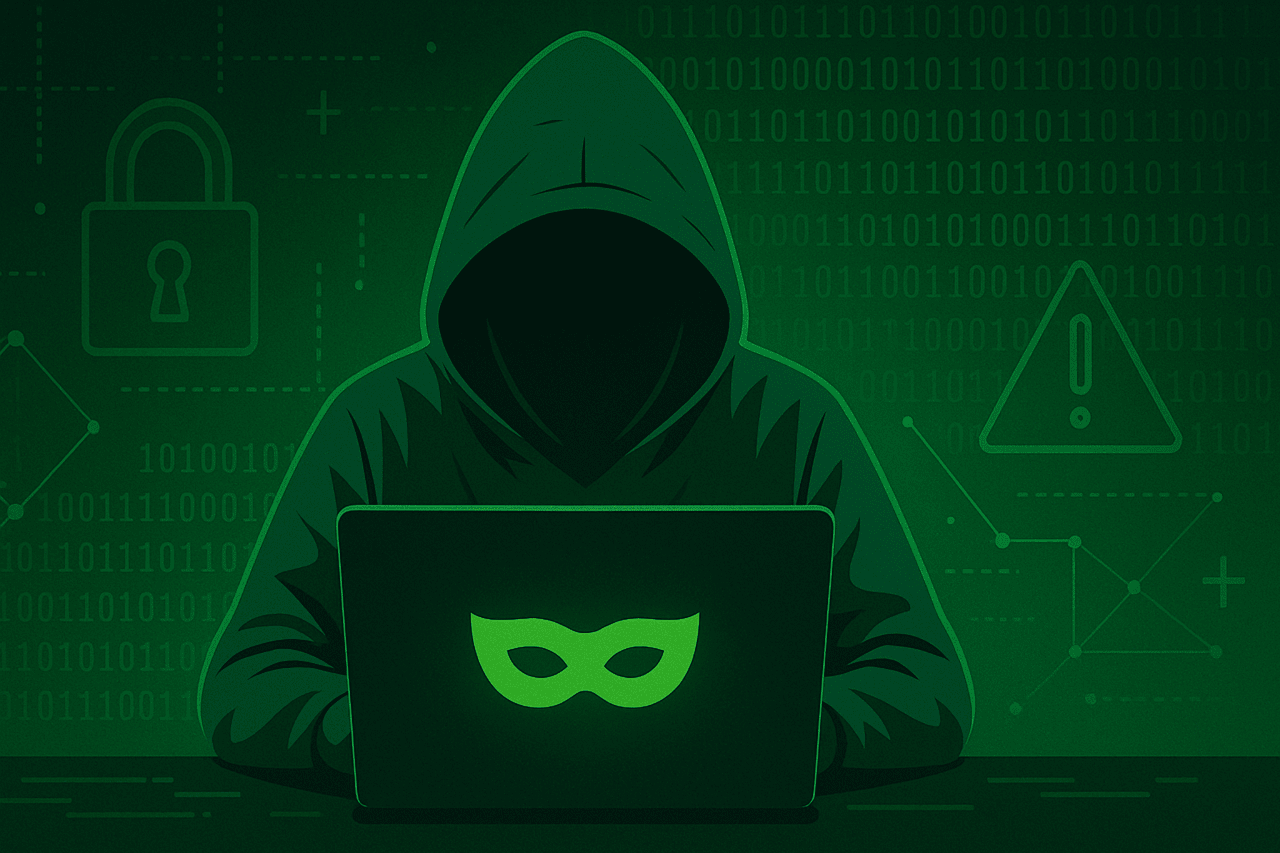
Spoofing, in the context of cybersecurity, is when someone or something pretends to be something else in an attempt to gain our trust, gain access to our systems, steal data, steal money, or distribute malware. Spoofing attacks come in many forms, including:
Email Spoofing
Website and/or URL Spoofing
Caller ID Spoofing
Text Message Spoofing
GPS Spoofing
Man-in-the-middle Attacks
Extension Spoofing
IP Address Spoofing
Face Spoofing
So how do cybercriminals trick us? Often, just mentioning the name of a large, trusted organization is enough to get us to give up information or take action. For example, a fake email from PayPal or Amazon might ask you to make a purchase you never made. If you’re concerned about the health of your account, you might be tempted to click on the link.
From this malicious link, the scammers will redirect you to a malicious software download page or a fake login page—with a familiar logo and a fake URL—in an attempt to get your username and password.
There are many other ways a spoofing attack can unfold. In all of them, scammers rely on their victims to fall for the scam. If you never doubt the legitimacy of a website and never suspect that an email is fake, you’re likely to be the victim of a spoofing attack at some point.
To that end, this page is entirely dedicated to spoofing. We’ll tell you about the types of spoofing, how it works, how to distinguish real emails and websites from fake ones, and how to avoid being taken advantage of by scammers.
“Spoofing, in the context of cybersecurity, is when someone or something pretends to be something else in an attempt to gain our trust, gain access to our systems, steal data, steal money, or distribute malware.”
Spoofing is nothing new. In fact, the word “spoof” as a form of fraud has been around for over a century. According to the Merriam-Webster online dictionary, the word “spoof” is attributed to the 19th-century English comedian Arthur Roberts in reference to a game of trickery and deception that Roberts created. The rules of the game have been lost to time. We can only guess that the game wasn’t much fun, or that the British of the time didn’t like being tricked. In any case, the name stuck, even though the game itself didn’t.
It wasn’t until the early 20th century that the word “parody” became synonymous with parody. For a few decades, when someone mentioned “parody” or “spoof,” they were referring to something funny and positive—like Mel Brooks’ latest movie parody or Yankovic’s comedy album from the movie “Weird Al.”
Today, the term spoof is most often used in the context of cybercrime. Anytime a scammer or cybercriminal pretends to be someone or something they are not, it is called spoofing.
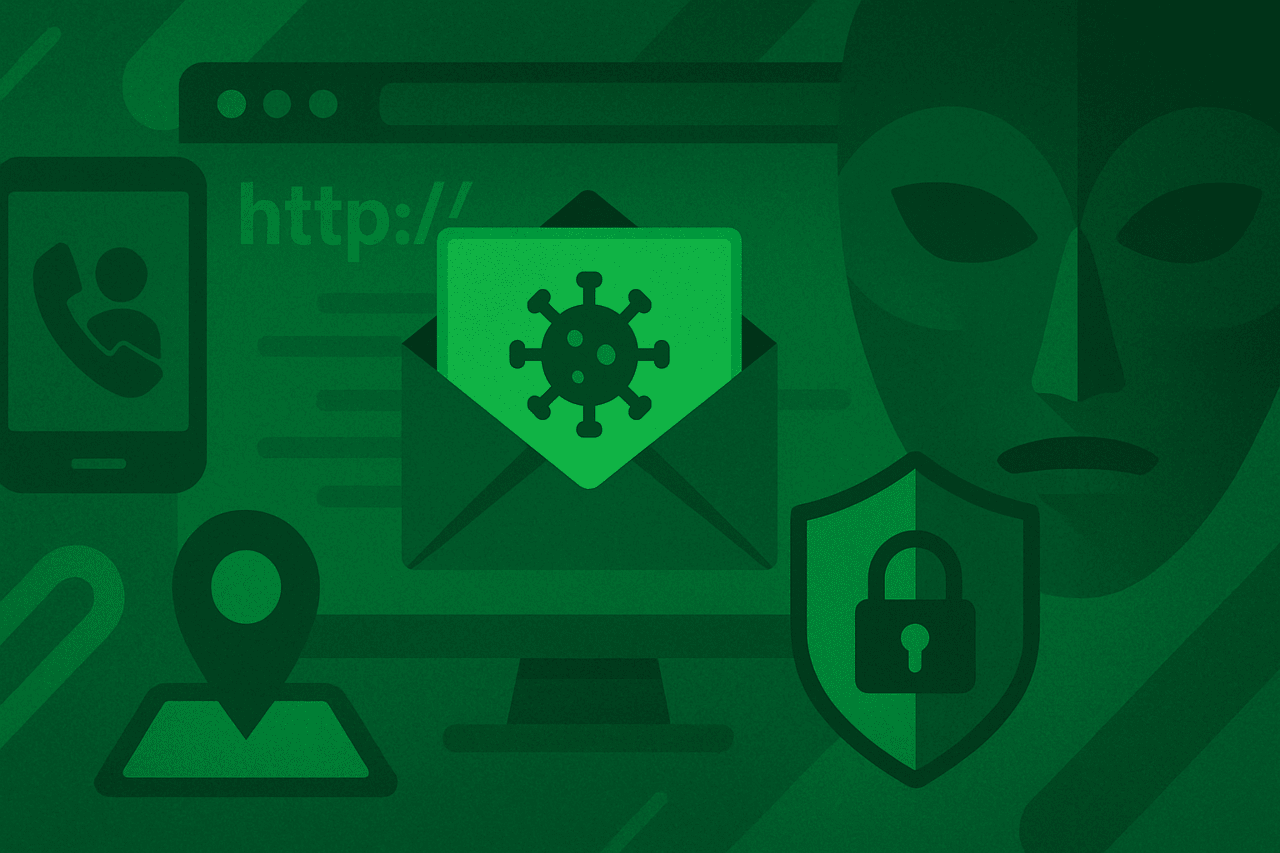
Email spoofing is the sending of emails with fake sender addresses, usually as part of a phishing attack designed to steal your information, infect your computer with malware, or simply extort money. Typical payloads of malicious emails include ransomware, adware, cryptojacking, Trojans (such as Emotet), or malware that enslaves your computer in a botnet.
But a fake email address isn’t always enough to fool the average person. Imagine receiving a phishing email with what looks like a Facebook address in the sender field, but the body of the email is written in plain text, without any design or HTML, not even a logo. We’re not used to receiving this from Facebook, and this should raise some red flags. Accordingly, phishing emails typically contain a combination of deceptive features:
A fake sender address designed to look like it’s from someone you know and trust—perhaps a friend, colleague, family member, or a company you do business with.
In the case of a company or organization, the email might include familiar branding, such as a logo, colors, font, call-to-action button, etc.
Phishing attacks target an individual or small group within a company and include personalized language and addressing the recipient by name.
Spelling errors abound. As much as they try to trick us, email scammers often don’t take the time to proofread their own work. Fake emails often contain typos or look like someone has Google Translated the text. Be careful with unusual sentence construction; companies like Facebook or PayPal are unlikely to make these kinds of mistakes in their emails to customers.
Email spoofing plays a crucial role in sextortion scams. These scams trick us into thinking our webcams have been hijacked by spyware and are being used to record us watching porn. These fake emails say something like, “I watched you watch porn,” which is incredibly weird. Who’s the real freak in this scenario?
The scammers then demand a certain amount of Bitcoin or other cryptocurrency or they’ll send the video to all your contacts. To create the appearance of legitimacy, the emails may also contain an outdated password obtained from a previous data breach. The spoofing comes into play when scammers disguise the sender field of the email as if it’s being sent from your supposedly hacked email account. Rest assured, chances are, no one is actually following you.
Website spoofing involves making a malicious website look like a real one. The fake site will look like the login page of a website you visit frequently, right down to the branding, user interface, and even a fake domain name that looks the same at first glance. Cybercriminals use fake websites to capture your username and password (also known as login spoofing) or to place malware on your computer (automatic download). A fake website is usually used in conjunction with an email spoof, in which the email will link to the website.
It’s also worth noting that a fake website is not the same as a hacked website. In the case of a hacked website, the real website has been compromised and taken over by cybercriminals – no spoofing or forgery involved. Similarly, malicious advertising is a separate type of malware. In this case, cybercriminals have taken advantage of legitimate advertising channels to display malicious ads on trusted websites. These ads secretly download malicious software onto the victim’s computer.
Caller ID spoofing occurs when scammers spoof your caller ID, making it appear that the call is coming from a different location. Scammers have learned that you are more likely to answer a call if the caller ID shows the same or similar area code as yours. In some cases, scammers will even spoof the first few digits of your phone number in addition to the area code to make it appear that the call is coming from your area (also known as neighbor spoofing).
Text message spoofing, or SMS spoofing, is the act of sending a text message with someone else’s phone number or sender ID. If you’ve ever sent a text message from your laptop, you’ve spoofed your own phone number to send the text, because the text wasn’t actually sent from your phone.
Companies often spoof their own numbers for marketing and consumer convenience purposes, replacing a long number with a short, easy-to-remember alphanumeric sender ID. Scammers do the same thing—they hide their true identity behind an alphanumeric sender ID, often impersonating a legitimate company or organization. The fake text messages often contain links to SMS phishing sites or malware downloads.
Scammers using text messages can take advantage of the job market by posing as recruitment agencies, sending victims to fictional job offers. In one example, an Amazon work-from-home job posting included a “brand-new Toyota Corrola.” First, why would anyone need a company car if you work from home? Second, is the Toyota “Corrola” a generic version of the Toyota Corolla? Nice try, scammers.

GPS spoofing is when you trick your device’s GPS into thinking you’re in one place when you’re actually somewhere else. Why would anyone spoof their GPS? Two words: Pokémon GO.
By using GPS spoofing, Pokémon GO cheaters can trick the popular mobile game into thinking they’re near an in-game gym and take over that gym (winning in-game currency). In reality, the cheaters are in a completely different location—or country. Similarly, you can find videos on YouTube of Pokémon GO players catching various Pokémon from the comfort of their own home. While GPS spoofing may seem like child’s play, it’s not hard to imagine that criminals could use this trick for more nefarious purposes than just getting mobile in-game currency.
Man-in-the-middle (MitM) attacks can happen when you’re using free Wi-Fi at your local coffee shop. Have you ever wondered what would happen if a cybercriminal hacked your Wi-Fi or set up another rogue Wi-Fi network in the same location? Either way, you have the perfect conditions for a man-in-the-middle attack, so called because cybercriminals are able to intercept web traffic between two parties. Spoofing occurs when criminals alter the communication between the parties in order to divert funds or demand sensitive personal information, such as credit card numbers or logins.
Extension Spoofing occurs when cybercriminals need to disguise the executable files of malicious software. One common extension spoofing trick used by criminals is to name the file something like “filename.txt.exe.” Criminals know that file extensions are hidden by default in Windows, so to the average Windows user, this executable will appear as “filename.txt.”
IP address spoofing is used when someone wants to hide or disguise the location from which they are sending or requesting data online. In terms of cyber threats, IP address spoofing is used in distributed denial-of-service (DDoS) attacks to prevent malicious traffic from being filtered and to hide the location of the attacker.
Facial spoofing may be the most personal phenomenon because of the implications it has for the future of technology and our personal lives. Currently, facial recognition technology is quite limited. We use our faces to unlock our mobile devices and laptops, and not much else. But pretty soon, we could be making payments and signing documents with our faces. Imagine the consequences of being able to open a line of credit with your face. Scary stuff.
Researchers have demonstrated how 3D facial models built from your social media photos can already be used to hack into a device locked with facial recognition. Malwarebytes Labs has gone further and reported the use of deepfake technology to create fake news videos and fake sex videos with the voices and images of politicians and celebrities, respectively.
We’ve covered the different forms of spoofing and covered the mechanics of each. However, there’s something different to consider when it comes to email spoofing. There are a few ways cybercriminals can hide their true identity through email spoofing. The most reliable option is to hack an unsecured email server. In this case, the email technically comes from the supposed sender.
A low-tech option is to simply type any address in the “From” field. The only problem is that if the victim replies or the email fails to deliver for some reason, the reply will go to the person listed in the “From” field, not the attacker. This method is commonly used by spammers to use legitimate emails to bypass spam filters. If you’ve ever received replies to emails you never sent, this is one possible reason, in addition to your email account being hacked. This is called backscatter or side-scattering.
Another common way that attackers spoof emails is by registering a domain name that is similar to the one they’re trying to spoof, in what’s called a homograph attack or visual spoofing. For example, “rna1warebytes.com.” Note the use of the number “1” instead of the letter “l.” Also note the use of the letters “r” and “n,” which are used to spoof the letter “m.” This has the added benefit of giving the attacker a domain they can use to create a fake website.
Whatever the spoof, it’s not always enough to just post a fake website or email and hope for the best. Successful spoofing requires a combination of spoofing and social engineering. Social engineering is the technique cybercriminals use to trick us into revealing personal information, clicking on a malicious link, or opening an attachment loaded with malware.
There are many scenarios for social engineering. Cybercriminals rely on vulnerabilities that we all have as humans, such as fear, naivety, greed, and vanity, to convince us to do things we really shouldn’t. For example, in the case of a sextortion scam, you might send the scammer Bitcoin because you’re afraid that your, so to speak, dirty business will be exposed.
Human vulnerability isn’t always bad either. Curiosity and empathy are generally good qualities, but criminals love to target people who display them.
A prime example is the grandchild scam, where a loved one is supposedly in prison or a hospital in another country and urgently needs money. The email or text message might read something like: “Grandpa Joe, I was arrested for drug smuggling in [insert country name]. Please send the money, and by the way, don’t tell Mom and Dad. You’re the best [three happy winking emojis]!” Here, the scammers are counting on the grandparents’ total ignorance of where their grandchild is at any given time.
“Successful spoofing requires a combination of spoofing and social engineering. Social engineering is the technique cybercriminals use to trick us into giving up personal information, clicking on a malicious link, or opening an attachment loaded with malware.”
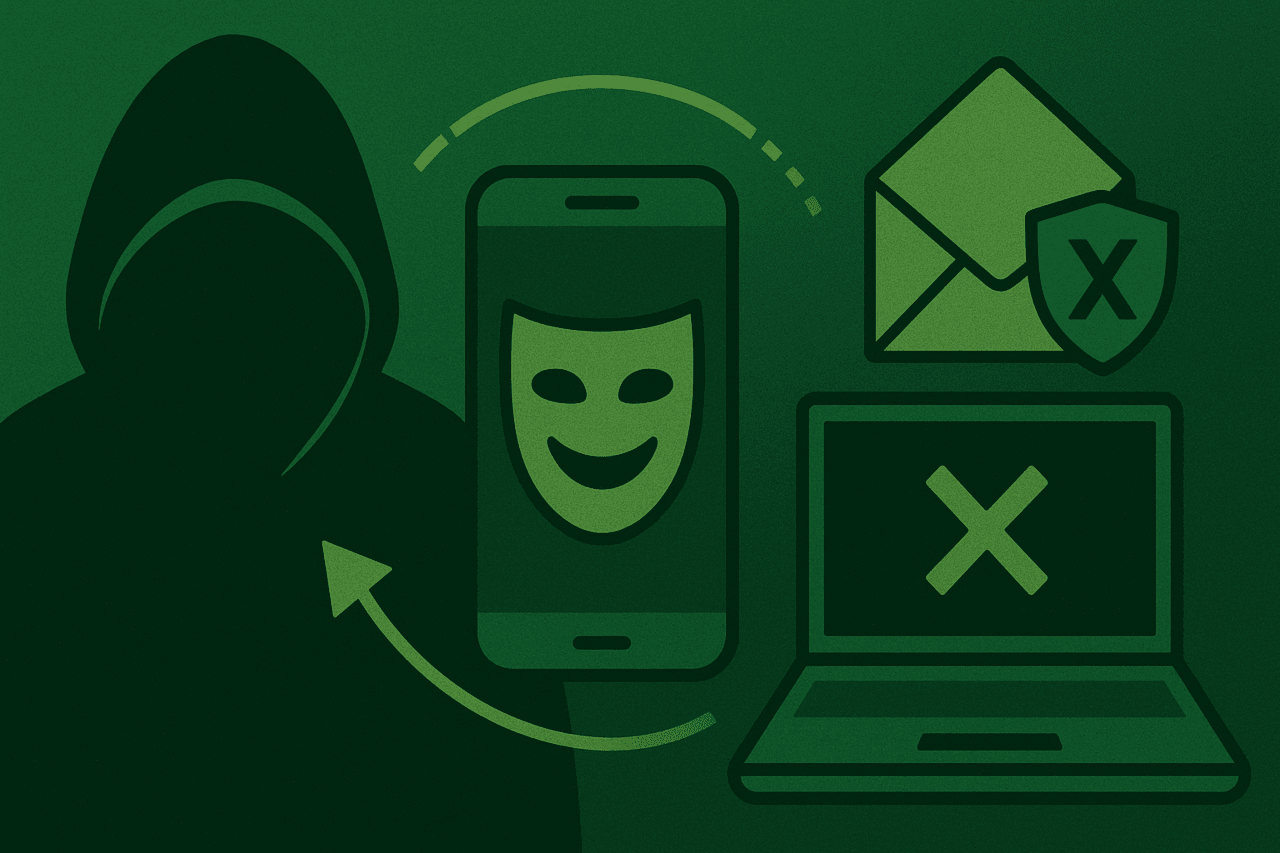
Here are the signs that you are being spoofed. If you see these indicators, click Delete, click the Back button, close the browser, don’t skip the Go.
There is no lock symbol or green bar. All secure, reputable websites should have an SSL certificate, which means that a third-party certificate authority has verified that the web address actually belongs to the organization being verified. It’s worth remembering that SSL certificates are now free and easy to obtain. Just because a site has a lock doesn’t mean it’s legitimate. Just remember that nothing on the Internet is 100 percent secure.
The website doesn’t use file encryption. HTTP, or Hypertext Transfer Protocol, is as old as the Internet, and it refers to the rules used when sharing files over the network. Legitimate websites almost always use HTTPS, an encrypted version of HTTP, to transfer data back and forth. If you’re on a login page and see “http” instead of “https” in your browser’s address bar, you should be suspicious.
Use a password manager. A password manager like 1Password will automatically fill in your login credentials for any legitimate website you store in your password vault. However, if you go to a fake website and your password manager doesn’t recognize the site and fill in the username and password fields, that’s a good sign that you’re being spoofed.
Double-check the sender address. As mentioned, scammers register fake domains that look very similar to the real ones.
Google the content of the email. A quick search can show you if a known phishing email is circulating online.
Embedded links have unusual URLs. Check URLs before clicking by hovering over them.
Typos, bad grammar, and unusual syntax. Scammers often don’t proofread their work.
The content of the email is too good to be true.
There are attachments. Be cautious with attachments, especially if they come from an unknown sender.
Caller ID is easy to spoof. It’s sad that our landlines have become a hotbed for scam calls. This is especially worrying when you consider that the majority of people who still have landlines are seniors, a group most vulnerable to scam calls. Have calls to your landline from unknown callers forwarded to voicemail or answering machine.
First, you should learn how to recognize a spoofing attack. If you missed the “How to spot spoofing?” section, you should go back and read it now.
Turn on your spam filter. This will prevent most fake emails from reaching your inbox.
Don’t click on links or open attachments in emails if they come from an unknown sender. If there’s a chance the email is genuine, contact the sender through another channel and verify the contents of the email.
Log in in a separate tab or window. If you receive a suspicious email or text message asking you to log in to your account and take some action, such as verifying your information, don’t click the link provided. Instead, open a separate tab or window and go directly to the website. Or, log in through a dedicated app on your phone or tablet.
Pick up the phone. If you receive a suspicious email that appears to be from someone you know, don’t be afraid to call or text the sender and confirm that they actually sent the email. This is especially true if the sender makes an unusual request, such as, “Hey, could you buy 100 iTunes gift cards and email me the card numbers? Thanks, your boss.”
Show file extensions in Windows. Windows doesn’t show file extensions by default, but you can change this setting by clicking the View tab in File Explorer and then checking the “Show file extensions” box. While this won’t stop cybercriminals from spoofing file extensions, at least you’ll be able to see the spoofed extensions and avoid opening these malicious files.



really thank you so much bro toady website i am login i am seeing your content bro your content is good bro
toady on words i am learning everything on your website thankyou so much bro