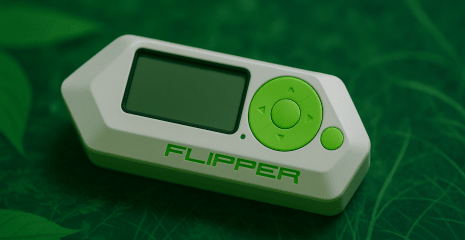
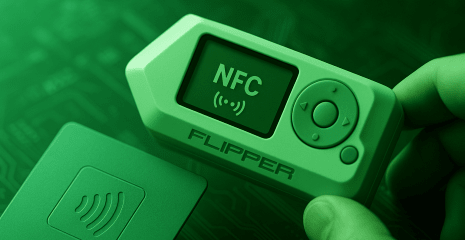
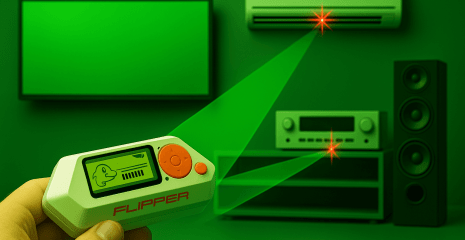
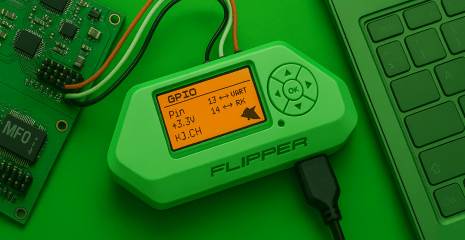
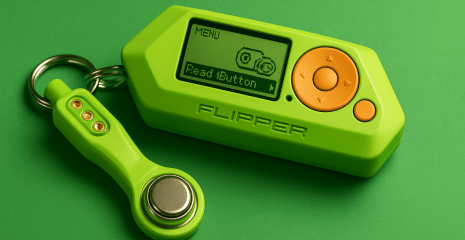
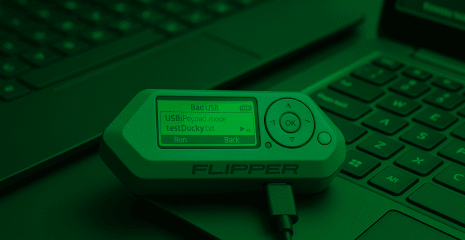
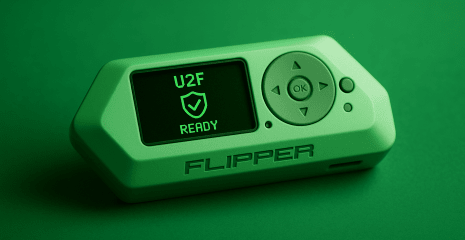
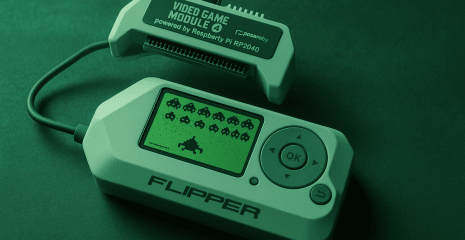
Flipper Zero is a new generation handheld device for interacting with wireless technologies. The Sub-GHz module attracts special attention of users, which allows you to read, emulate and analyze signals in the 433, 868, 915 MHz range. In this guide, you will learn how to properly use Flipper Zero’s Sub-GHz tools, work with RAW mode, create virtual remotes, conduct security audits and test smart home devices. We will explain in detail how to recognize protocols, store signals and emulate commands, even if they are encrypted.
Disclaimer: The information provided in this article is for educational and informational purposes only. The author is not responsible for any misuse or incorrect use of the Flipper Zero device.
The world around us has long been wireless. From smart homes to industrial systems, from remote controls to electronic locks, everything uses radio waves. One of the most important ranges for such interaction is Sub-GHz, i.e. frequencies below one gigahertz. This range provides good range, signal stability and low power consumption.
Flipper Zero is a pocket-sized multifunctional gadget designed to analyze, read, transmit and emulate a wide range of wireless signals. One of its key functions is to work with the Sub-GHz range – and this function takes Flipper far beyond the usual gadget for “playing with signals”. It is a full-fledged security, diagnostic and protocol research tool.
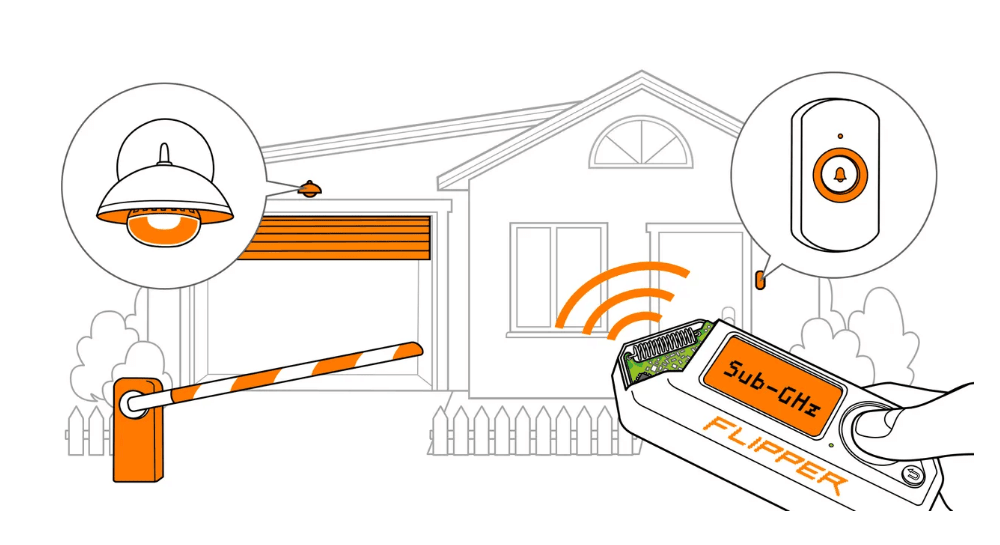
Sub-GHz (sub-gigahertz) is a general term for the frequency range from 300 MHz to 1 GHz. Many devices operate in this range, including:
Automatic gates and barriers
Radio-controlled locks
Alarms
Wireless doorbells
Sockets and relays
Smart lighting systems
Remote controls
Temperature, motion, smoke sensors
Industrial control systems
The reason for this band’s popularity is its ability to penetrate walls and objects with less signal loss than higher frequencies like Wi-Fi or Bluetooth. This ensures stable operation in challenging environments, such as outdoors or in a concrete building.
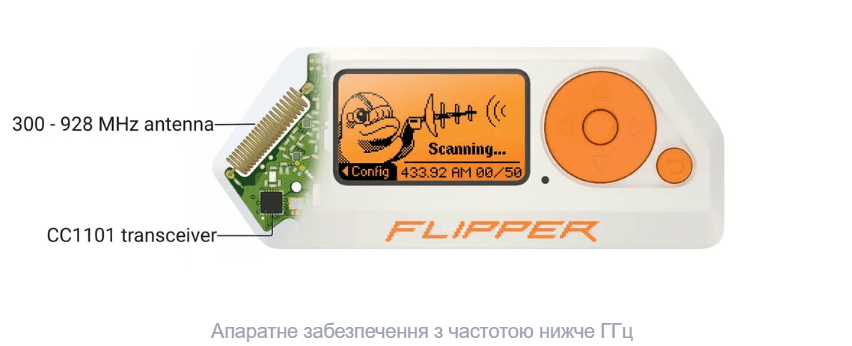
Flipper Zero is equipped with a powerful CC1101 radio frequency module from Texas Instruments. This module operates in the Sub-GHz range and supports various types of modulation: OOK (On-Off Keying), FSK (Frequency Shift Keying), ASK (Amplitude Shift Keying). Thanks to this, Flipper can work with a wide range of wireless devices.
The CC1101 module is integrated with an internal antenna, which allows you to start working immediately without additional equipment. However, it is also possible to connect an external antenna, which significantly increases the quality and range of reception/transmission.
Supported frequency ranges:
300–348 MHz
387–464 MHz
779–928 MHz
This covers popular frequencies:
315 MHz (US, automotive)
433.05-434.79 MHz (Europe, consumer devices)
868 MHz (Europe, industrial, automation)
915 MHz (US, LoRa, Zigbee, etc.)
The maximum range with the internal antenna is approximately 50 meters in open space. When using external antennas or amplifiers, the range can increase to 150 meters or more.
The Sub-GHz section of the device provides the user with a set of powerful tools for working with signals. It is not just a remote control for duplicating commands – it is a full-fledged signal analyzer.
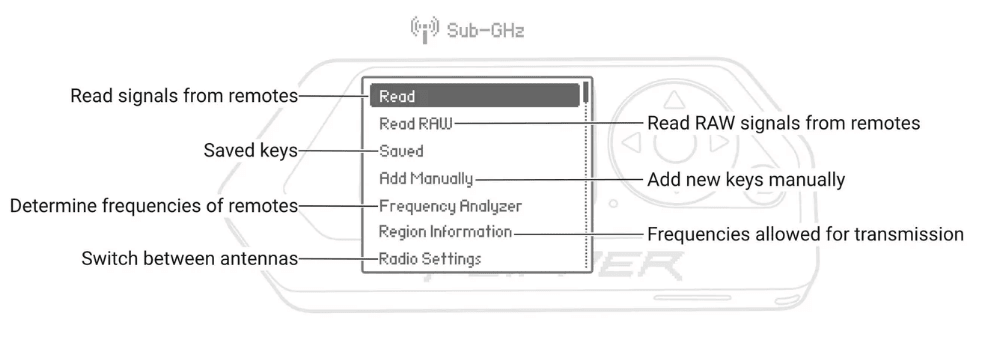
This mode reads and stores all radio signals, regardless of their structure. This is useful for:
Non-standard protocol analysis
Reverse engineering
Detection of hidden signals
RAW recordings can be viewed, edited, renamed, and re-transferred.
The user can create a new “virtual” remote manually. To do this, you need to enter the following parameters:
Frequency
Modulation type
Bit rate
Encoding (static or dynamic)
Command value
This allows you to simulate even those devices that cannot be read due to encryption or lack of signal.
Signal reading: Flipper can read signals from various devices. If the protocol is supported, the signal is decoded and can be emulated immediately. If the protocol is unknown or non-standard, there is a possibility of reading in RAW mode – that is, capturing the “raw” signal for further analysis.
Saving and emulation: Flipper saves the received signals, allowing them to be viewed, renamed, grouped and used for retransmission. This allows you to create a complete database of remote controls, locks, devices to which you have access.
Frequency analyzer: Flipper has a built-in air analyzer that helps you find the exact frequency of the signal transmission. This is very useful if you do not know what frequency the remote control or sensor operates on.
Region settings: Each country has restrictions on the use of radio frequencies. Flipper allows you to specify your region so that the device uses only permitted frequencies. This is important to avoid conflicts with the law.
Antenna Switching: Flipper automatically detects the presence of an external antenna, but also allows you to manually select the signal source. External antennas are especially useful for 433 and 868 MHz, where long range and signal clarity are required.
Security Audit. Checking how easy it is to intercept the signal of a remote control from a gate or lock. Many cheap systems do not use encryption, and Flipper can easily duplicate them.
Reverse Engineering. Analyzing the protocol of an unknown device through RAW reading, bit-by-bit analysis of the signal structure, and testing modulation.
Smart Home Testing. Studying how wireless sockets, sensors, remote controls work – and how reliably they are protected.
Creating your own systems. For example, controlling relays via custom Sub-GHz signals, creating an alarm system or remote control.
Education. Flipper is an ideal tool for studying modulations, frequencies, and protocols. Its interface is visual, and access to signals is direct and understandable.
Flipper Zero is a tool. How you use it determines the legality and morality of your actions. In most countries, the law allows you to work with devices that you own, or if you have the owner’s explicit permission.
Unauthorized access to someone else’s devices – for example, opening barriers, gates, or reading signals without permission – is a crime. Violation can lead to administrative or criminal liability.
Flipper has an active community of developers and enthusiasts. There are third-party firmwares such as:
Flipper Unleashed
RogueMaster
DarkFlipper
They open up access to new protocols, higher signal strengths, additional interfaces. There are also expansion modules – powerful external CC1101 boards with antennas for professional analysis over long distances.
Sub-GHz features Flipper Zero is not just fun. It is a powerful tool for exploring the digital world around us. From everyday life to industry, everything is connected by signals, and Flipper allows you to not only see them, but also interact with them.
This is your first step into the world of protocol analysis, device understanding, security auditing — and building your own solutions. Deeper than just a gadget. Safer than guesswork. Smarter than you think. This is Flipper.