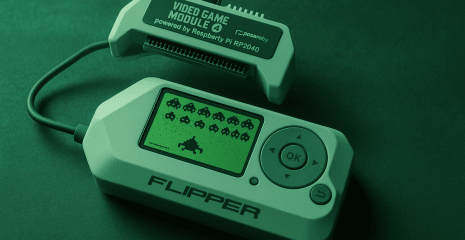
Find out how Flipper Zero turns into a universal remote control for controlling TVs, air conditioners, audio systems, and other appliances. All about the infrared module, reading, writing, and saving commands — in the fifth part of our guide.
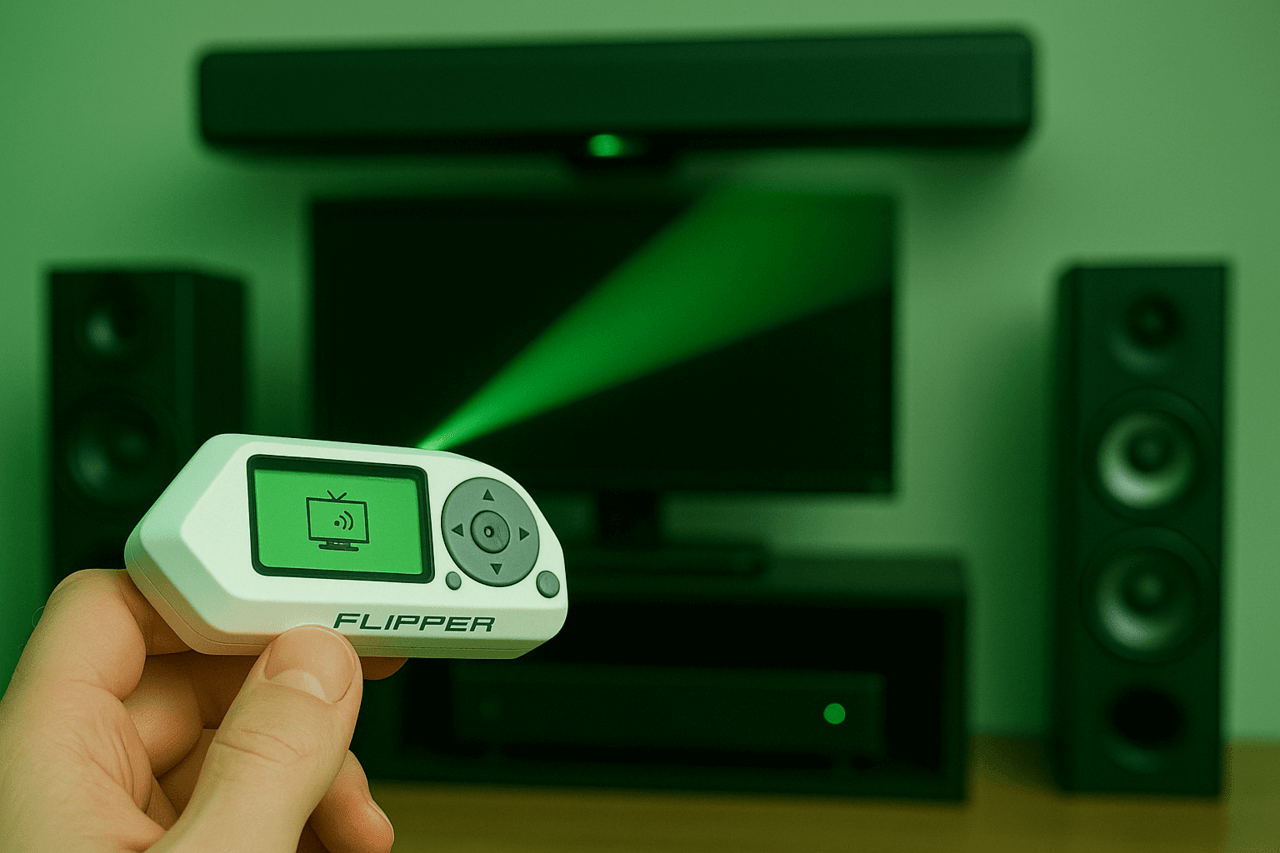
Disclaimer: The information provided in this article is for educational and informational purposes only. The author is not responsible for any misuse or incorrect use of the Flipper Zero device.
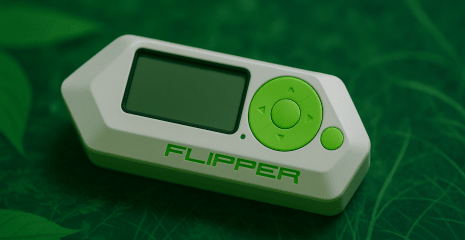
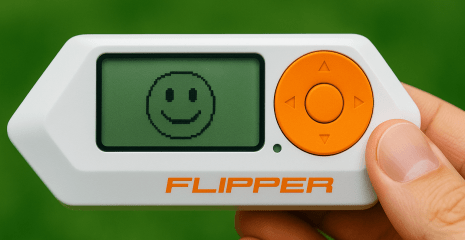
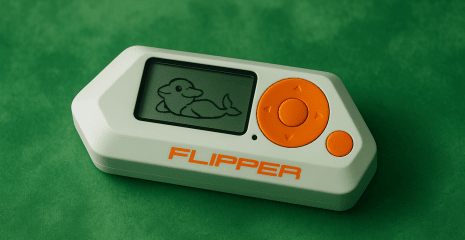
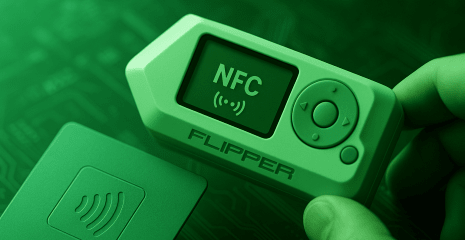
Flipper Zero is a portable multi-tool for electronics researchers that allows you to work with a variety of protocols and devices. One of the key features of the device is the built-in infrared (IR) module, which allows Flipper Zero to interact with household appliances that support IR control: TVs, air conditioners, audio systems, projectors and other devices.
This article is a detailed analysis of the capabilities of the Flipper Zero infrared module, taking into account the software, hardware and practical use.
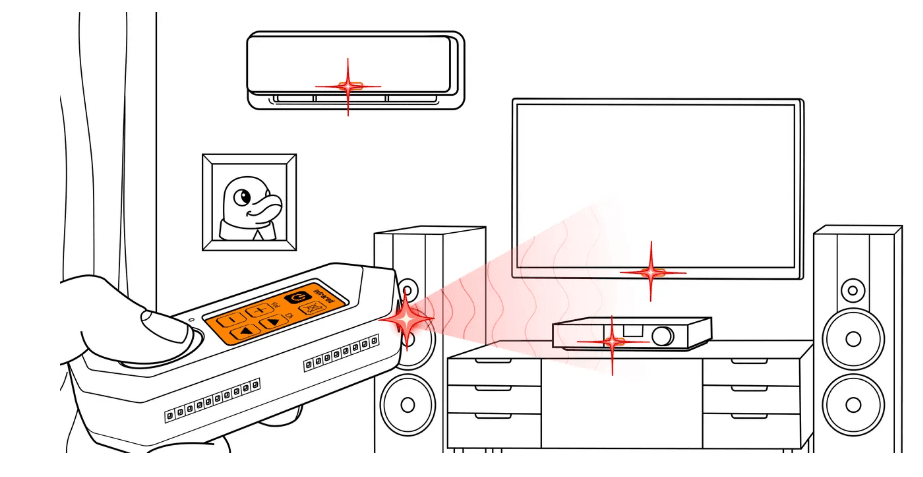
Infrared control is based on transmitting commands using light in the IR range, which is invisible to the human eye. Almost all remote controls work in this way. The Flipper Zero has a full-fledged IR module built in, which allows it to both receive signals from other remotes and transmit its own.
Physically, the Flipper infrared module consists of the following components:
Three powerful infrared LEDs that transmit signals.
One IR receiver that allows you to read signals from other remotes.
A transparent window made of IR-transmitting plastic that allows light to enter and exit the device body.
This allows Flipper Zero to act as a universal remote control, capable of both duplicating signals from existing remotes and creating its own.
Before using the infrared module, you must insert a microSD card. This is critical because:
The entire database of IR commands for universal remotes is stored on the memory card.
The signals learned by the user are also stored on the microSD.
After updating the firmware (via the official Firmware Update Tool), some files necessary for the IR module to work are automatically installed on the card.
Without a card, access to the module’s functions will be limited or completely blocked.
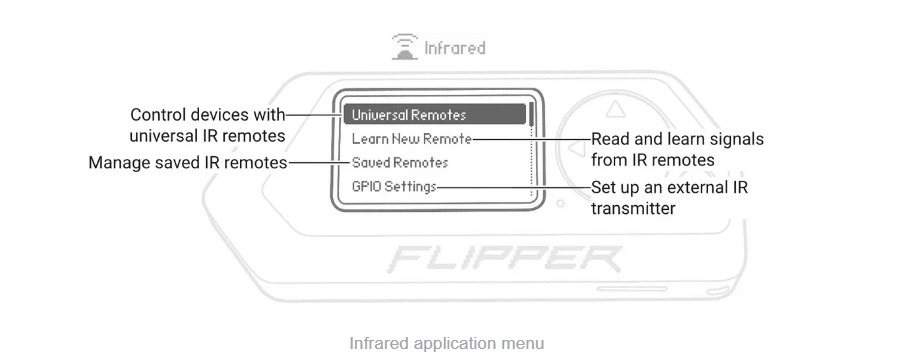
The infrared application is accessible from the Flipper Zero main menu. It provides several important functional sections:
Universal Remotes. This feature allows you to send commands by going through all known IR remote protocols stored in the database. This works as a so-called “brute force” — Flipper sequentially sends signals to different devices until it finds a suitable one. This method is especially useful in situations where it is not known what brand and model the device uses. For example, you can turn on a TV in a public place in a few seconds without knowing what brand it is.
Learn New Remote. Allows you to record signals from any infrared remote. Each button is read separately — after pressing the remote, Flipper records the signal and offers to save it with a specific name. In the future, such signals can be collected into your own remote set. This is very useful for duplicating the functions of a remote that may be lost or damaged.
Saved Remotes. All IR remotes that you have either created through training or copied from the database are stored here. Each remote can be edited: change the name, order of buttons, or remove unnecessary signals. The function allows you to create full-fledged control profiles for your equipment: a TV, audio system, air conditioner can be combined into one remote.
GPIO Settings. This item allows you to configure the signal output to external infrared modules via the GPIO port. This is especially important if you connect more powerful infrared transmitters that can cover a long distance or operate at a larger angle. In the settings, you can activate 5V power for external transmitters.
The video shows:
3 infrared LEDs that transmit the signal in different directions to cover a larger area.
1 receiver that accurately reads the modulated IR signal from the remote.
Latches and contact pins that provide connection to the Flipper Zero board.
This design allows the device to perform the functions of both a transmitter and a receiver with minimal delays and high accuracy.
Despite its wide capabilities, the infrared module has several important limitations:
Range – built-in LEDs have limited power and work at a distance of up to 3-5 meters. For a longer range, external signal amplifiers are required.
Directionality – the signal only works in direct line of sight. If there are obstacles between the Flipper and the device, the signal may not pass.
Compatibility – some modern devices use non-standard or encrypted IR protocols that are not supported by the Flipper.
Flipper Zero with a built-in infrared module is an effective tool for exploring and controlling devices that operate via IR protocols. With support for learning new remotes, universal commands, and editing saved signals, it can fully replace classic remotes and add new control capabilities.
Thanks to its simple architecture, support for external modules via GPIO, and firmware flexibility, this device can be useful for both beginners and professionals in the field of security, technical analysis, or hobby electronics.
If necessary, I can also create a separate instruction for connecting an external IR blaster or custom signal configurations.