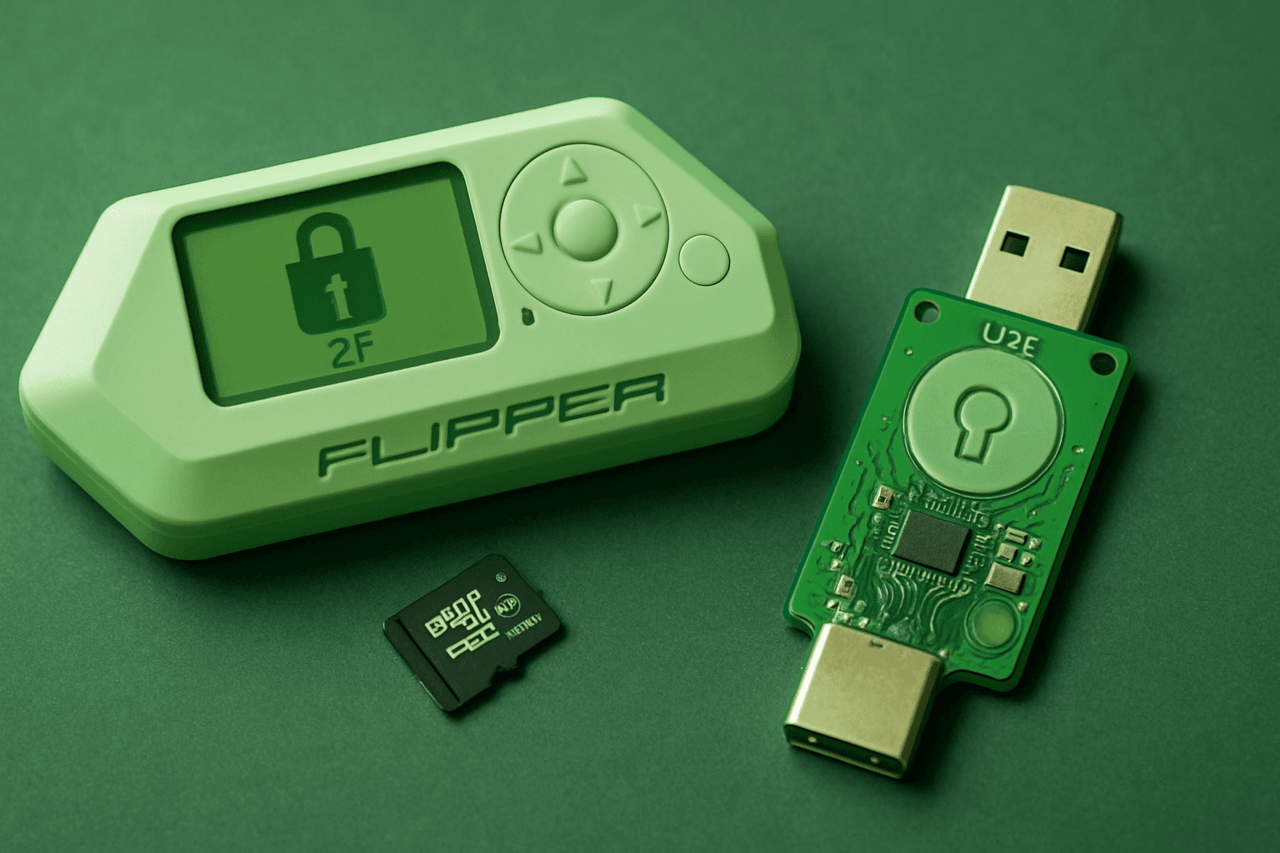
Do you want to reliably protect your accounts from hacking? In this article, you will learn how to turn Flipper Zero into a full-fledged U2F security key for implementing two-factor authentication. We explain in detail the process of configuring the device to work with such popular platforms as Google, Facebook, GitHub and other services that support U2F. We also consider all the subtleties of handling U2F files so that you can avoid losing or damaging them, as this can lead to a complete loss of access to your accounts.
Disclaimer: The information provided in this article is for educational and informational purposes only. The author is not responsible for any misuse or incorrect use of the Flipper Zero device.
U2F (Universal 2nd Factor) is an innovative technology for implementing multi-level authentication, which allows you to significantly increase the level of protection for accessing accounts on the Internet. It provides an additional level of security, in addition to the standard login and password entry, by using a physical device that must be connected to a computer or other device. This approach makes the login process much more secure, since even if the password is stolen, the attacker will not be able to log in to the account without a hardware key.
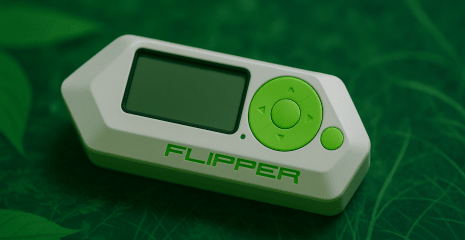
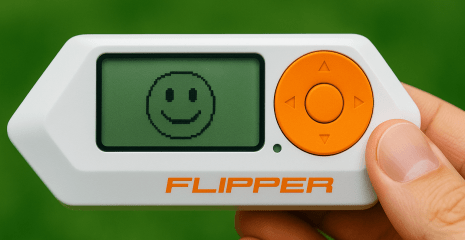
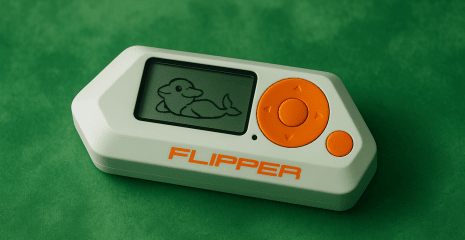
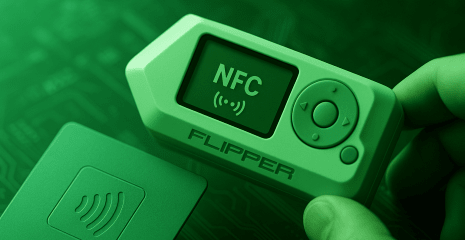
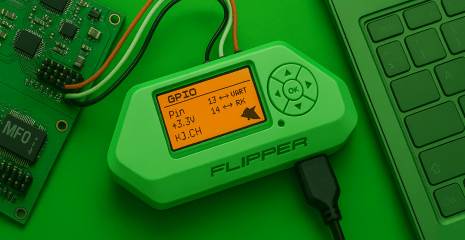
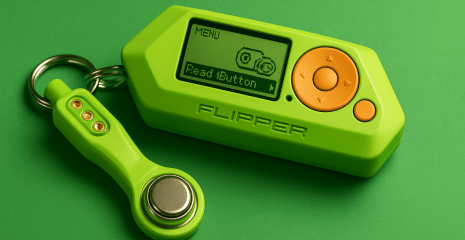
Flipper Zero is a universal multifunctional device for security research that can be used as a full-fledged USB token for second-factor authentication. It is able to emulate the behavior of a hardware security key, which makes it an extremely useful tool not only for pentesters, but also for ordinary users who want to protect their accounts. Thanks to its compatibility with the U2F protocol, Flipper Zero can interact with many popular online services, including Google, Facebook, GitHub and others.
This device is especially relevant for people who often work with confidential information, journalists, activists or IT professionals who need to strengthen the cyber protection of their accounts. Its use allows you to create a so-called “iron shield” around your digital identity, reducing the likelihood of hacking even in the event of a password leak.
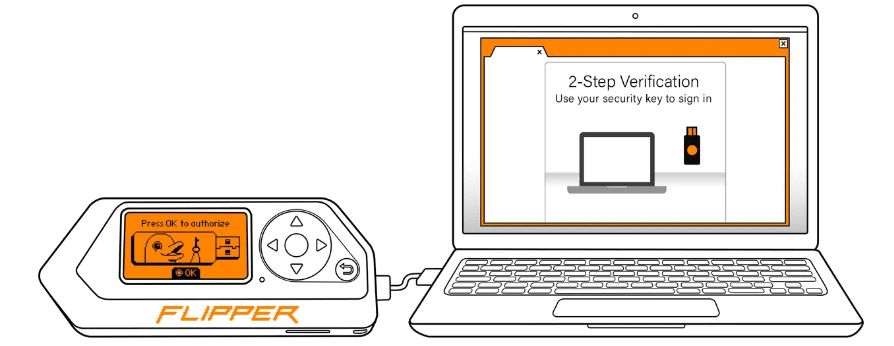
Before you start using Flipper Zero as a U2F key, you need to take a few mandatory preparatory steps to ensure the device works correctly and avoid potential problems in the future. Key preparation steps:
Insert a microSD card into the device — it is the carrier of all cryptographic data.
Update the Flipper Zero firmware — the new version contains U2F support and security patches.
Checking the website’s compatibility with U2F keys is a prerequisite for successful integration.
These steps are necessary for Flipper Zero to function as a full-fledged security key. Don’t neglect to update — developers are constantly improving the firmware and fixing potential vulnerabilities. The microSD card should be of high quality and reliable — preferably with a speed class of U1 or higher.
When checking for support, check the documentation for the specific platform. If there is support for the WebAuthn standard (a newer version of U2F), Flipper Zero can also work with it, as it implements the basic authentication protocol.
The setup process involves a number of important steps. To successfully register Flipper Zero as a U2F security key, follow these steps:
Close the qFlipper program if it is running on your computer.
Connect Flipper Zero to your computer via USB cable.
Go to the devices in the U2F menu, make sure the status is “Connected”.
Open the account security settings, activate two-factor authentication.
Add the security key via the website interface.
Click OK on Flipper Zero to complete the process.
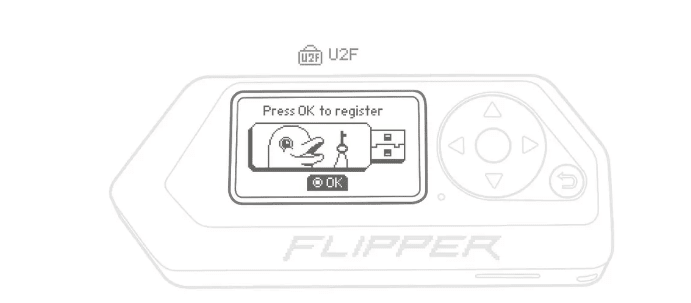
This algorithm is suitable for all sites that support U2F, including Google, X (Twitter), Facebook, GitHub, etc. Flipper Zero at this point generates a unique cryptographic key pair – the public key is transmitted to the server, and the private key is stored only on the microSD in your device.
The procedure is performed once per account. After registration is complete, the device will be used for all subsequent logins to the platform as a physical factor to confirm identity.
U2F files are extremely sensitive and must be stored without modification. In particular, the following are not allowed:
Delete files from the microSD or the card itself.
Edit or copy files manually to other devices.
Move U2F files between Flipper Zeros – this will result in loss of access.
Flipper Zero has a unique cryptographic identifier that is used to create encrypted data stored in the u2f/assets/ folder. This data cannot be transferred to another Flipper, as it has a different key pair. Any loss or corruption of these files will prevent you from logging into the accounts where they were registered.
In case of corruption or deletion of files, Flipper Zero automatically generates a new set of keys. This means that all accounts will need to be registered again. Also, if you delete the u2f/ structure, Flipper will not be able to work as a U2F device, as it will lose access to certificates.
To avoid such situations:
Back up your microSD (but do not edit it).
Do not use the card in another Flipper device.
Do not manually modify the system file structure.
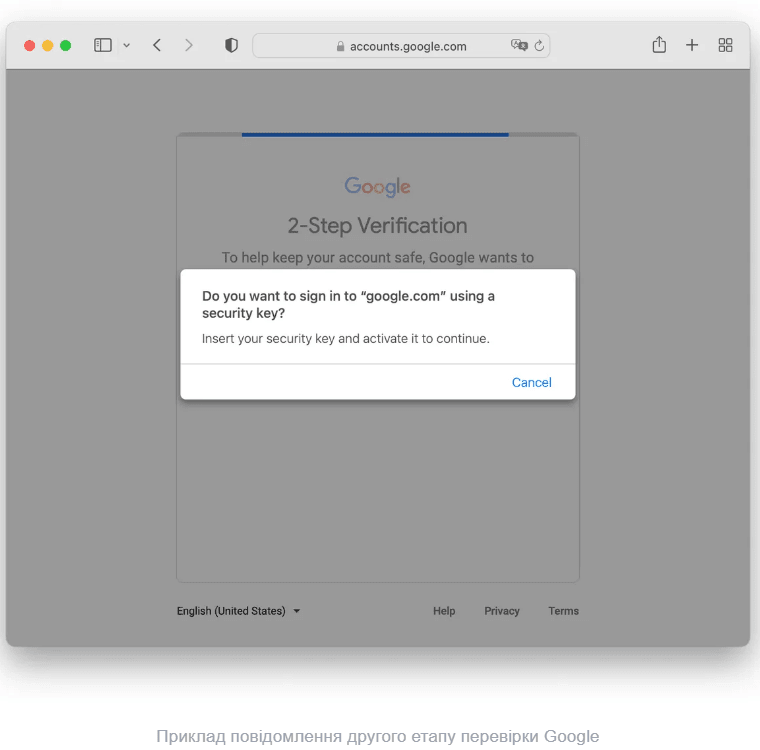
Once set up, you can log in to your accounts using Flipper Zero. To do this:
Make sure qFlipper is closed on your computer.
Connect Flipper Zero to a USB port.
Go to menu → U2F, make sure the status is “Connected”.
Log in to your web account by entering your username and password.
Confirm the security key request by clicking OK on Flipper.
At this point, the device activates a digital signature that confirms that it is you who is logging in. No other people, even if they have your password, will be able to pass this step without physical access to the Flipper Zero.
This process is a reliable alternative to SMS codes or mobile applications that can be intercepted. By storing the private key locally, the likelihood of hacking is reduced to zero – even if the computer is completely compromised.
Flipper Zero is a powerful and flexible tool that makes it easy to implement account protection using U2F. Using it as a security key provides a high level of cryptographic protection that is significantly superior to traditional methods such as SMS codes or TOTP applications. It is important to follow the instructions for saving data to microSD, not manually editing U2F files, and not transferring them between devices.
Flipper Zero is ideal for protecting accounts on platforms that support modern authentication standards. It is a great option for both technical specialists and users who care about digital security. Combined with regular firmware updates and careful data handling, this device can become your main barrier against any cyber threats.